
- Click Reports in the sidebar (under Insights) and click Daily Capacity Report.
- Choose a Period (This week, Next 4 weeks, This month, Next month) or From / To dates. Pick the Providers (for example your bays or ramps) and Booked Sources (Appointments, Events, Job Cards, Breaks, Holiday / Blocked Periods). More filters lets you include non-blocking events and job cards. Click Filter.
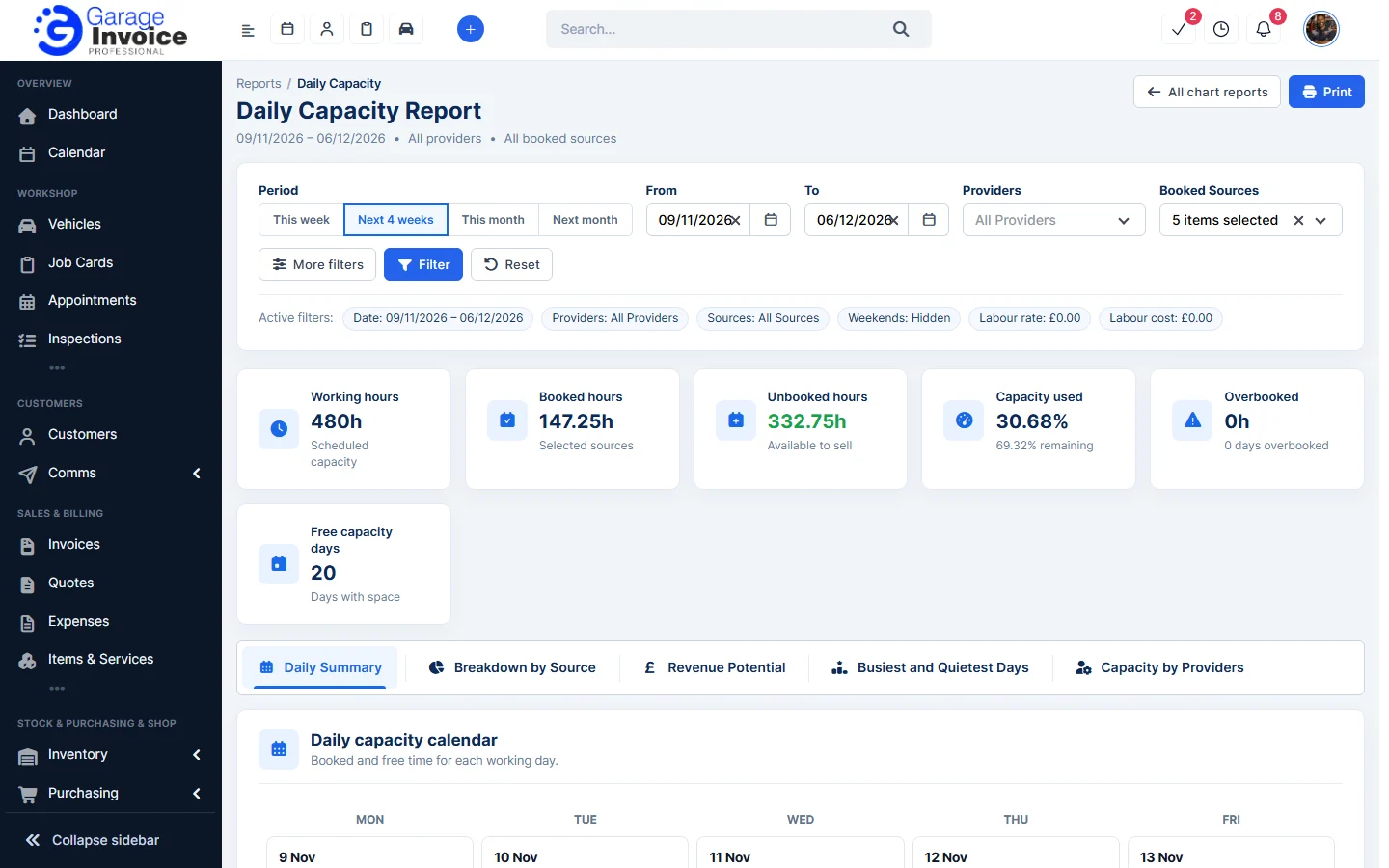
- The cards show Working hours, Booked hours, Unbooked hours (time you can still sell), Capacity used, Overbooked and Free capacity days.
- Use the tabs Daily Summary (a calendar of each working day), Breakdown by Source, Revenue Potential, Busiest and Quietest Days and Capacity by Providers.
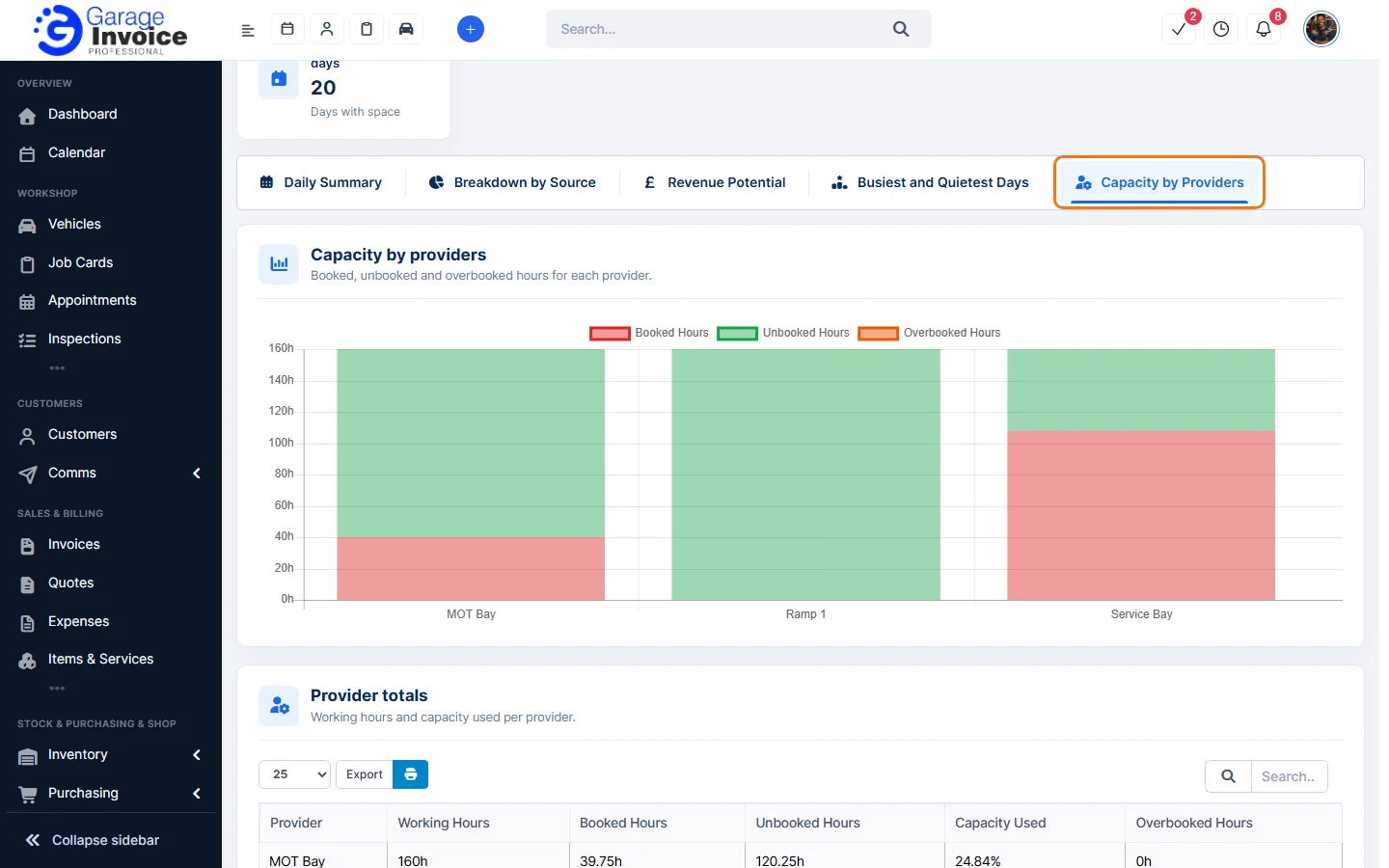
- Use Export above a table, or Print.
See also: Vehicle Overview Report · Chart Reports
Feature Garage reports: see what it does and how it fits your workshop.