
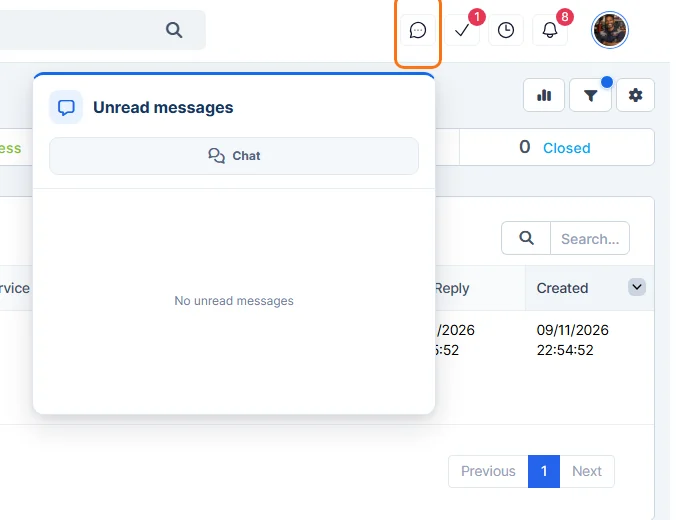
- Click Comms in the sidebar, then Chat. You can also click the chat icon in the header and click Chat.
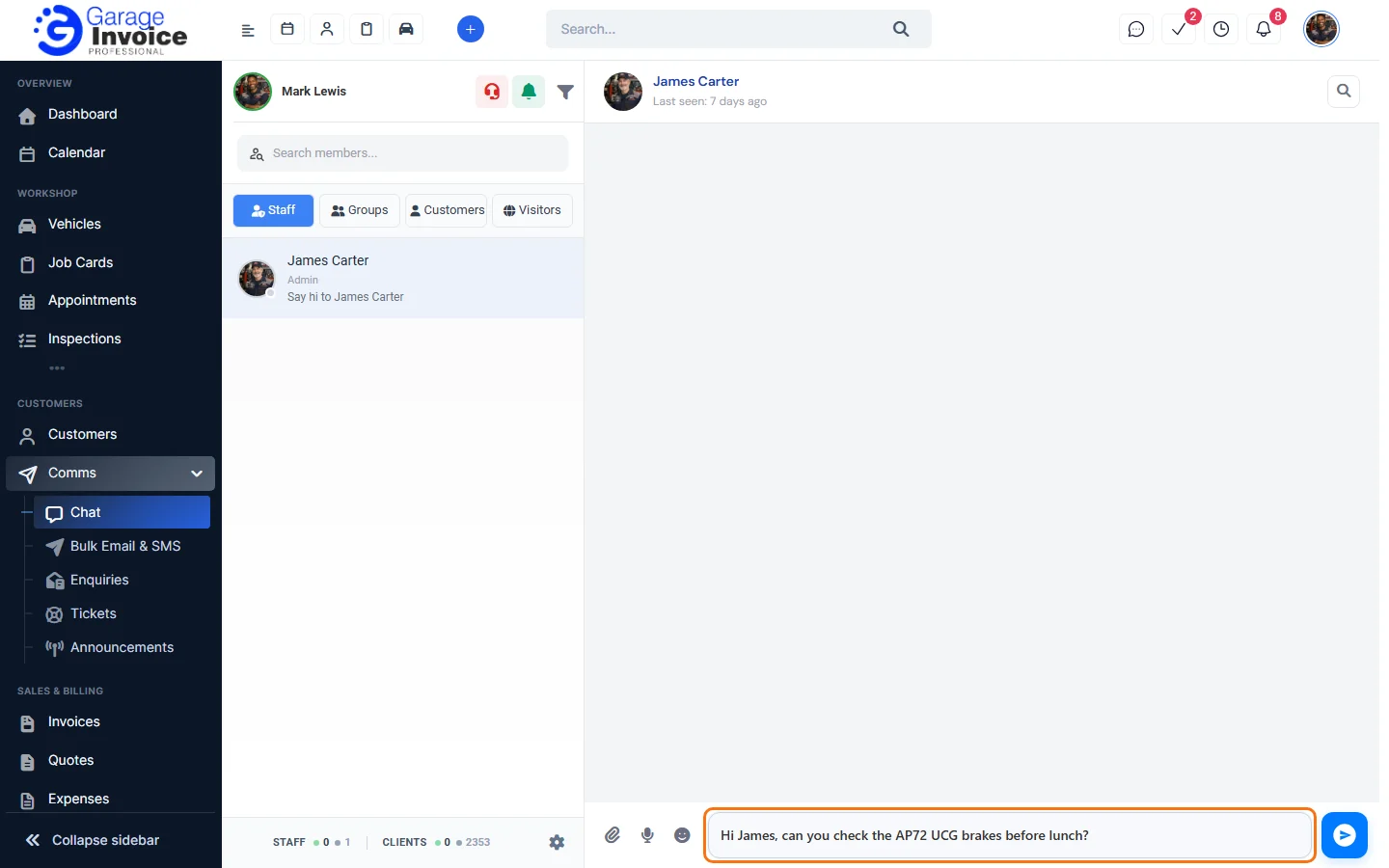
- On the Staff tab, click the staff member. Use Search members… to find them.
- Type in Type a message and press Enter or click the send button. Use the icons next to the box to attach a file, record a voice message or add an emoji.
Use the floating chat widget
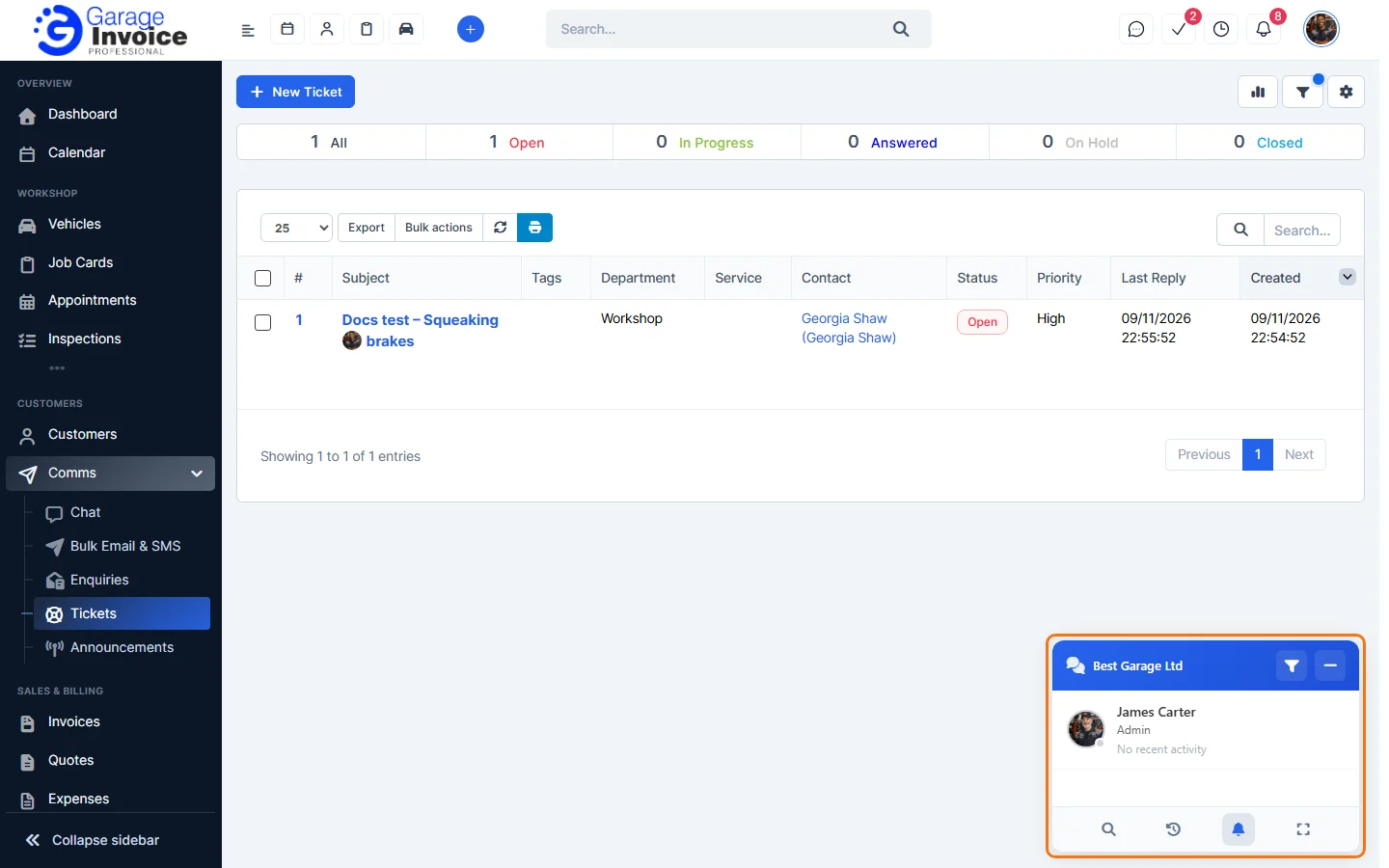
The chat widget at the bottom right of every page lists your colleagues. Click a name to chat without leaving the page. Use the buttons at the bottom of the widget to search, see recent chats, change notifications or open the full Chat page.
Group chats
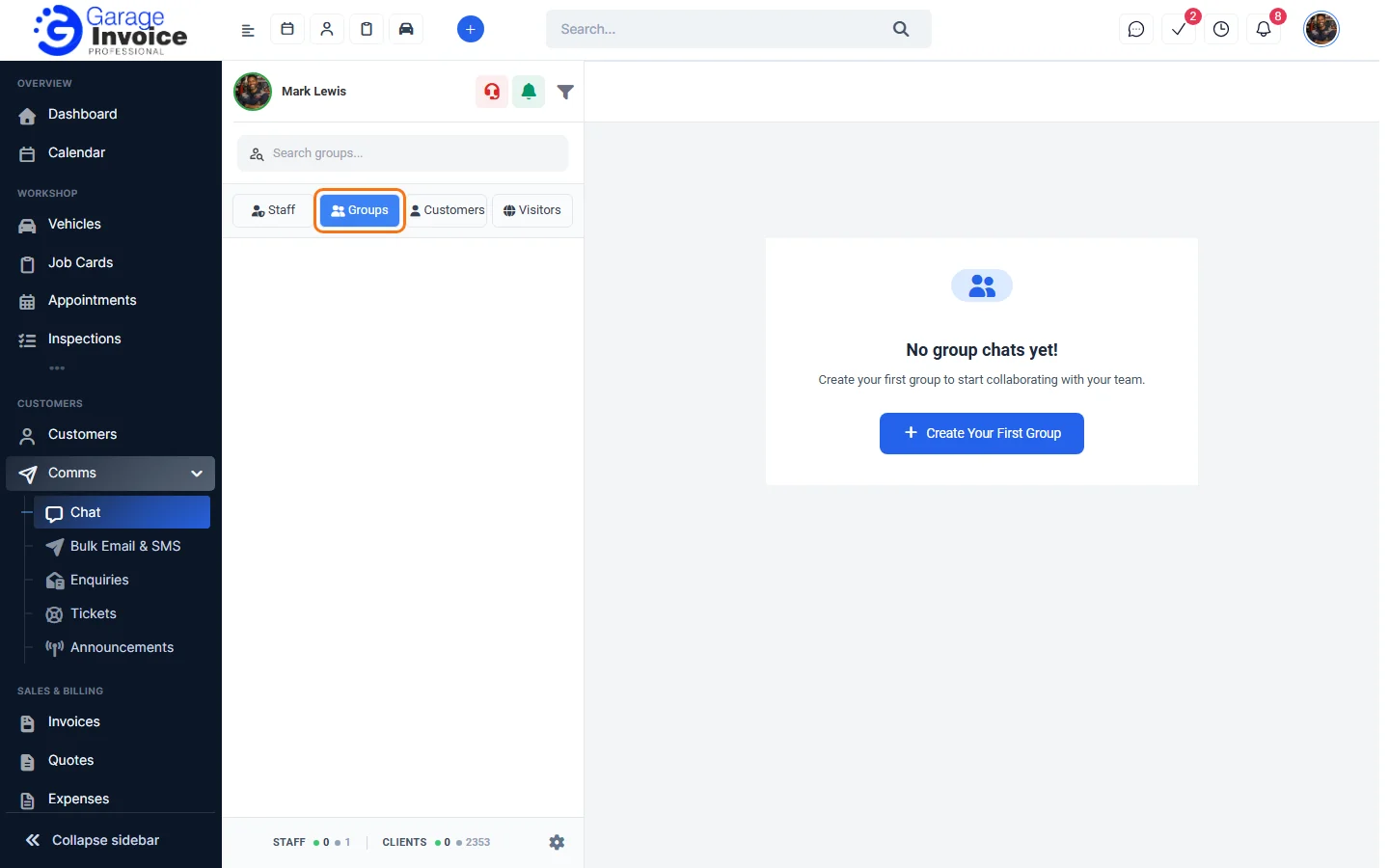
Click the Groups tab and click Create Your First Group to chat with several staff members at once.
Tip: if you don’t see Chat in the sidebar, chat is switched off. See Activate Chat for Staff and Customers.