
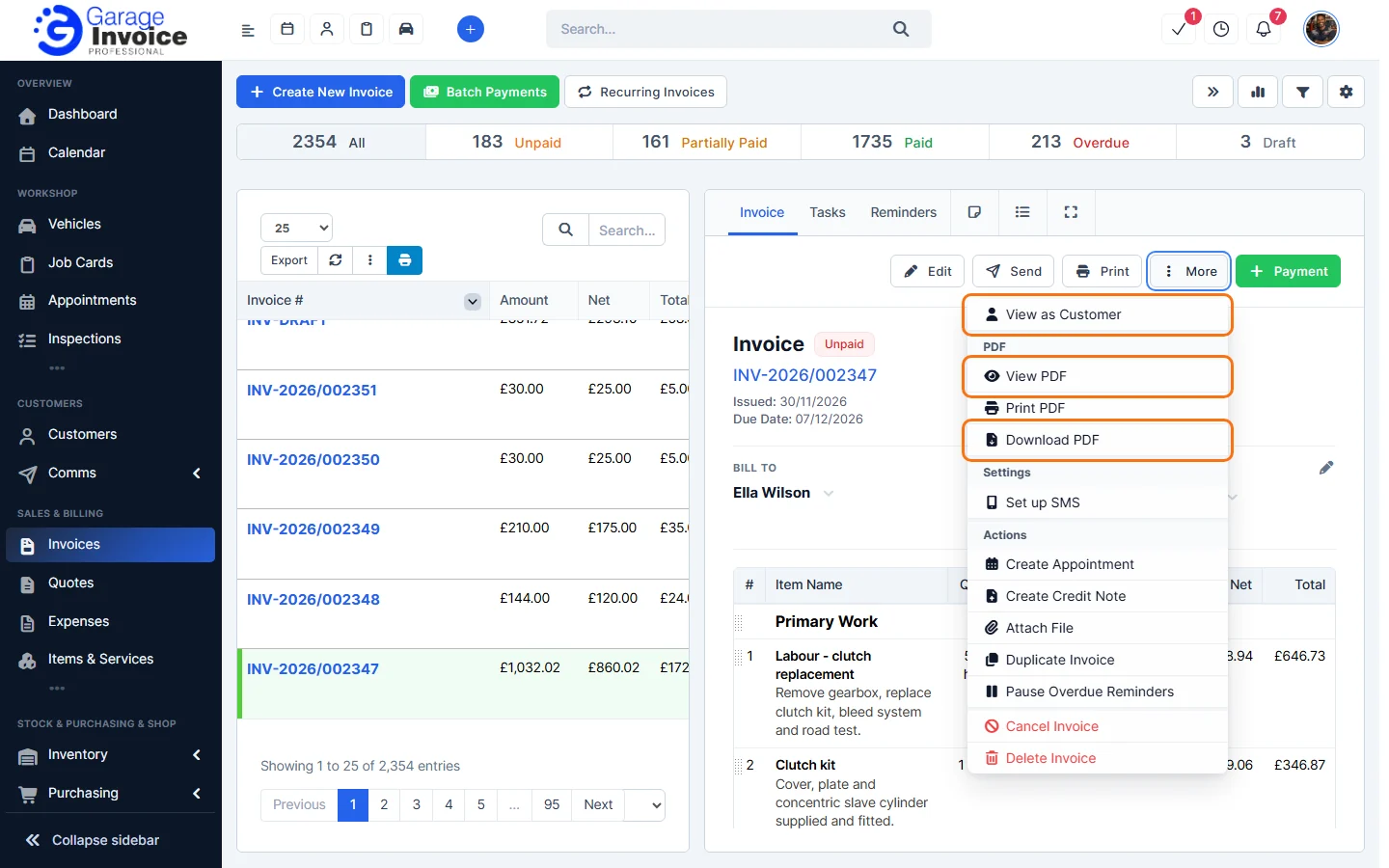
- Click Invoices in the sidebar and click the invoice number. The invoice opens on the right, with Edit, Send, Print, More and Payment at the top. To find an invoice, see Search for Invoice.
- Click Print to print the invoice.
- For more options, click More:
- View as Customer: open the invoice the way your customer sees it online.
- View PDF: open the PDF in your browser.
- Print PDF: print the PDF.
- Download PDF: save the PDF to your computer.
To change how the PDF looks, see Show/Hide Status on Invoice PDF and Show/Hide Page Numbers on Invoice PDF.
Feature Garage invoicing software: see what it does and how it fits your workshop.