
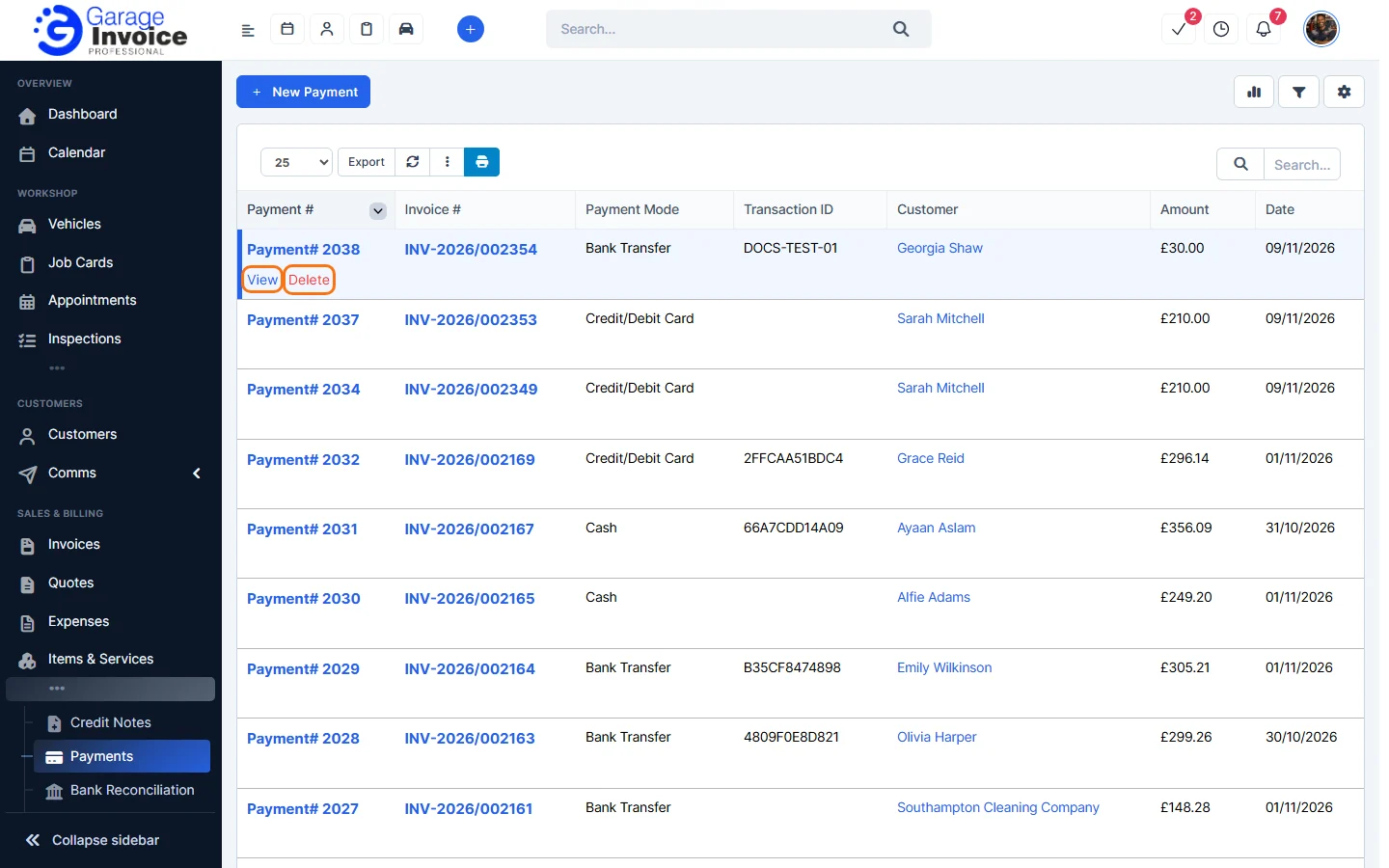
- Click Payments in the sidebar (under Sales & Billing; click the ••• if you can’t see it) and click the payment number, or hover over the payment and click View.
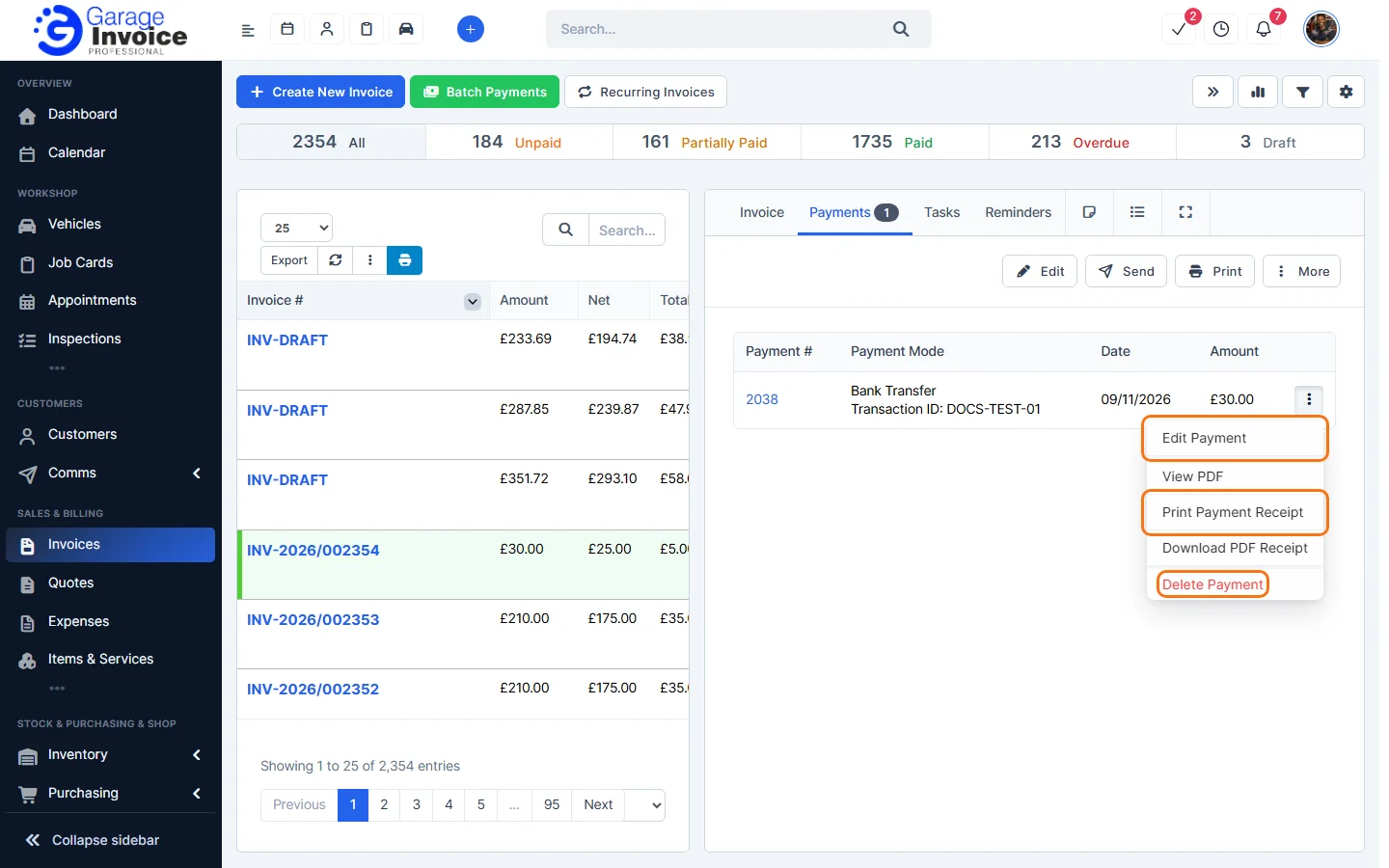
Tip: you can also open a payment from its invoice: open the invoice’s Payments tab and click the payment number.
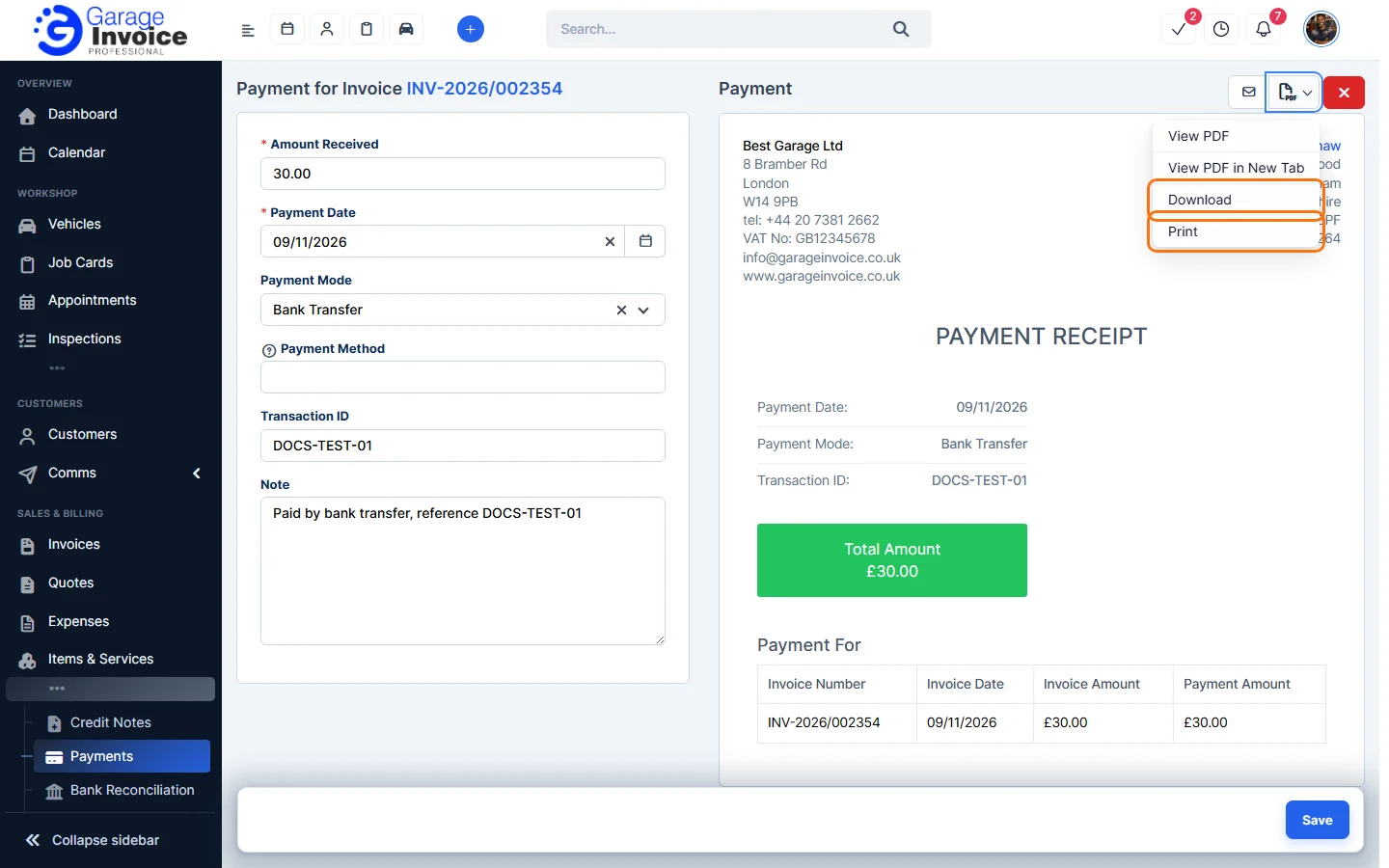
- Click the PDF button at the top right and choose View PDF, View PDF in New Tab, Download or Print.
Tip: on the invoice’s Payments tab, ⋮ next to a payment also has View PDF, Print Payment Receipt and Download PDF Receipt.
Feature Payments and online payments: see what it does and how it fits your workshop.