
- Click Inventory in the sidebar (under Stock & Purchasing & Shop) and click Stock Items. Click the gear button at the top right to open Inventory Settings, then click Colours on the left.
- Each attribute has its own page under Item Settings:
- Colours: Name, Code and Hex colour.
- Models: Name and Code.
- Sizes: Name, Code and Symbol.
- Styles: Name, Code and Barcode.
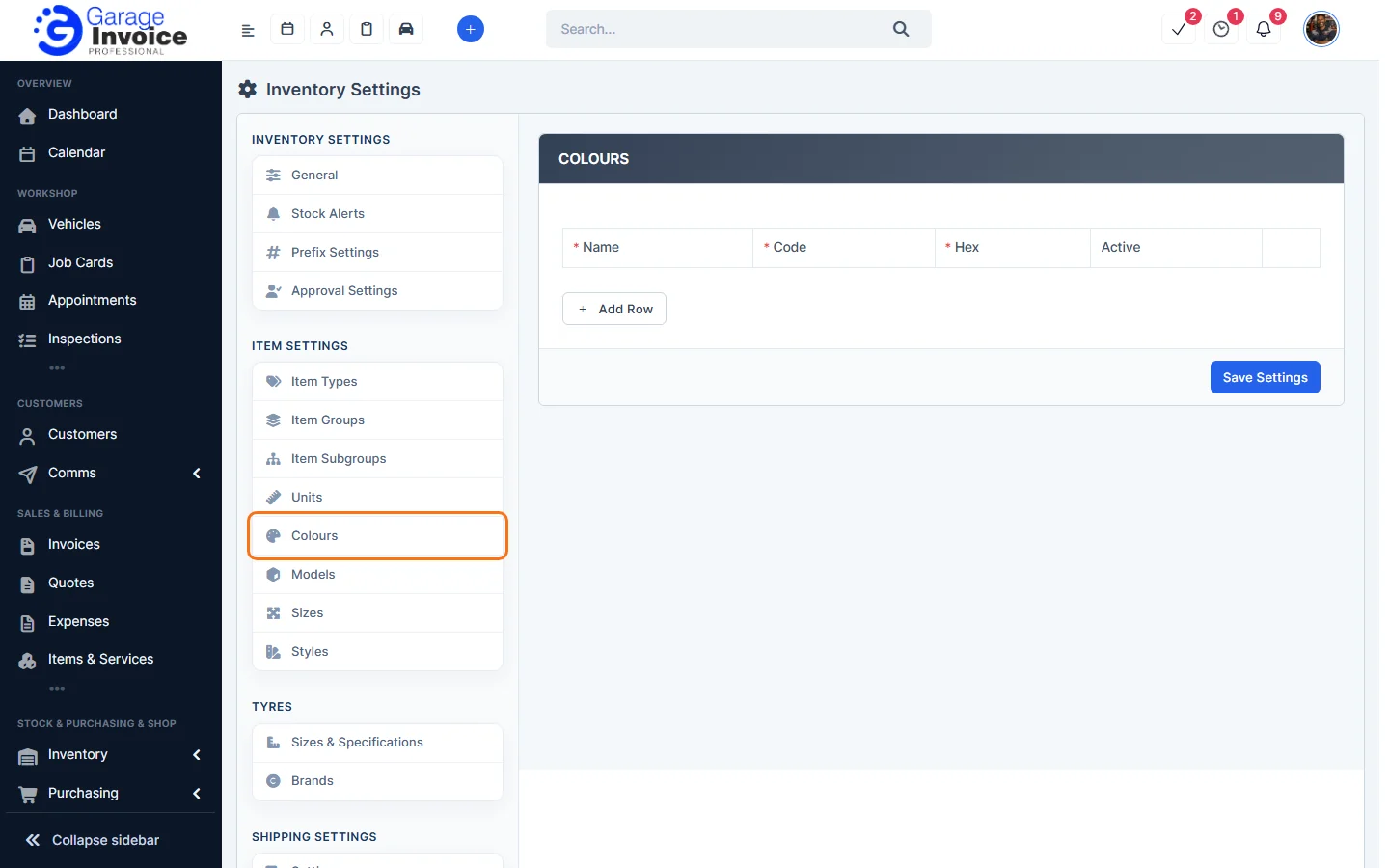
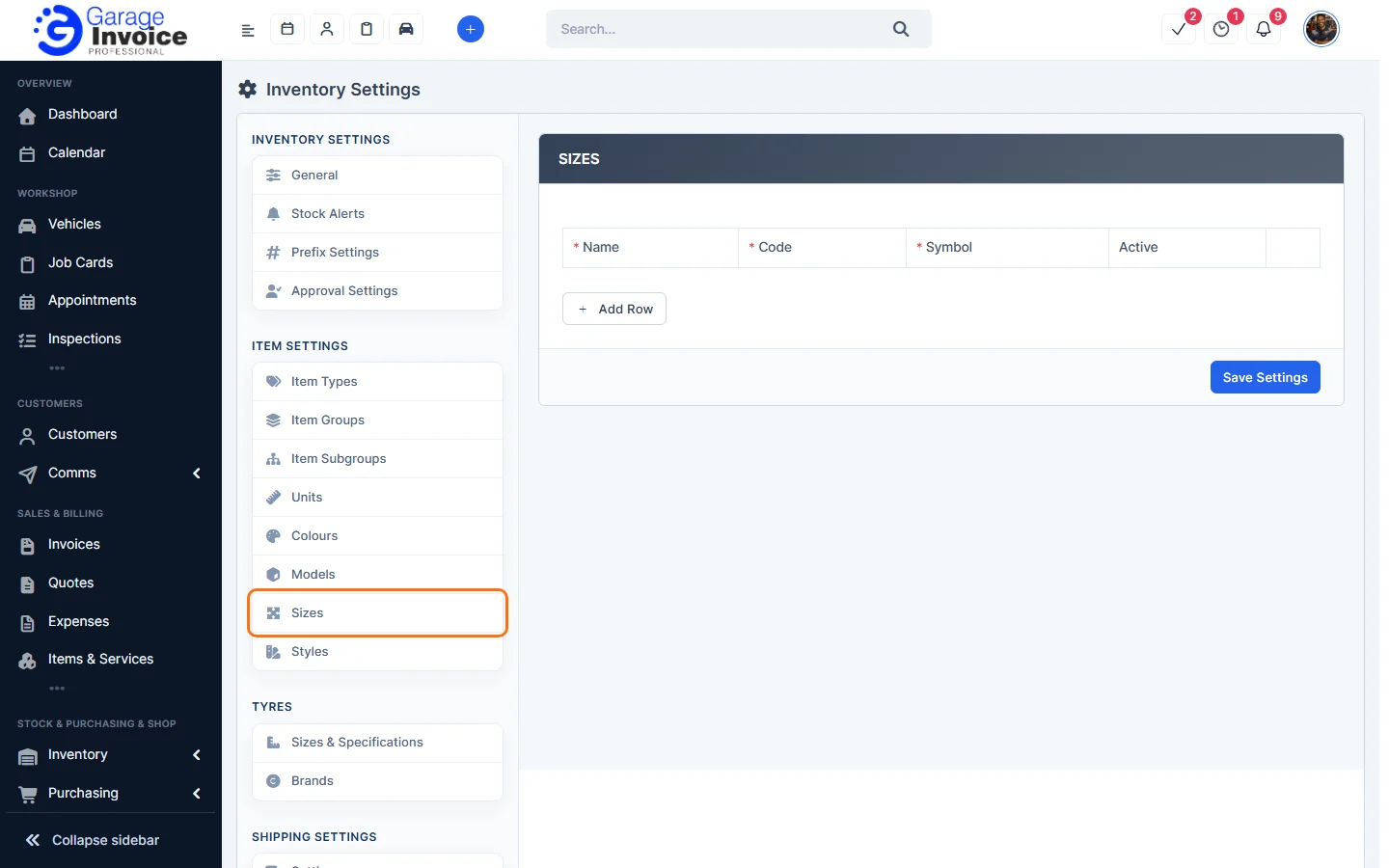
- Click Add Row, fill in the row and leave Active on.
- Click Save Settings.
The colours, styles, model and size of an item are shown under Attributes on its details page. See View Stock Item Details.
Feature Stock and inventory control: see what it does and how it fits your workshop.