
- Click Settings at the bottom of the sidebar, under Administration. In the panel on the left, open Comms and click SMS. The SMS Settings tab opens.
- Choose the Default Number Prefix (for example +44). It’s added to numbers that don’t already have a prefix. Two-way SMS Number shows the number customers can reply to, if two-way messaging is turned on.
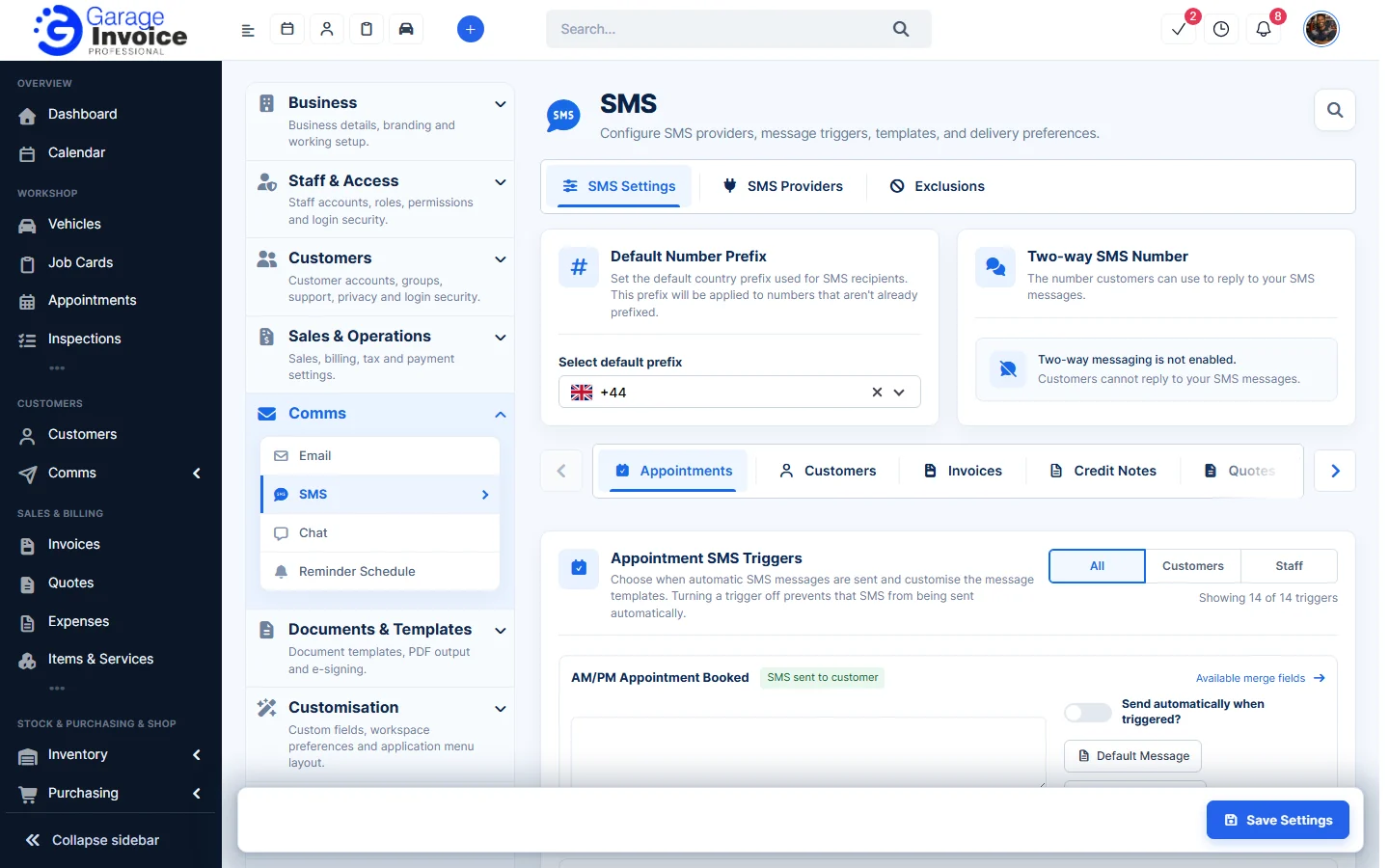
- Below, the triggers are grouped by area (Appointments, Customers, Invoices, Credit Notes and so on). For each trigger, edit the message, add merge fields and choose whether it is sent automatically.
- Click Save Settings at the bottom right.
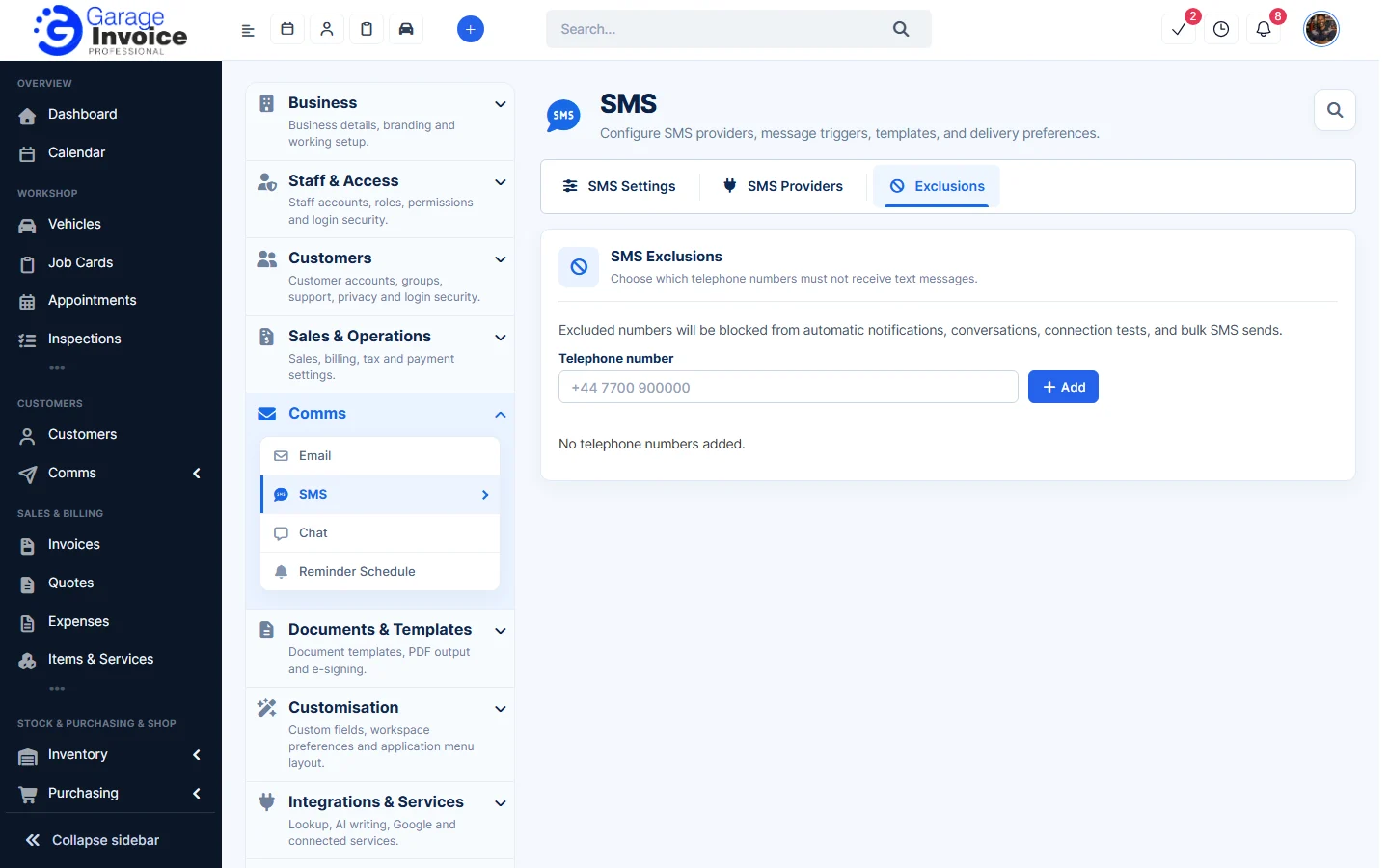
- On the Exclusions tab, enter a Telephone number and click Add to stop it getting automatic notifications, conversations, connection tests and bulk SMS.
Note: to send texts you need an SMS provider. See Set up Garage Invoice SMS, Garage Invoice SMS (FREE) with your Android phone, Twilio, Clickatell or MSG91.
Feature Email and SMS notifications: see what it does and how it fits your workshop.