Workshop Today shows what is happening in your workshop today. To open it, click Workshop Today in the top right corner of the Dashboard.
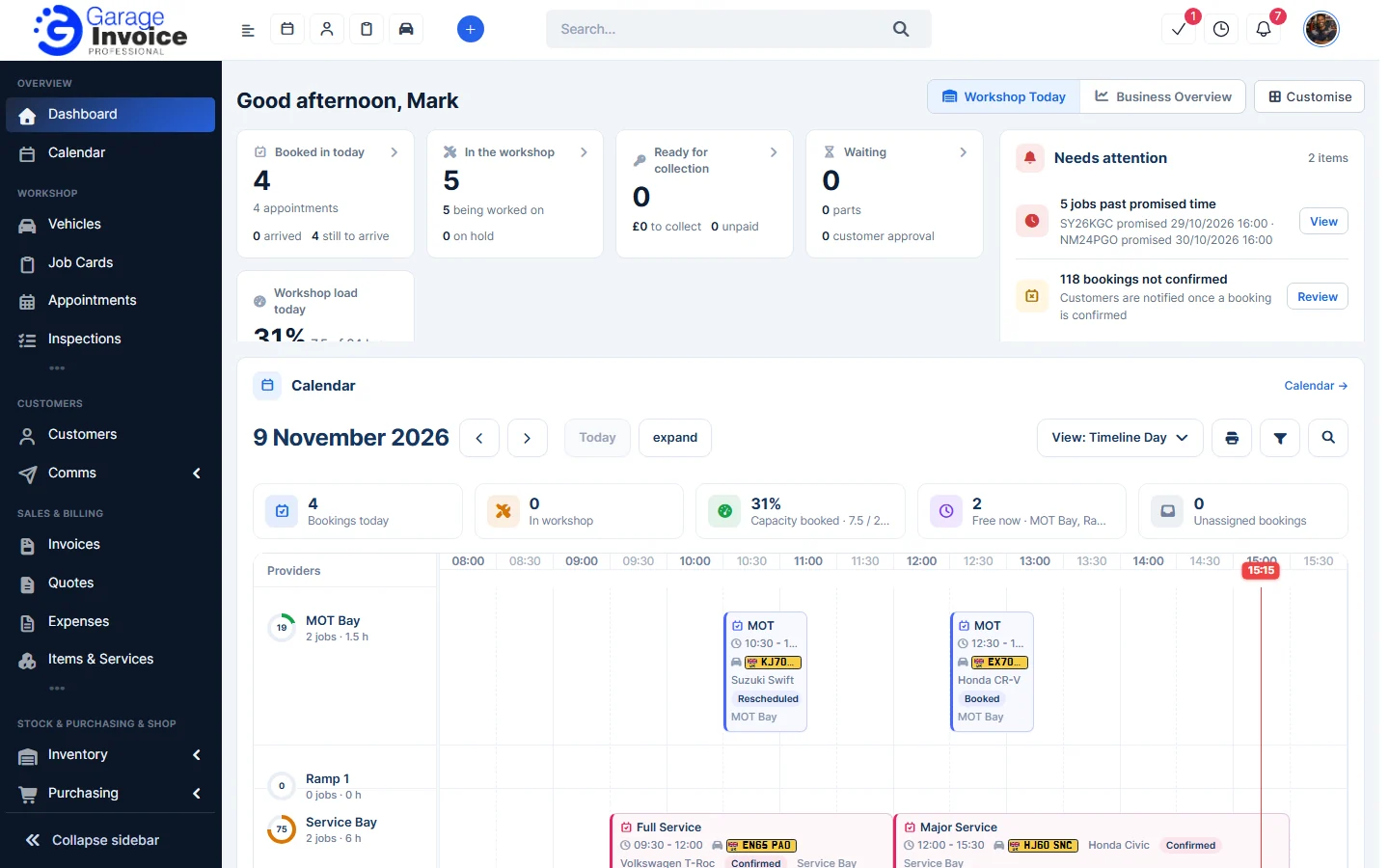
These are the widgets you will see on the default layout. You can hide, move and resize any of them, or add others. See Show, Hide and Add Dashboard Widgets.
Today at a glance and Needs attention
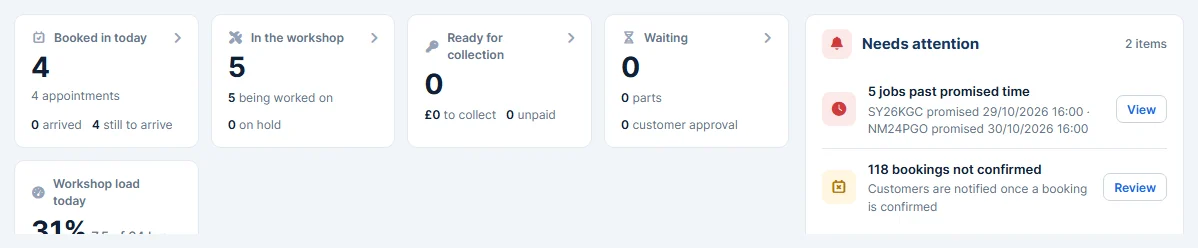
- Today at a glance shows how many cars are booked in today, in the workshop, ready for collection and waiting (for parts or customer approval), plus today’s workshop load.
- Needs attention lists things to act on, such as late jobs, bookings that are not confirmed yet, approvals, parts, messages and enquiries. Click View or Review to deal with each one.
Calendar
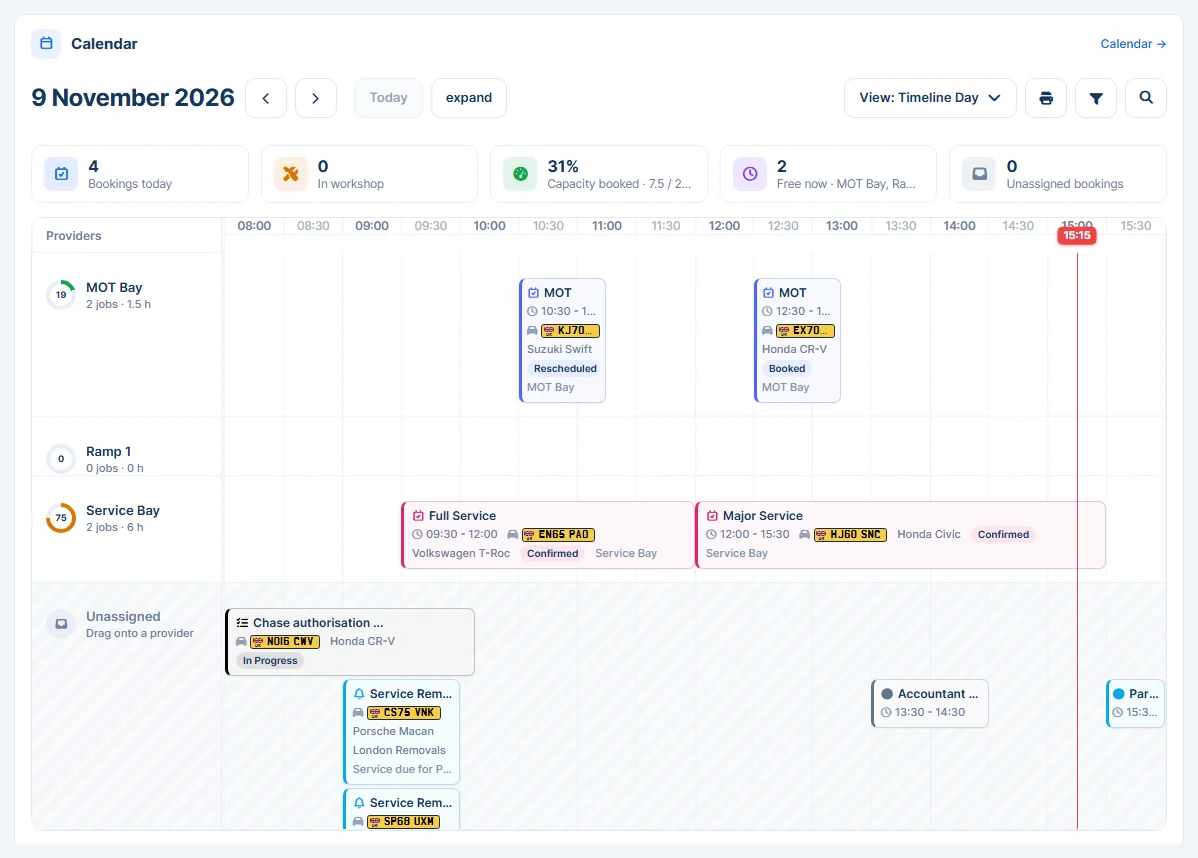
Today’s bookings and job cards laid out by bay, with a live time marker and a summary of bookings, cars in the workshop, capacity booked, free bays and unassigned bookings. Use the arrows and Today to change the day, or View to switch calendar view.
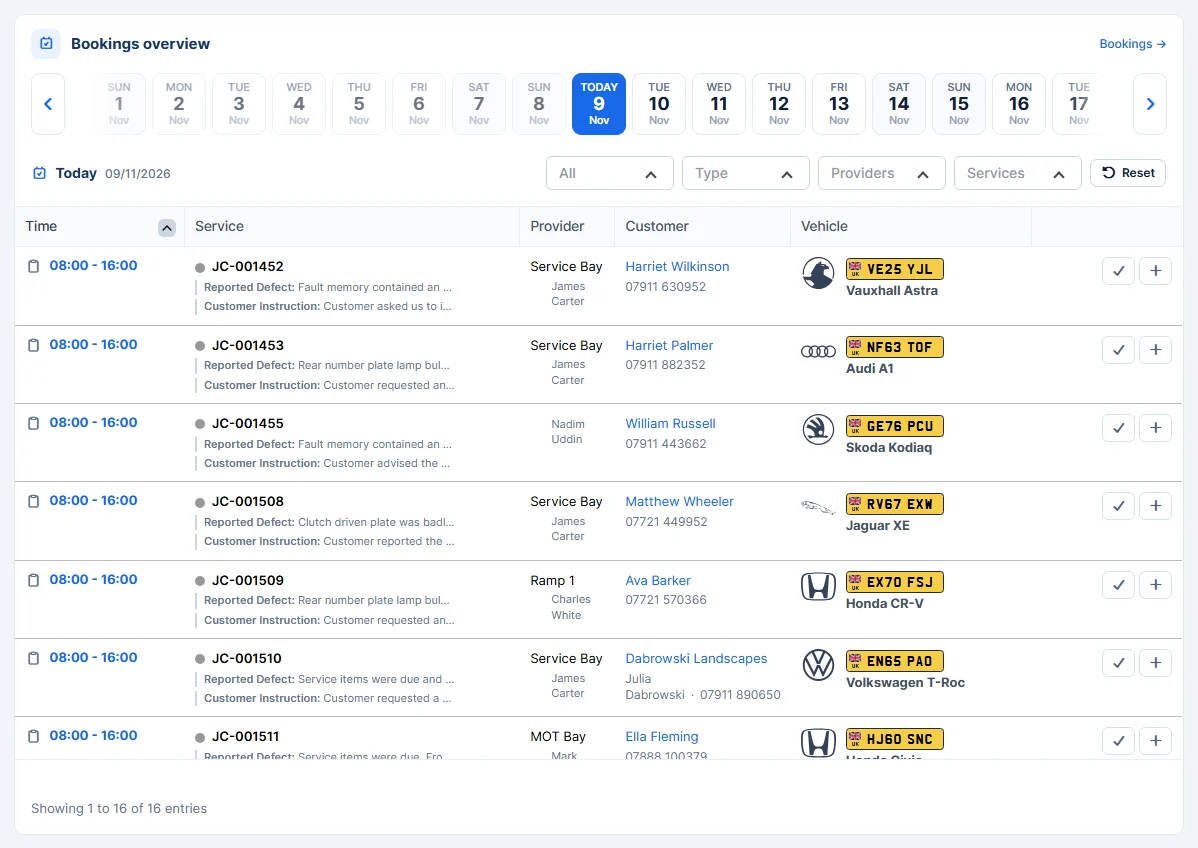
Bookings overview
A day-by-day list of appointments, events and job cards. Pick a day at the top, and filter by status, type, provider or service.
Workshop updates and Job board
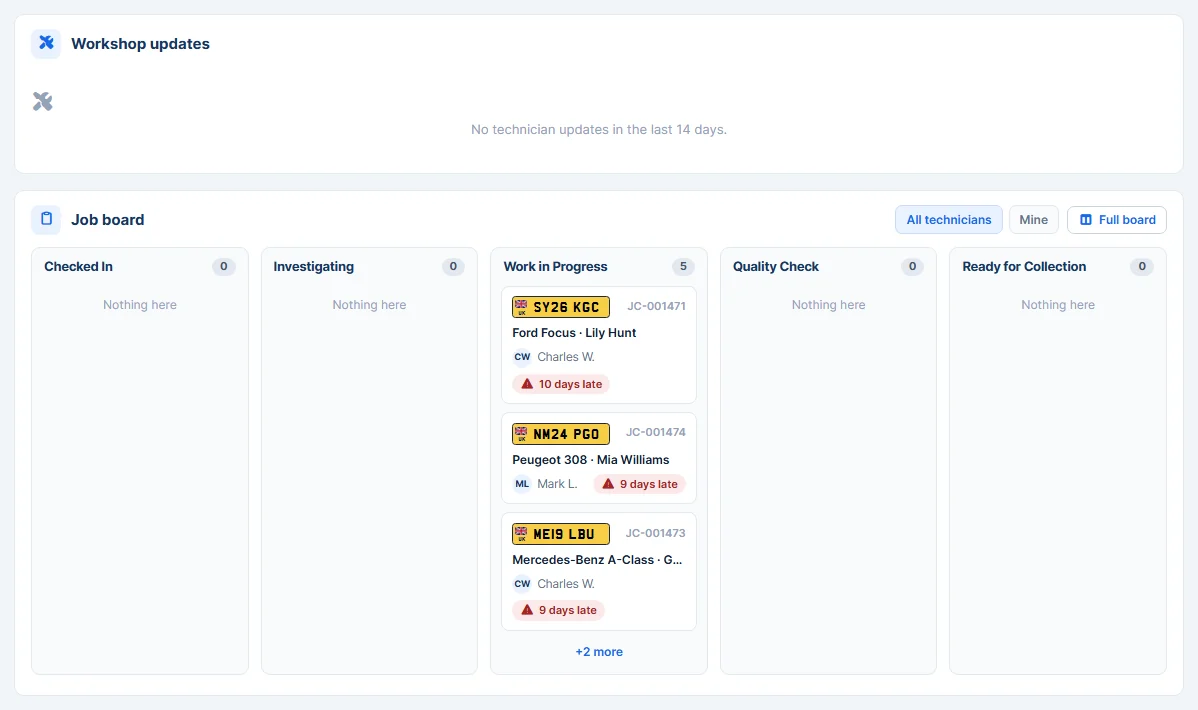
- Workshop updates shows job cards updated by technicians: parts fitted or not fitted, stage changes and notes.
- Job board shows active job cards by workshop stage (Checked In, Investigating, Work in Progress, Quality Check, Ready for Collection), with the technician and how late a job is. Switch between All technicians and Mine, or open the Full board.
Vehicles on site and MOT & service due
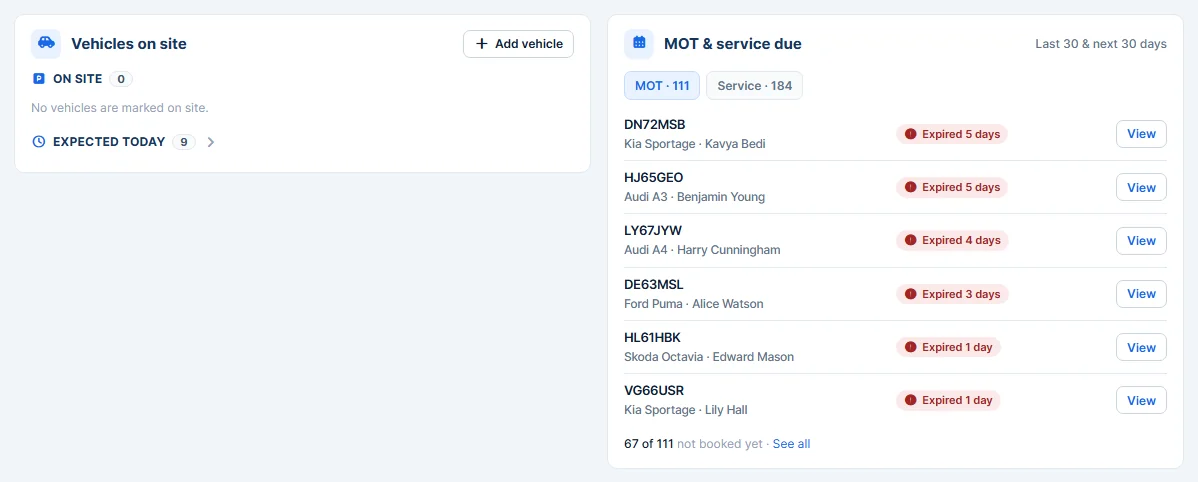
- Vehicles on site shows vehicles marked as on site, and vehicles expected today from job cards, appointments and events.
- MOT & service due lists vehicles with an MOT or service due, and whether they are booked in yet.
Money today and Parts
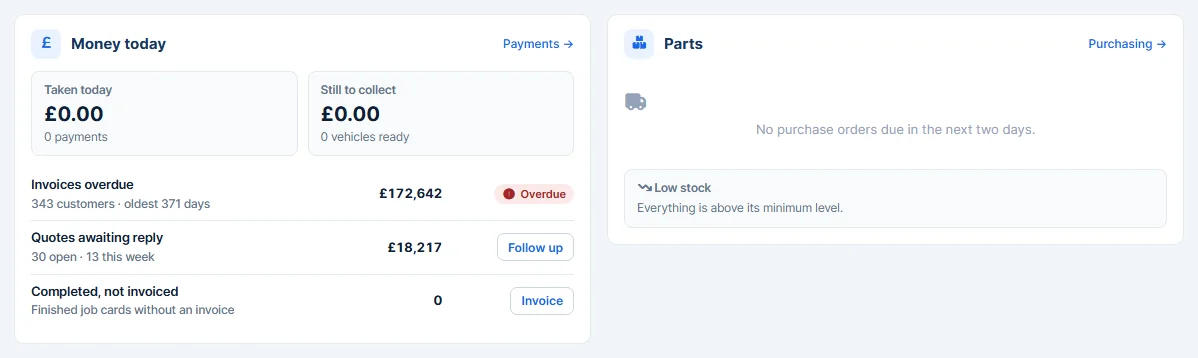
- Money today shows payments taken today, money still to collect, overdue invoices, quotes awaiting a reply and finished job cards that have not been invoiced yet.
- Parts shows purchase orders due for delivery and items that are low in stock.