
- Click Calendar in the sidebar. In the Providers – Timeline Day view, each bay or provider has its own row and appointments appear as cards with the service, time, vehicle and status.
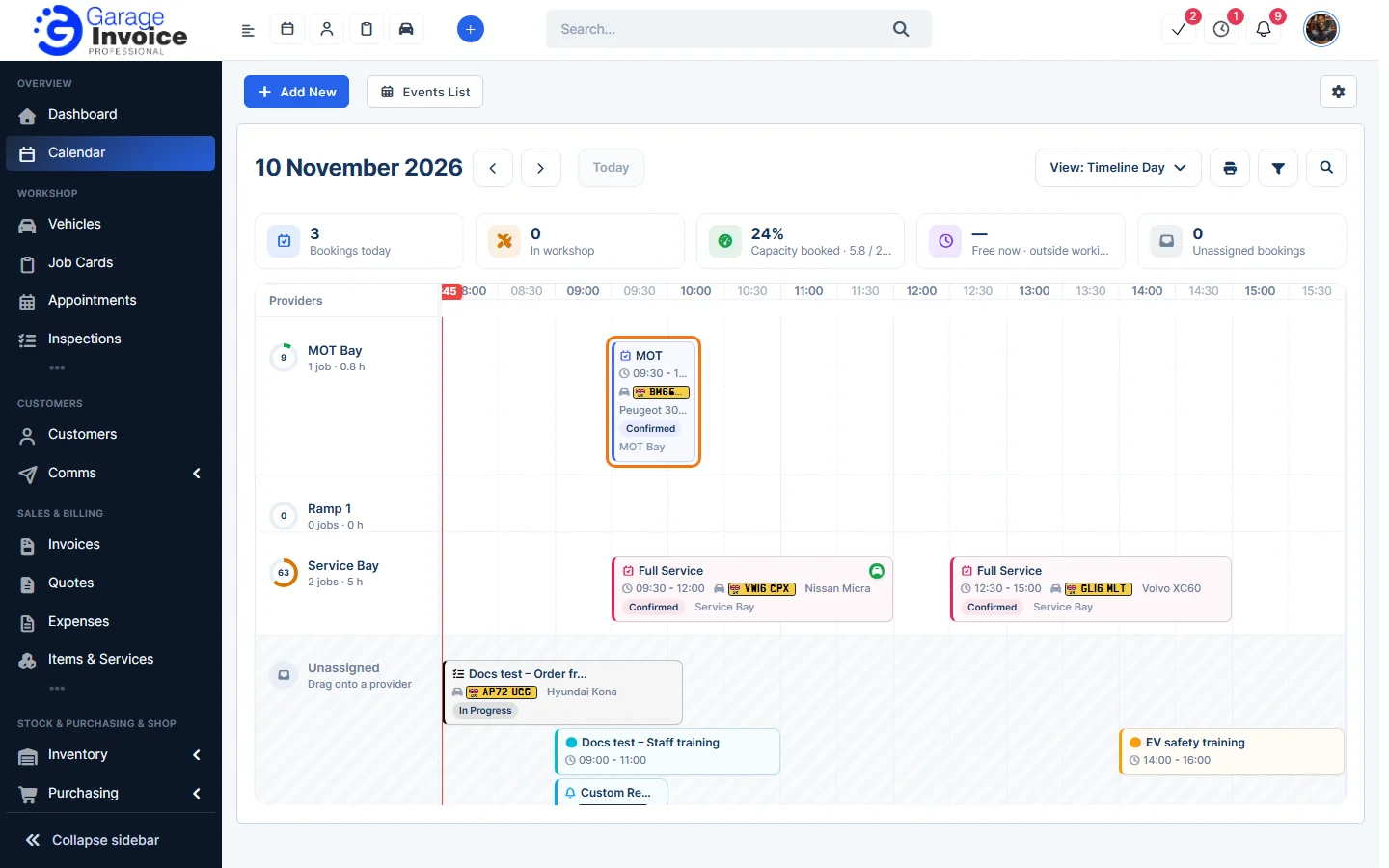
- Click an appointment card to open it.
- Appointments with no provider appear under Unassigned. Drag them onto a provider’s row to assign them.
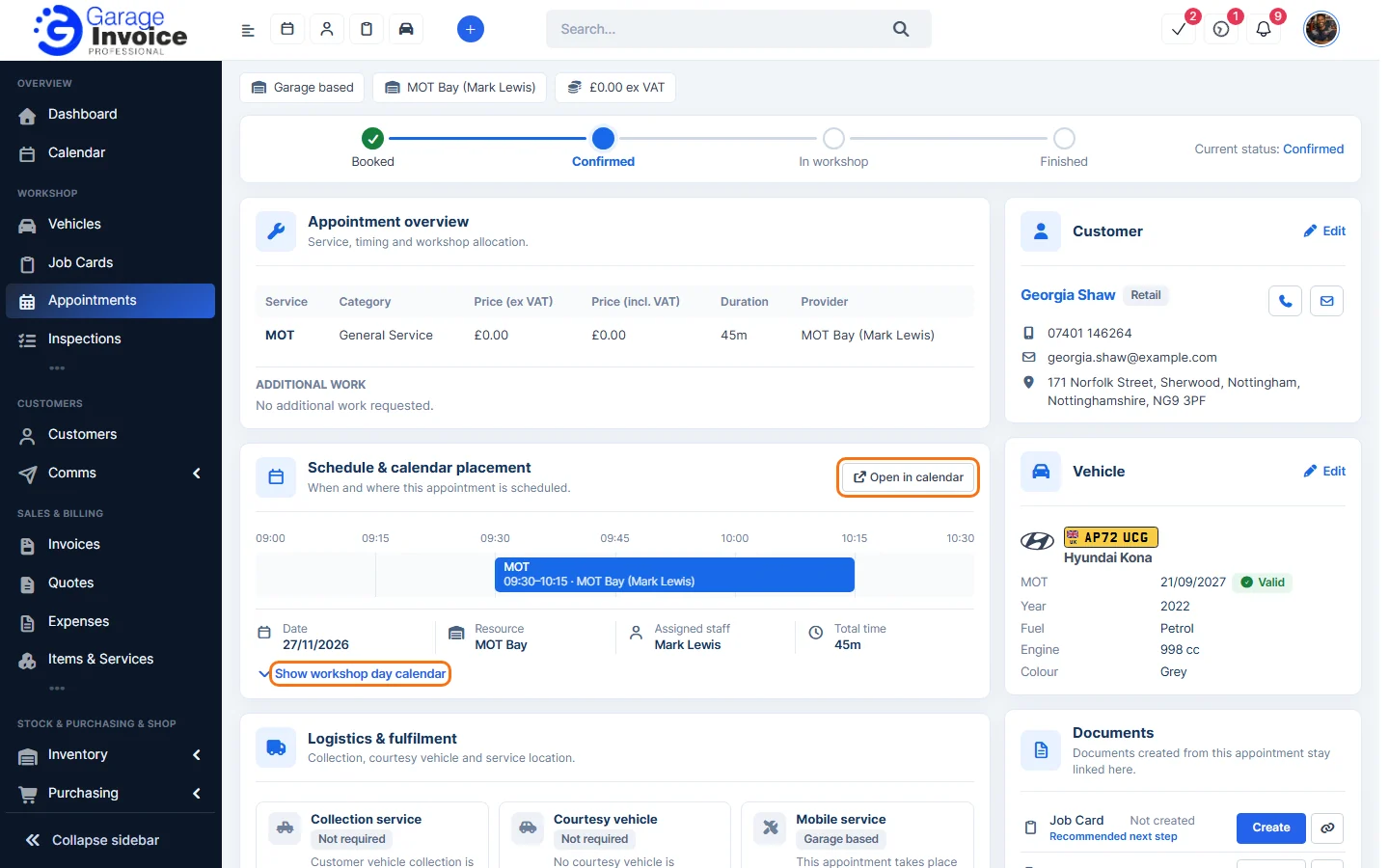
From an appointment’s page, go to Schedule & calendar placement and click Open in calendar to jump to that day, or Show workshop day calendar to see the provider’s whole day.
Note: whether you can drag appointments, and whether they can be moved into booked slots, is set in Calendar Settings.
Related: Calendar Overview · Calendar Views · Bays & Providers
Feature Online booking and appointments: see what it does and how it fits your workshop.