
Click Settings in the sidebar, open Sales & Operations and click Quotes. You can also click the cog button on the Quotes page and choose Quote Settings.
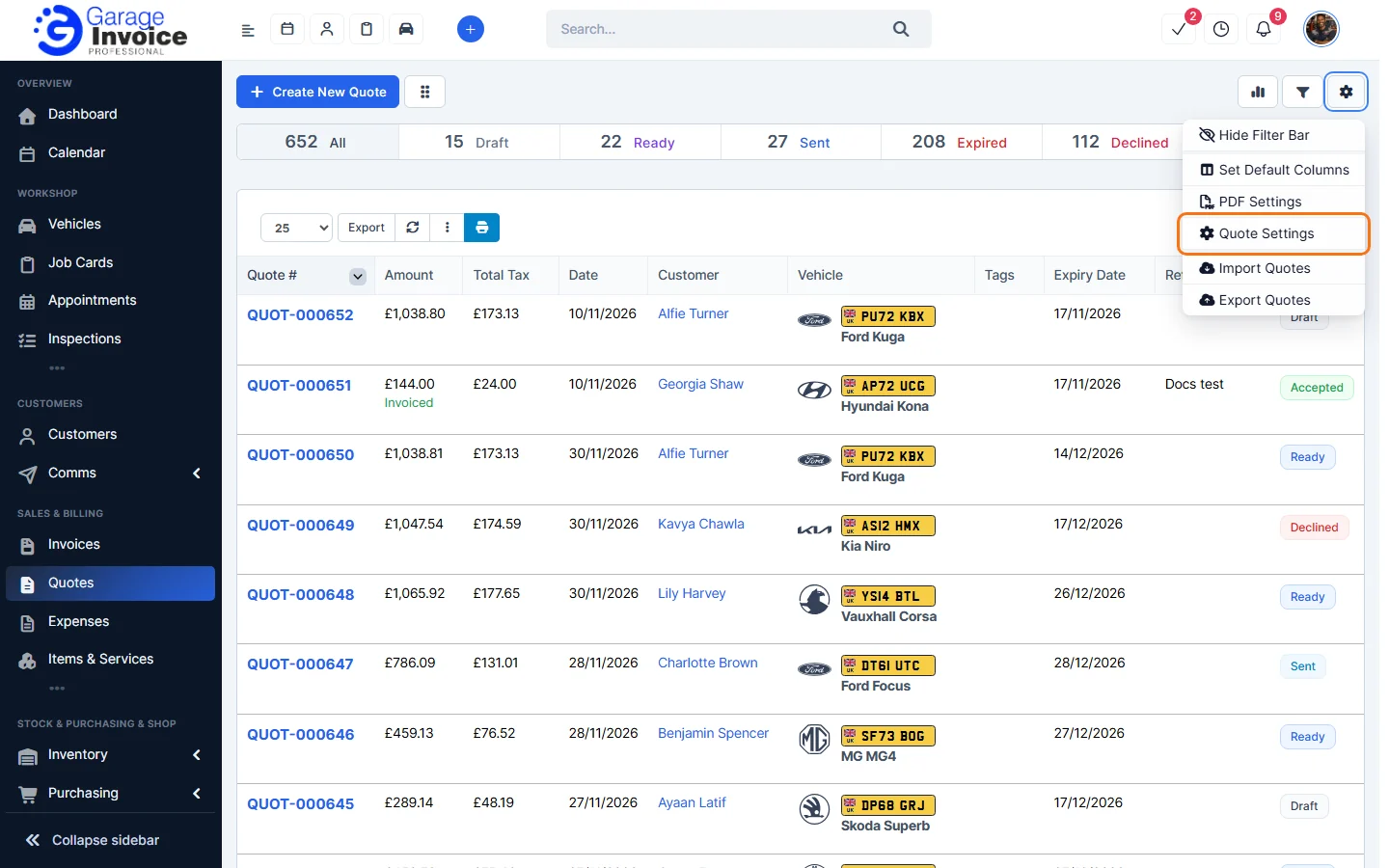
- Prefix and Number: call your documents Quote or Estimate, and set the prefix, next number and number format. See Change Quote Prefix and Set Next Quote Number.
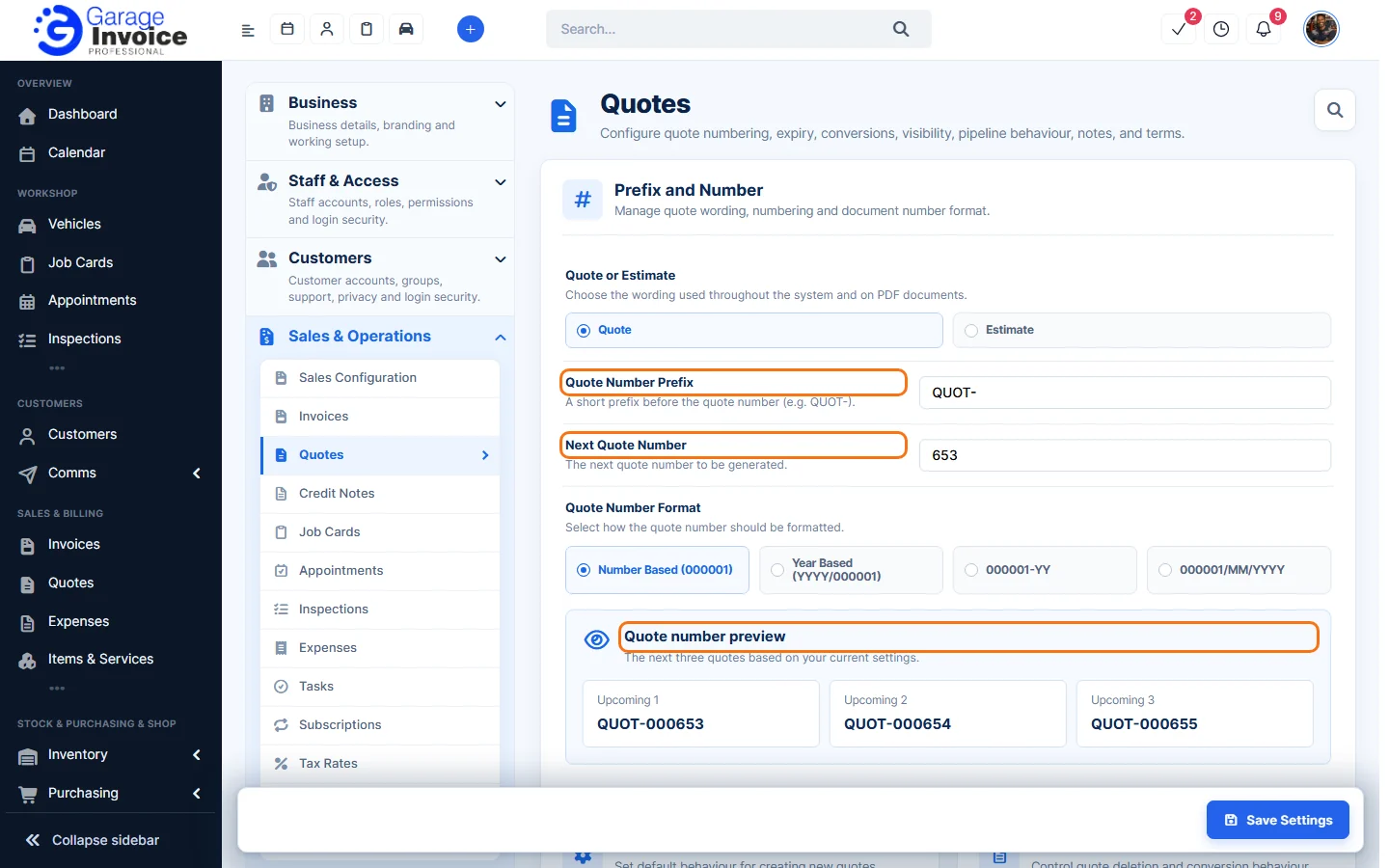
- Quote Defaults: Create Group Items on New Quotes and Quote Expire After (days).
- Workflow: Delete quote allowed only on last quote and Automatically convert accepted quotes to invoices.
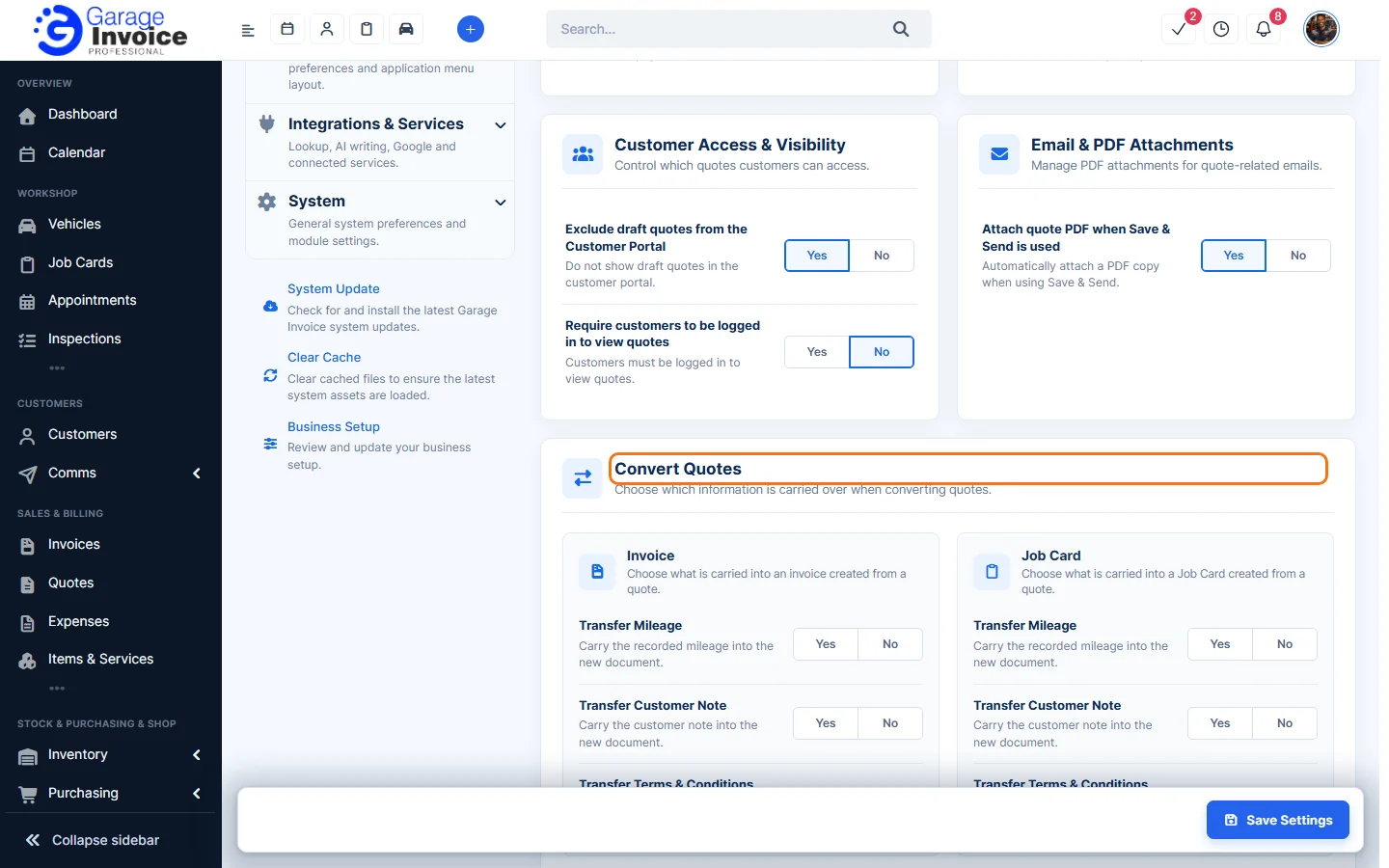
- Customer Access & Visibility: Exclude draft quotes from the Customer Portal and Require customers to be logged in to view quotes.
- Email & PDF Attachments: Attach quote PDF when Save & Send is used.
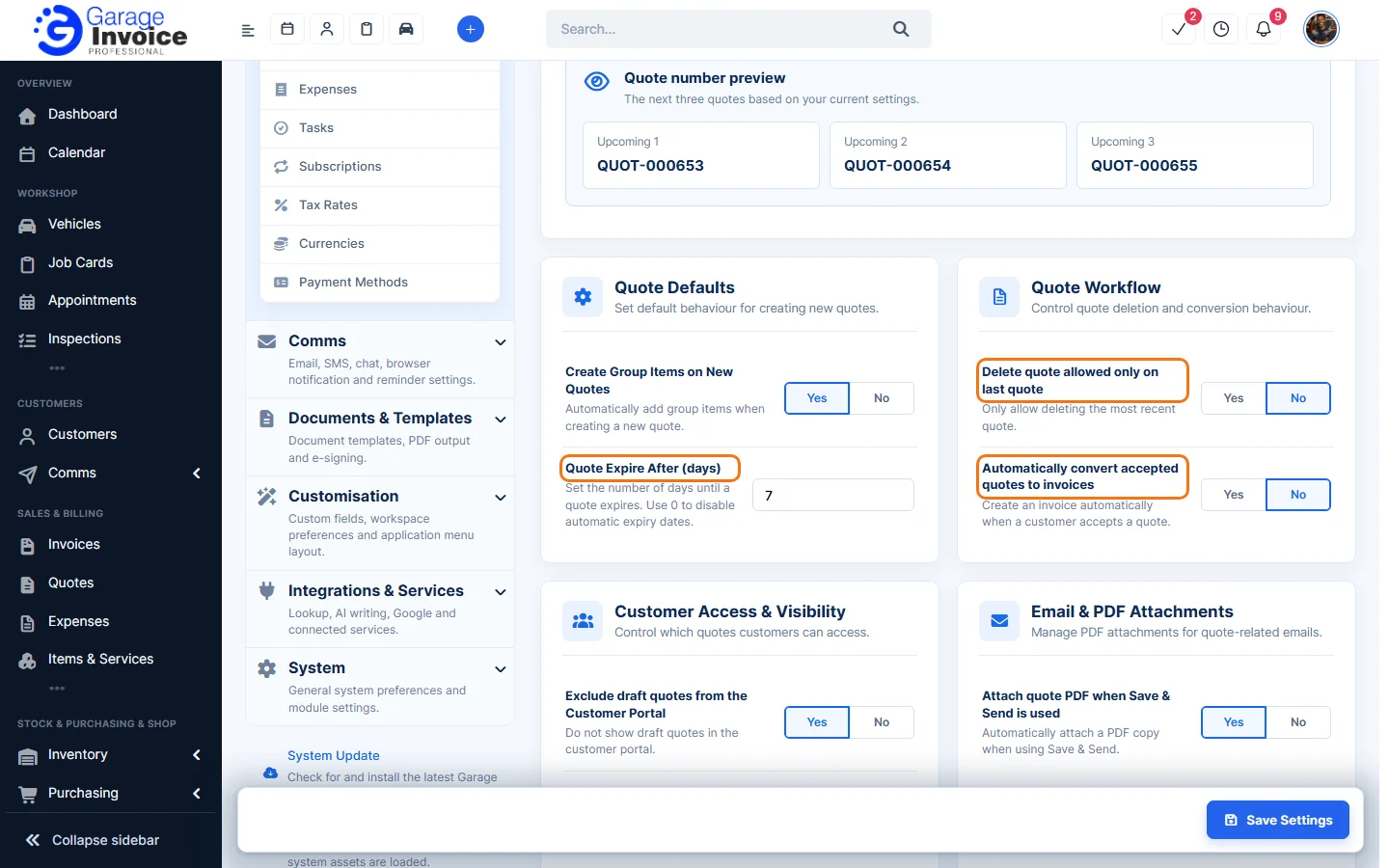
- Convert Quotes: what is carried into an Invoice or Job Card made from a quote: mileage, customer note and terms.
- Pipeline View Settings: see Quote Pipeline View.
- Client Note & Predefined Terms: see Add Quote Note and Add Quote Terms.
Click Save Settings at the bottom right after making changes.
Note: quote expiry reminders are set under Comms → Reminder Schedule, and electronic signatures under Documents & Templates → E-Sign. See Set Up Automatic Quote Expiry Reminders and Set Up Electronic Signature on Quote.
Feature Garage quoting software: see what it does and how it fits your workshop.