
- Click Utilities & Data in the sidebar and choose Data Cleanup.
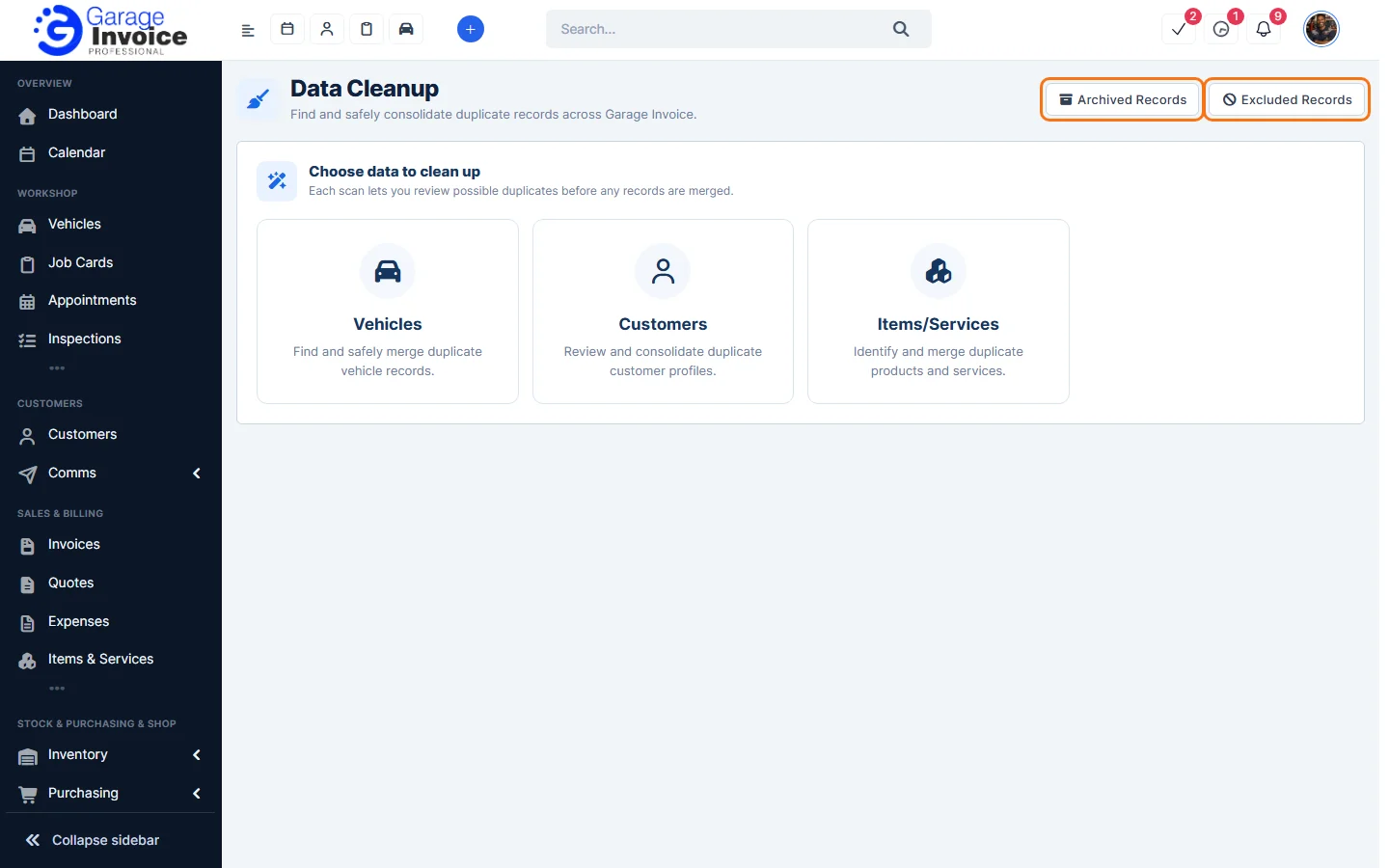
- Click what you want to check: Vehicles, Customers or Items/Services.
- Garage Invoice scans for possible duplicates and shows them in groups. For vehicles, records are grouped when they share the same VIN, or the same registration plate with matching customer details. Tick Match also by registration plate to find more.
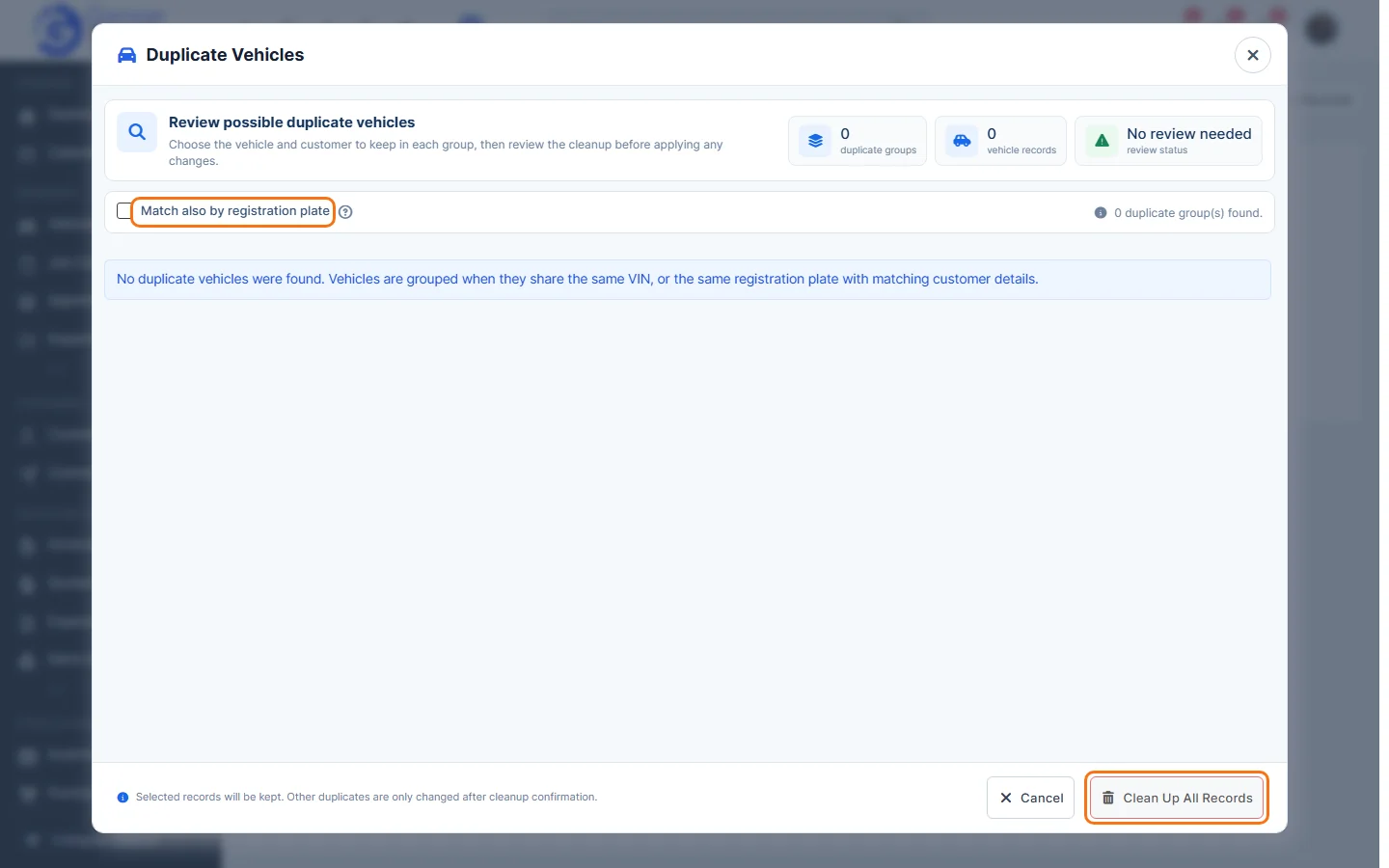
- In each group, choose the record to keep. Then click Clean Up All Records and confirm. Nothing is changed until you confirm.
At the top of the Data Cleanup page:
- Archived Records: items and services merged by Data Cleanup are archived here. Duplicate vehicles and customers are deleted during the clean-up.
- Excluded Records: pairs of records marked as not duplicates of each other, so future scans don’t group them together again.