
- Click Settings in the sidebar, open Sales & Operations and click Quotes. You can also click the cog button on the Quotes page and choose Quote Settings.
- Under Prefix and Number, type the new Quote Number Prefix. Check the result under Quote number preview.
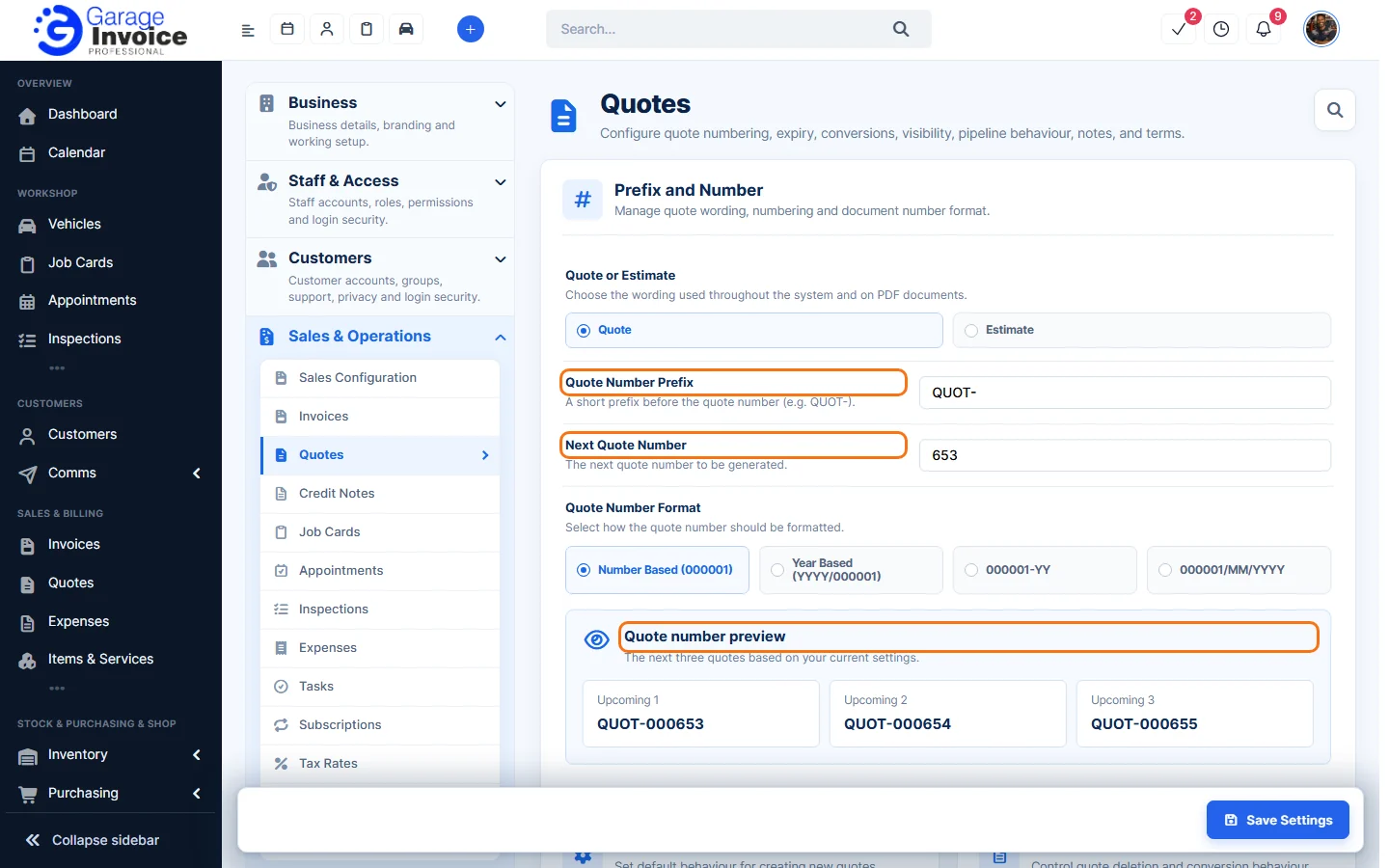
- Click Save Settings at the bottom right.
Here you can also choose the Quote Number Format: Number Based (000001), Year Based (YYYY/000001), 000001-YY or 000001/MM/YYYY, and whether to call your documents Quote or Estimate.
Note: the new prefix is used for new quotes. Existing quotes keep their numbers.
Feature Garage quoting software: see what it does and how it fits your workshop.