
- Click Bank Reconciliation in the sidebar. It’s under Sales & Billing; click the ••• there if you can’t see it. The Transactions tab opens first.
- Each row shows the Date, Bank Account, Description, Counterpart, Amount and Status. Money in is green; money out is red with a minus sign.
- Use the filters at the top: the bank account, a date range (from and to), the status (Not assigned, Successfully assigned or Ignored) and the type (Income only or Expenses only). Click Reset to clear them.
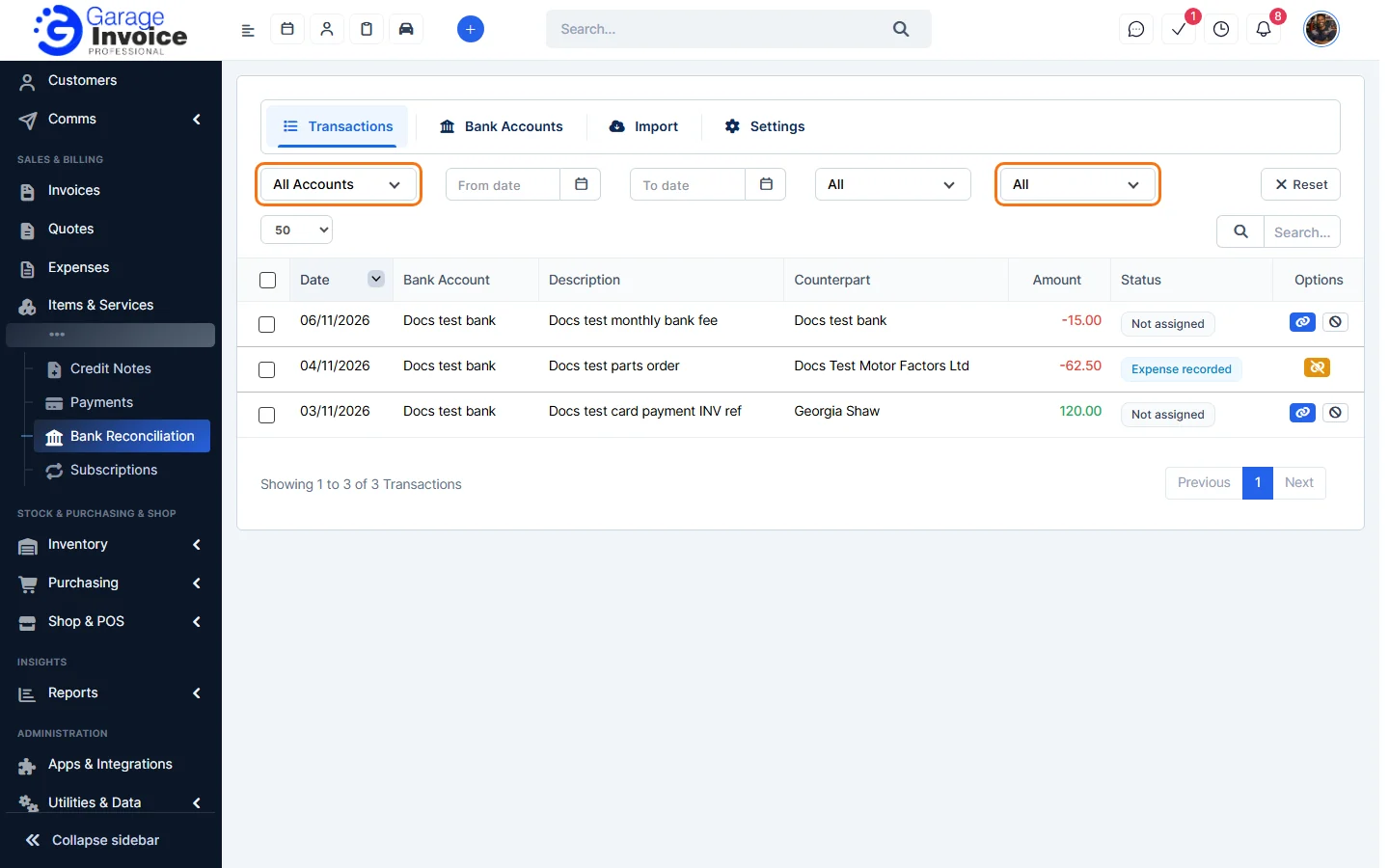
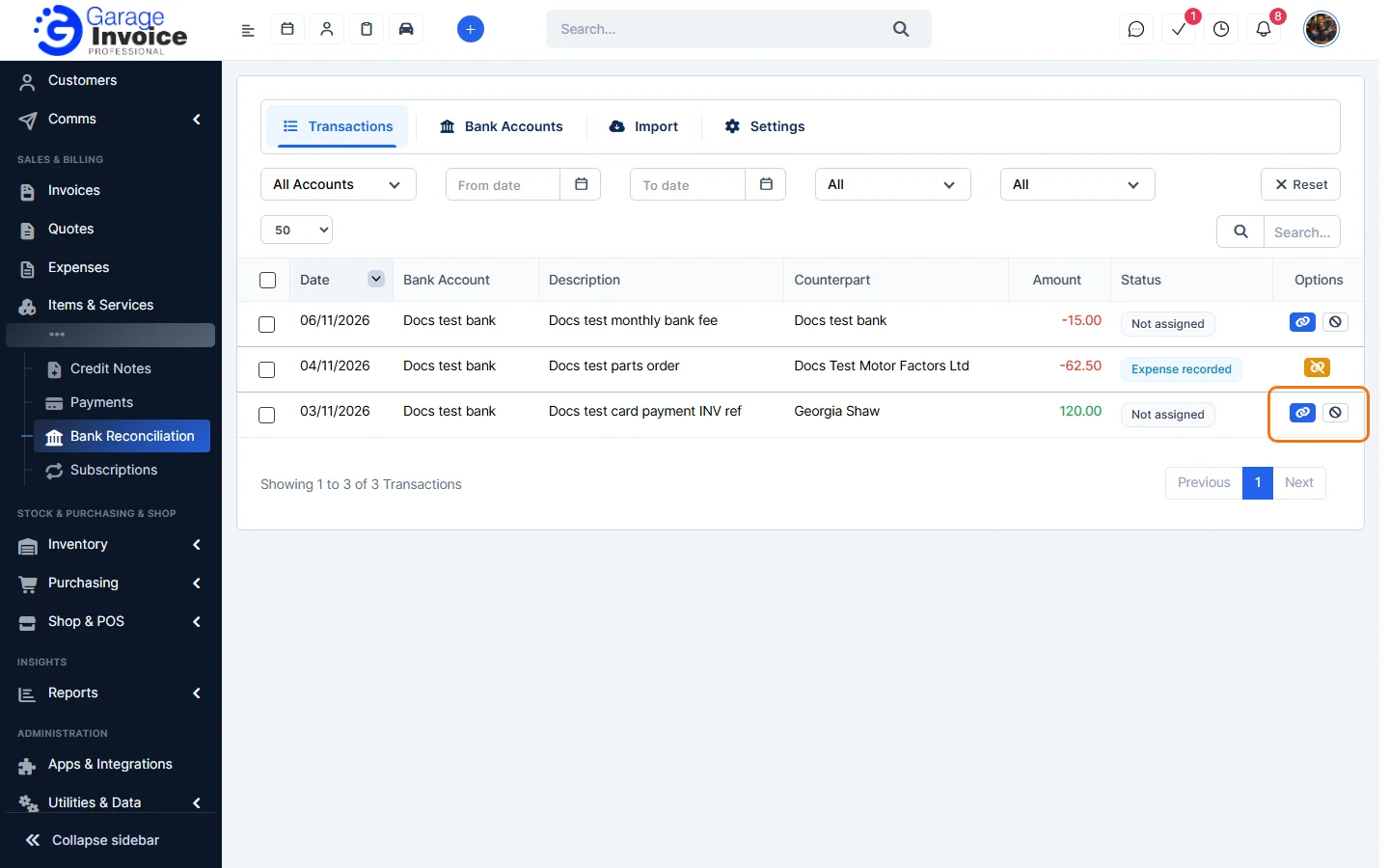
- Under Options, the blue link button matches a line and the grey button ignores it.
- Money in: Reconcile Income Transactions
- Money out: Reconcile Expense Transactions
- Ignore or Delete Transactions · Unlink a Reconciled Transaction
Tip: set which status filter the list opens with in Bank Reconciliation Settings.
Feature Payments and online payments: see what it does and how it fits your workshop.