
An enquiry is a request a customer sends you from a contact form on your website, for example “please quote for a service”. Garage Invoice saves it under Enquiries and lets your team know. You then check who sent it and turn it into a quote or job card.
How enquiries reach you
- You create a contact form and put it on your website, or share its link. See Create an Enquiry Form for Your Website.
- A customer fills it in and clicks Submit. They see your thank-you message.
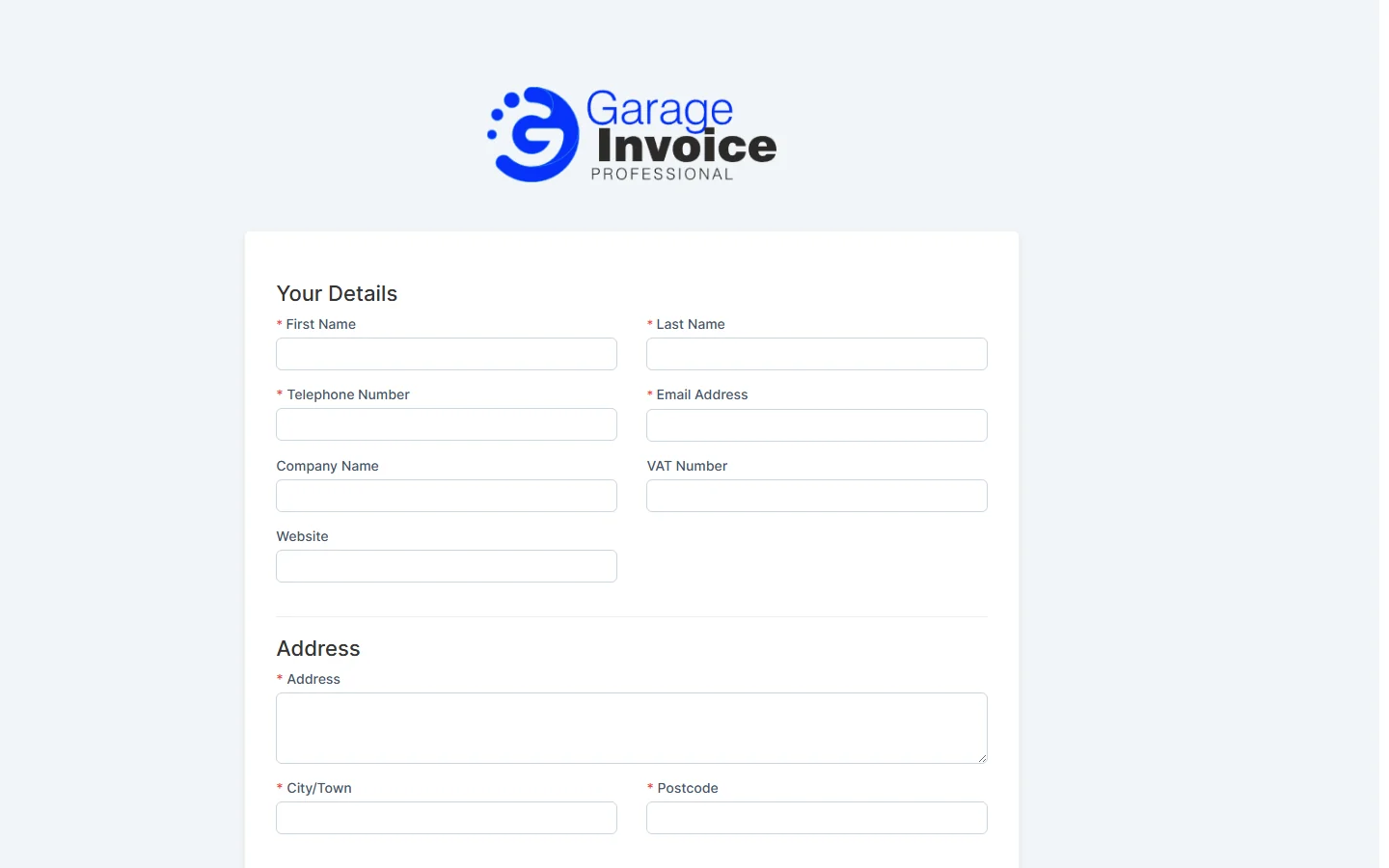
- The enquiry appears under Comms → Enquiries, with the status set on the form (normally Processing). The staff chosen on the form get a notification.
The Enquiries page
- Click Comms in the sidebar and choose Enquiries. A number next to Enquiries shows new ones.
- The bar at the top shows how many enquiries there are in total (All) and in each status: Cancelled, Processing and Completed. Click a status to show only those enquiries.
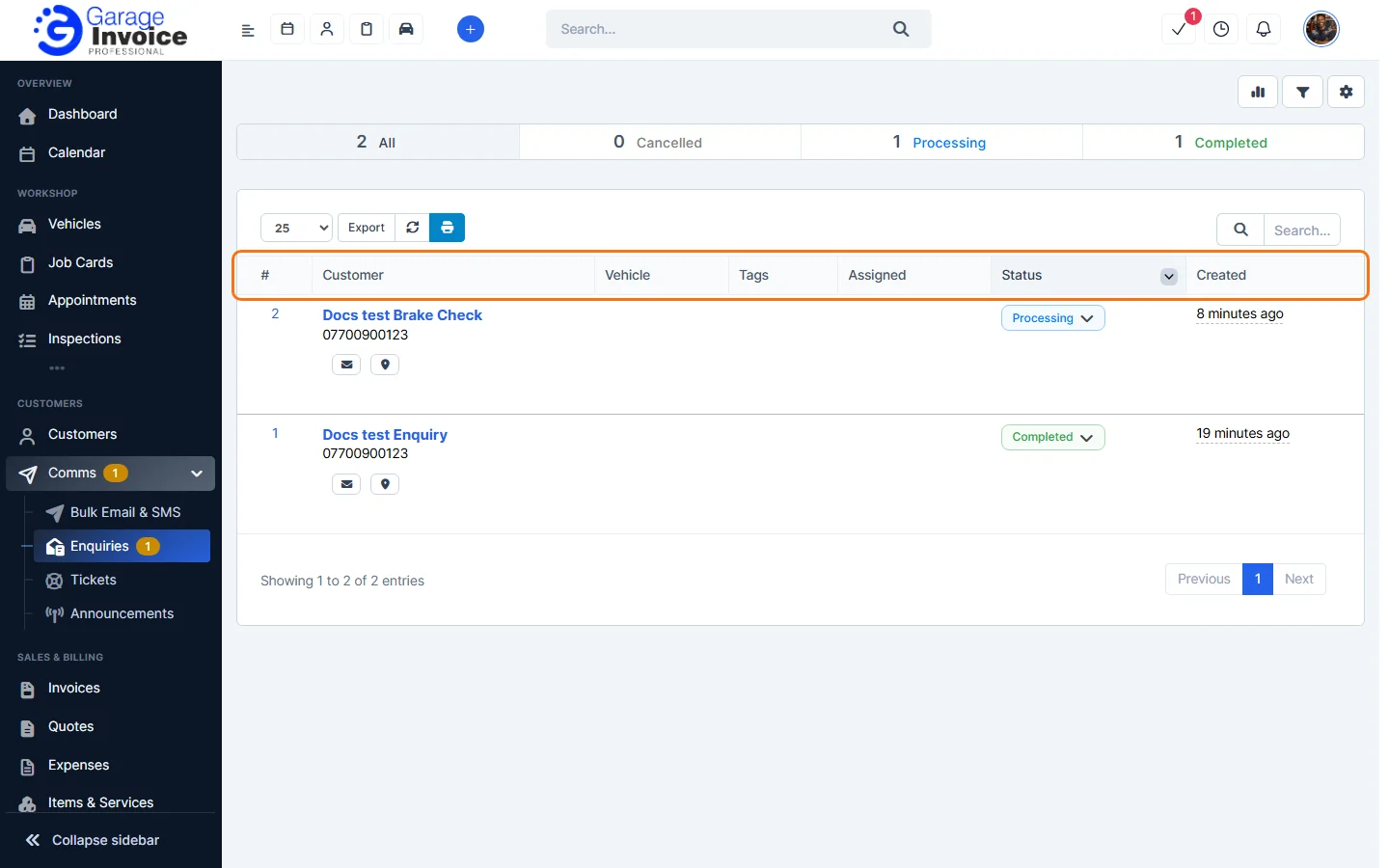
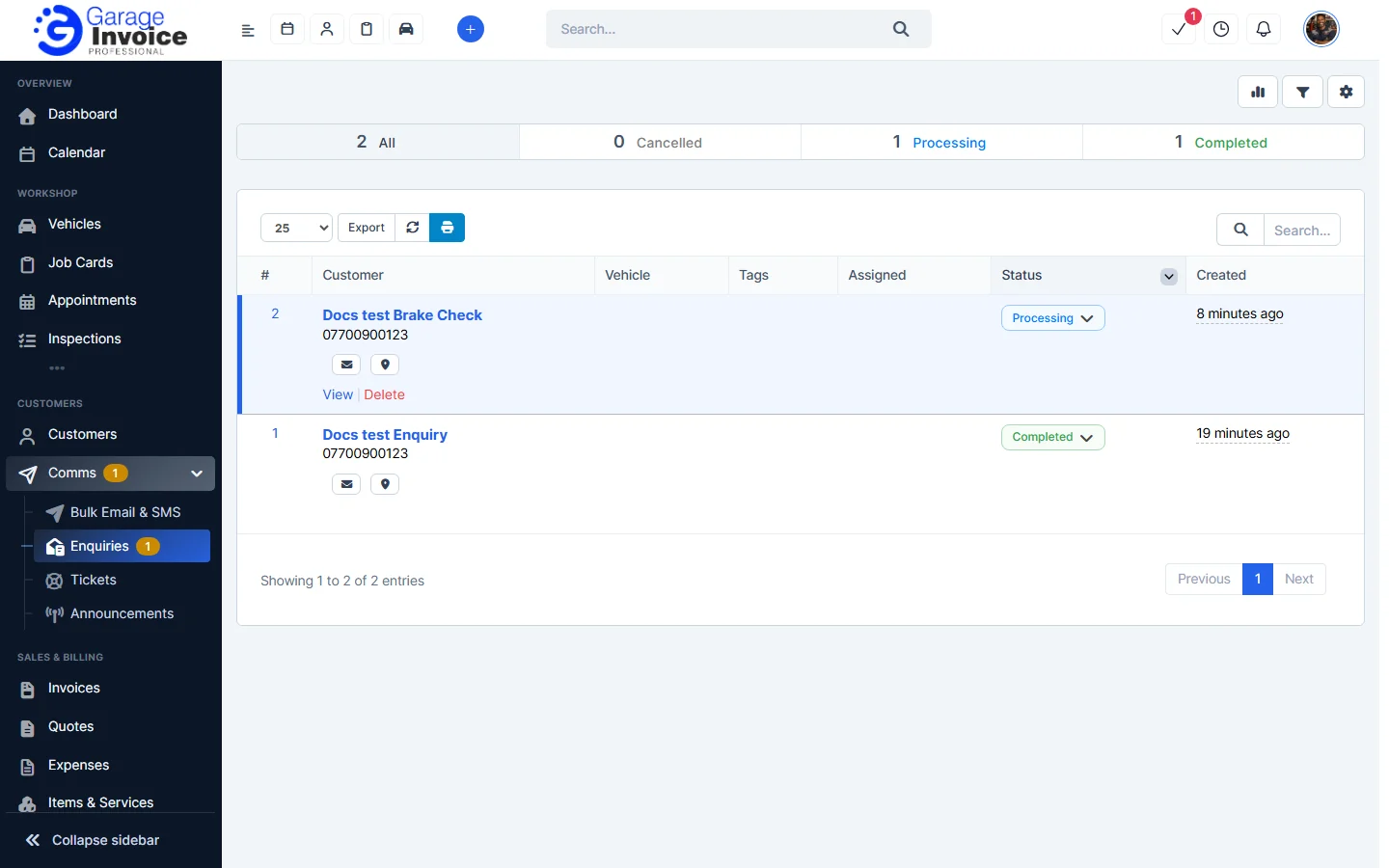
- Each row shows the enquiry number, the Customer (name, phone, an email button and a map button), Vehicle, Tags, Assigned staff member, Status and when it was Created. Hover over a row to View or Delete it.
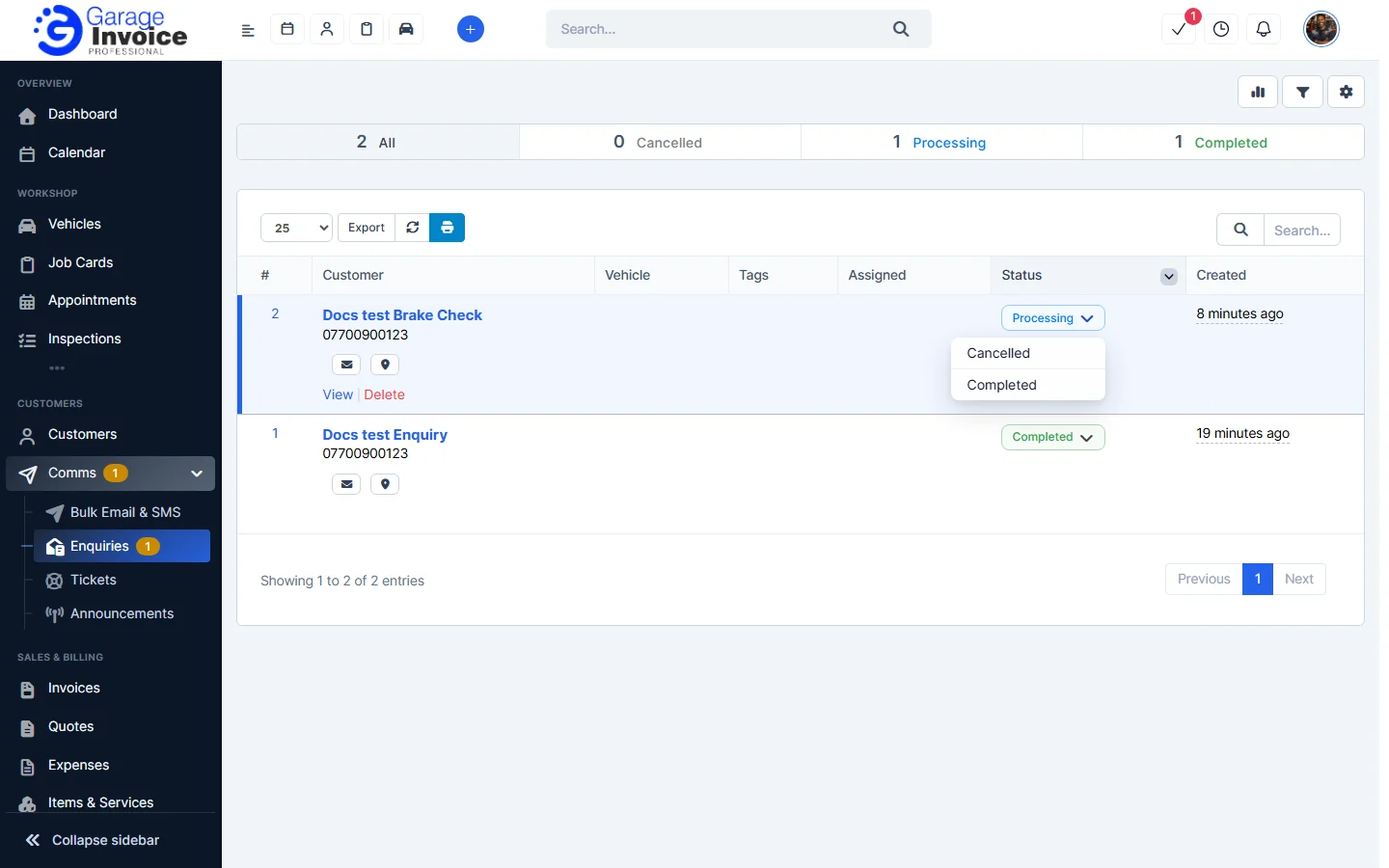
- To change the status without opening the enquiry, click the arrow next to the status and choose a new one.
- Use the search box to find an enquiry, the number box to show more rows, and Export to export the list.
What happens to an enquiry
Each enquiry goes through three stages, shown at the top when you open it: Received, Customer & vehicle confirmed and Converted.
- View and Handle an Enquiry: check the details, link the customer and vehicle, assign it and email the customer.
- Convert an Enquiry to a Quote or Job Card
- Enquiry Statuses
- Delete an Enquiry