
The quote email has a link to the quote online. Your customer can also open quotes in the Customer Portal.
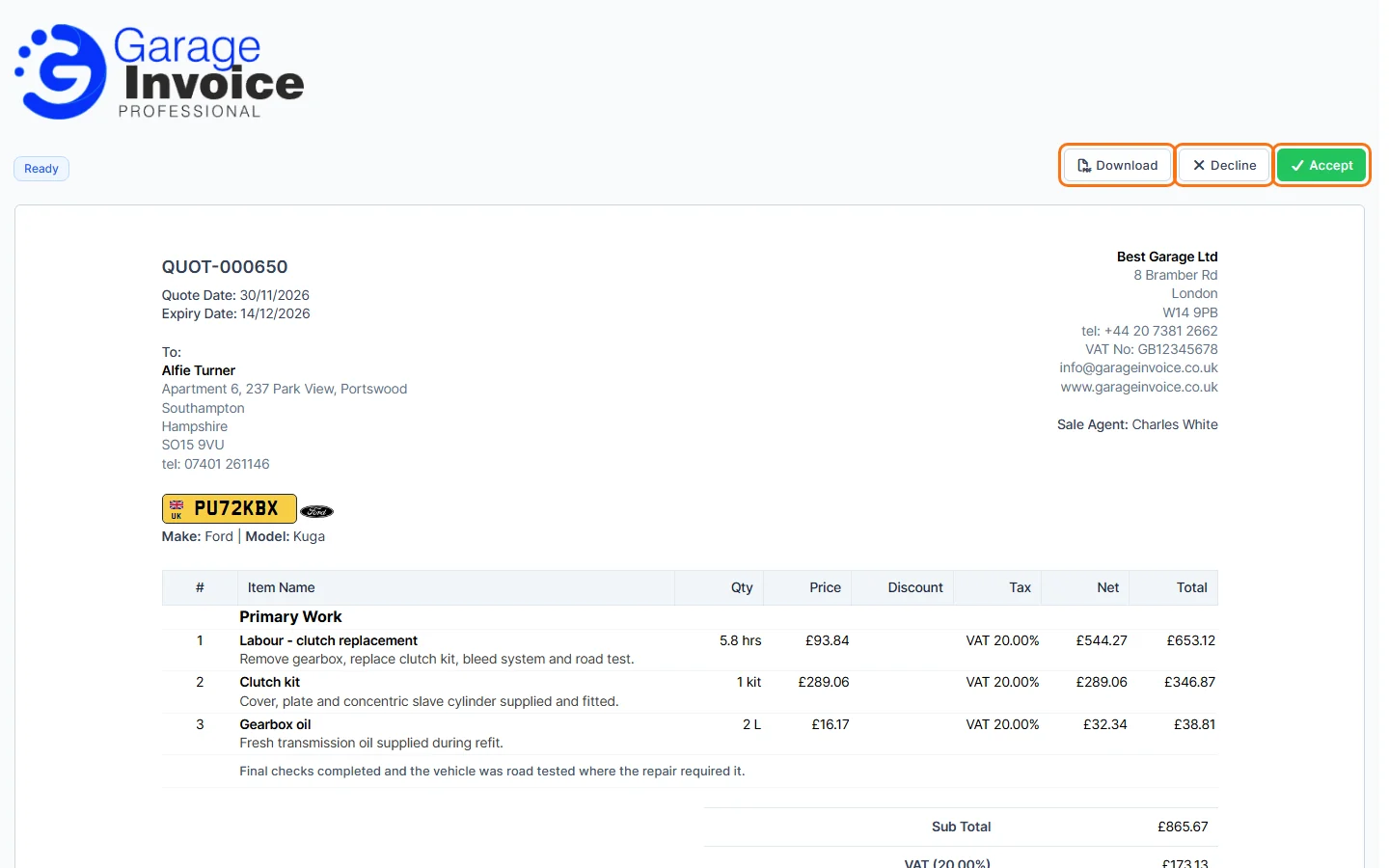
- The customer sees the quote with its status, your note and terms, and the buttons Download, Decline and Accept.
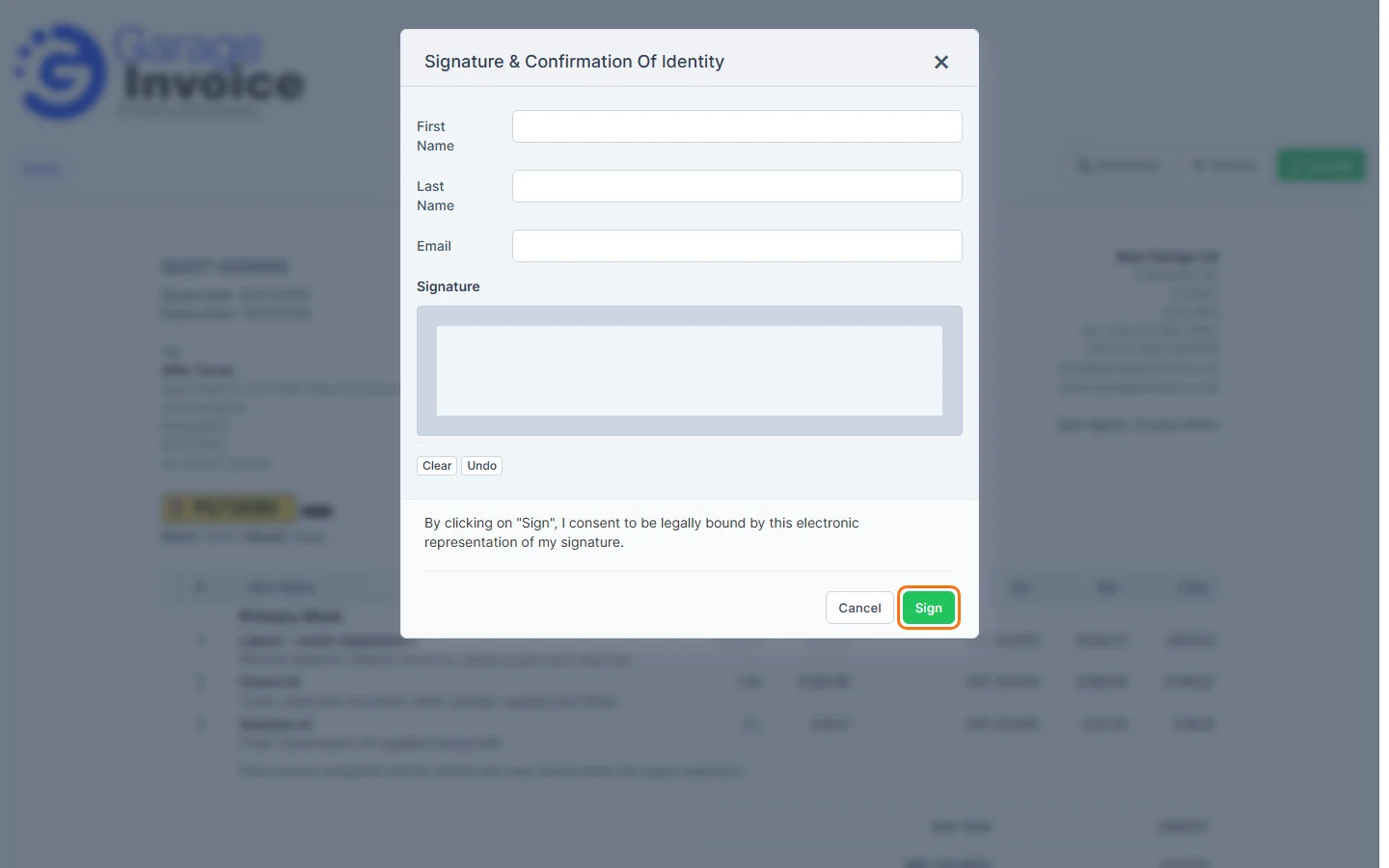
- When the customer clicks Accept and electronic signature is turned on, they enter their First Name, Last Name and Email, sign in the Signature box and click Sign. See Set Up Electronic Signature on Quote.
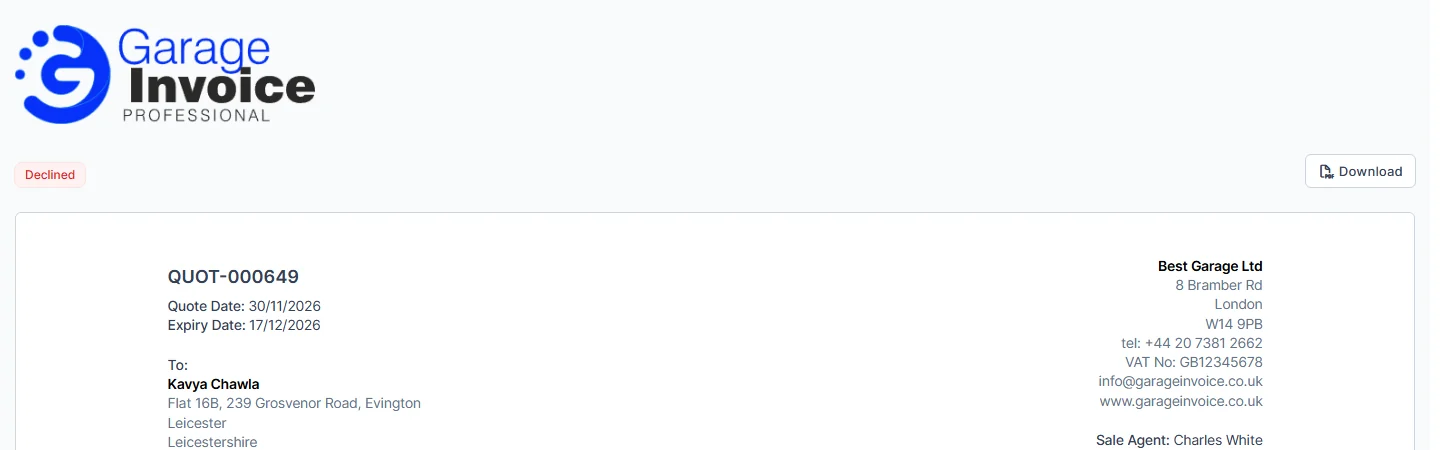
- When the customer clicks Decline, the quote is declined straight away. The page then shows the Declined status and only the Download button.
The quote’s status in Garage Invoice changes to Accepted or Declined. To see the quote the way your customer does, open it and click More → View as Customer.
Note: in the quote settings you can Require customers to be logged in to view quotes, Exclude draft quotes from the Customer Portal, and Automatically convert accepted quotes to invoices. See Quote Settings Overview.
Feature Garage quoting software: see what it does and how it fits your workshop.