
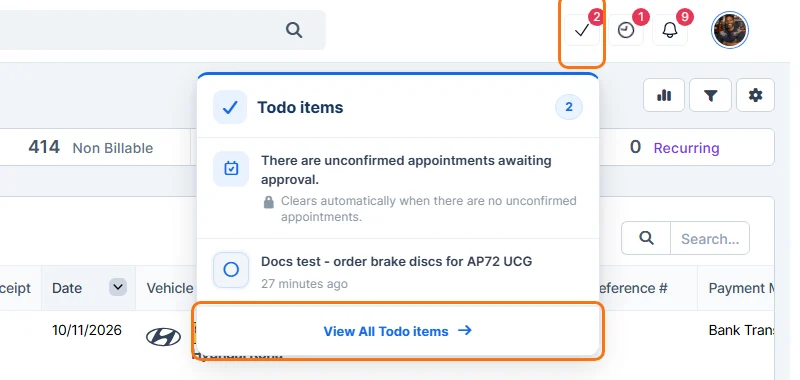
- Click the tick button in the top bar. The number on it shows how many items are still to do, and Todo items lists them. Click View All Todo Items.
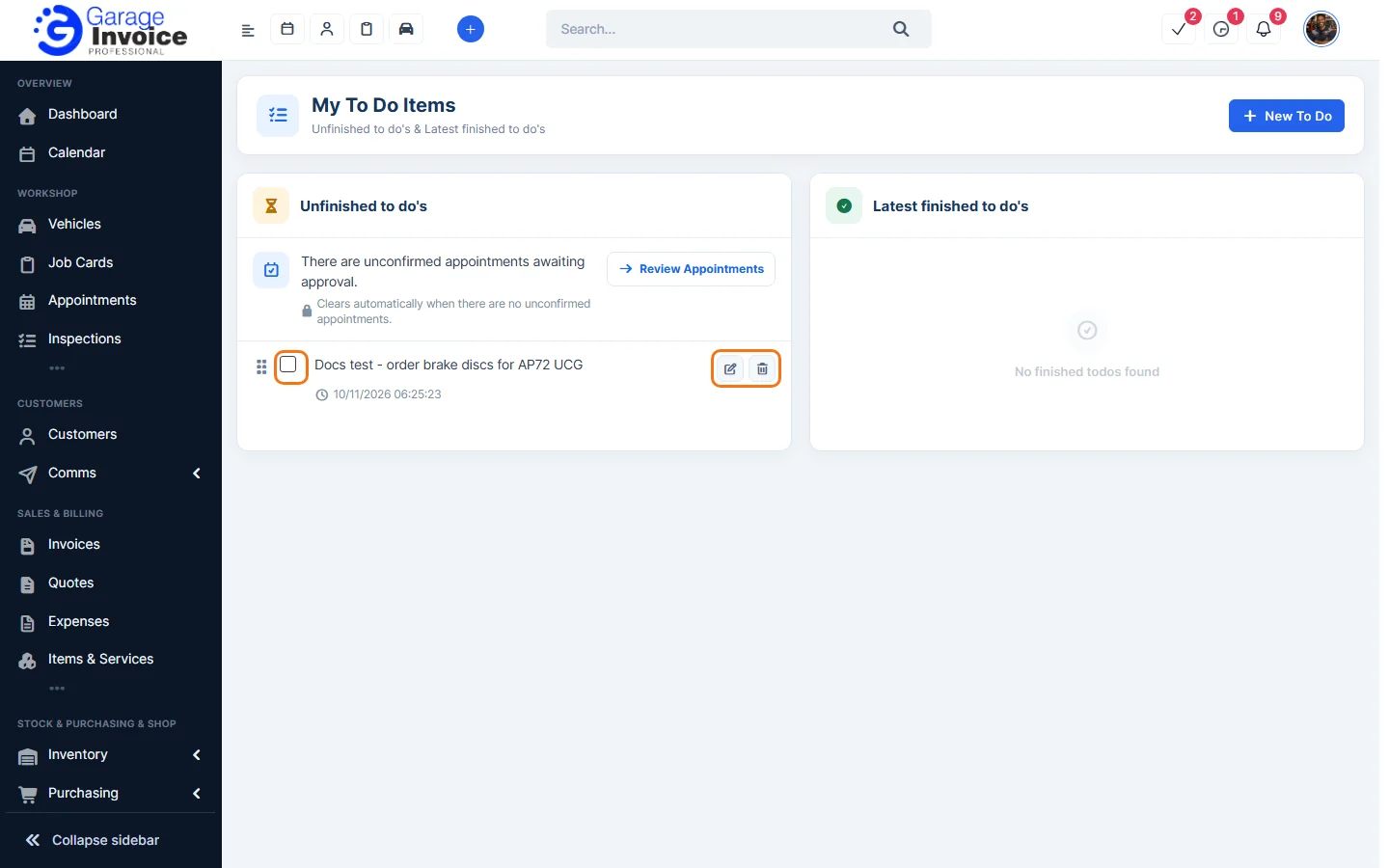
- My To Do Items shows your Unfinished items and the Latest finished ones.
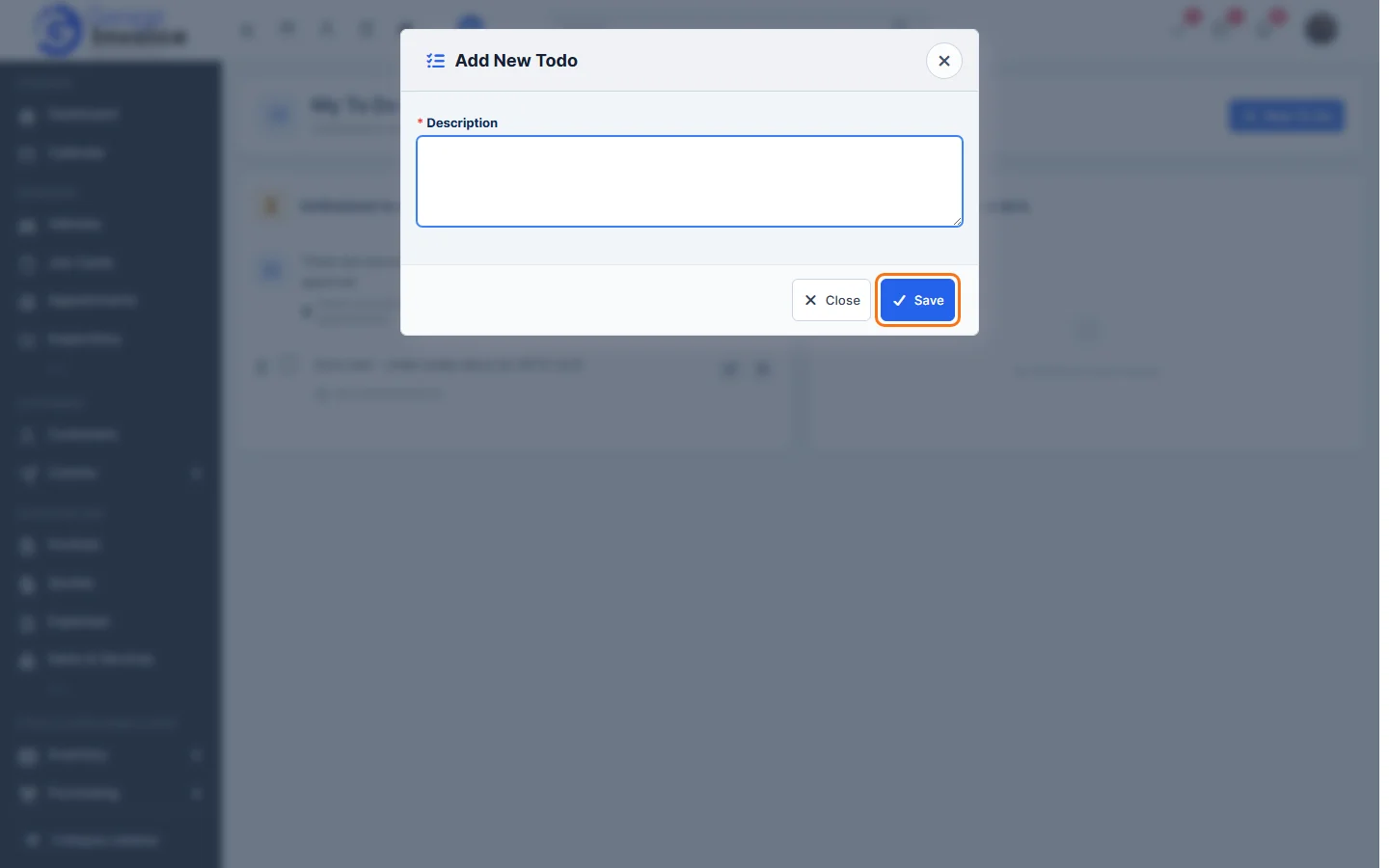
- To add an item, click New To Do, type the Description and click Save.
- Tick the box next to an item when it’s done. It moves to Latest finished. Use the pencil to edit an item, the bin to delete it, and drag the handle on the left to change the order.
Note: your To Do list is personal. Other staff members don’t see it. To give work to someone else, use a task.