
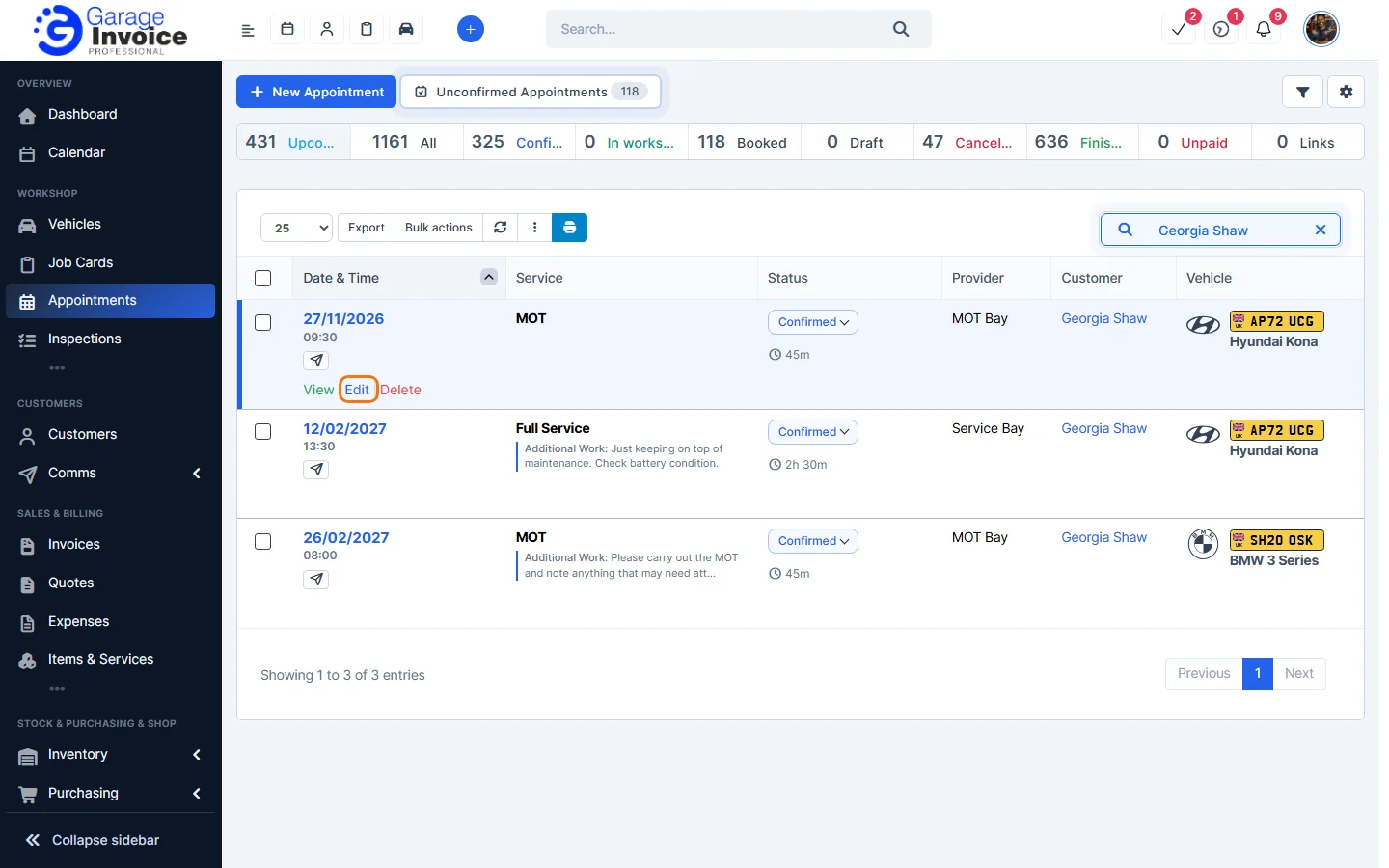
- Click Appointments in the sidebar, under Workshop, and click the appointment’s date and time (or hover over it and click View).
- Click Edit at the top.
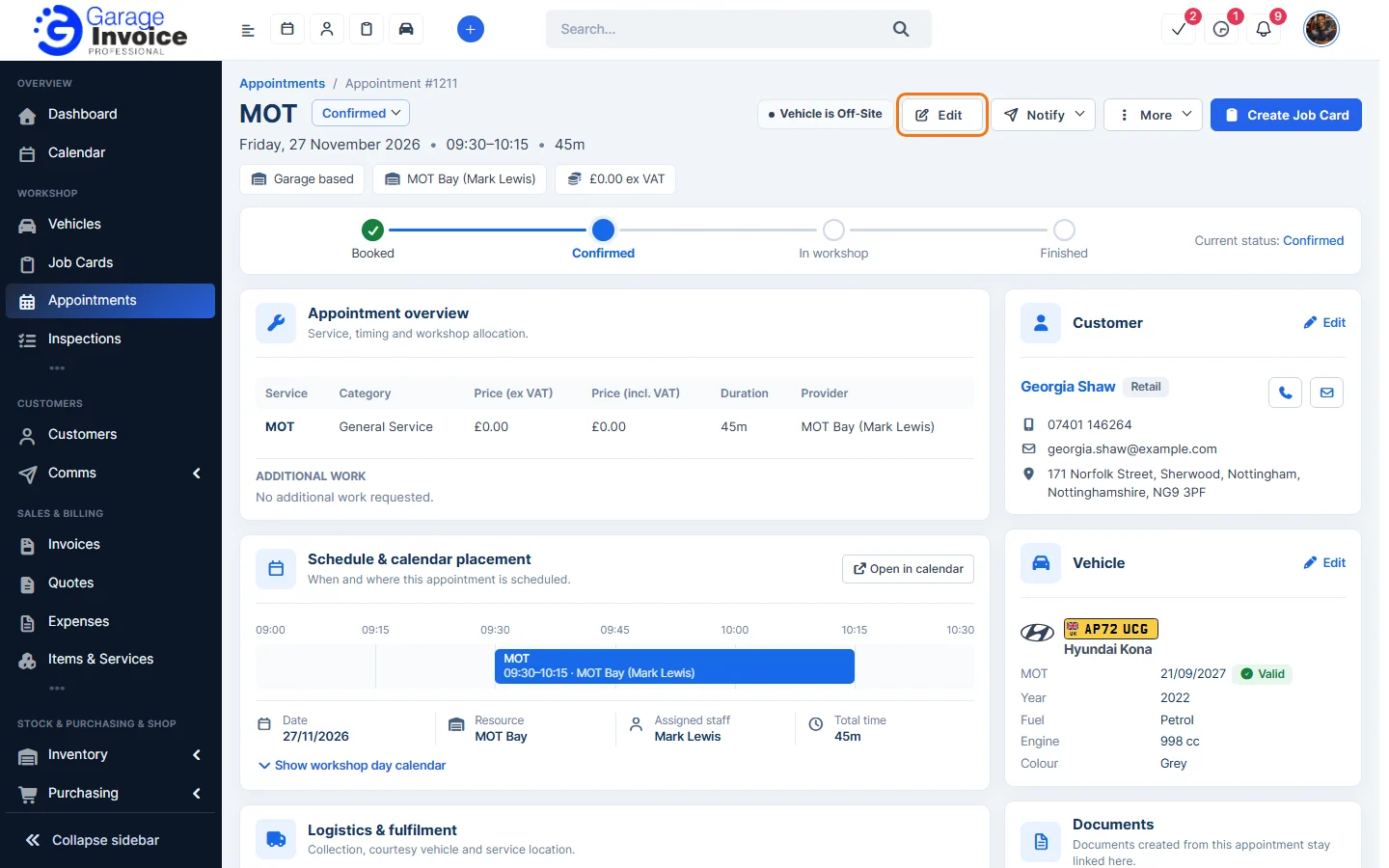
Tip: in the Appointments list you can also hover over the appointment and click Edit.
- The Edit Appointment window has the same three steps as a new appointment: Customer & Vehicle, Service & Type and Date & Time. Make your changes and click Next to move between steps.
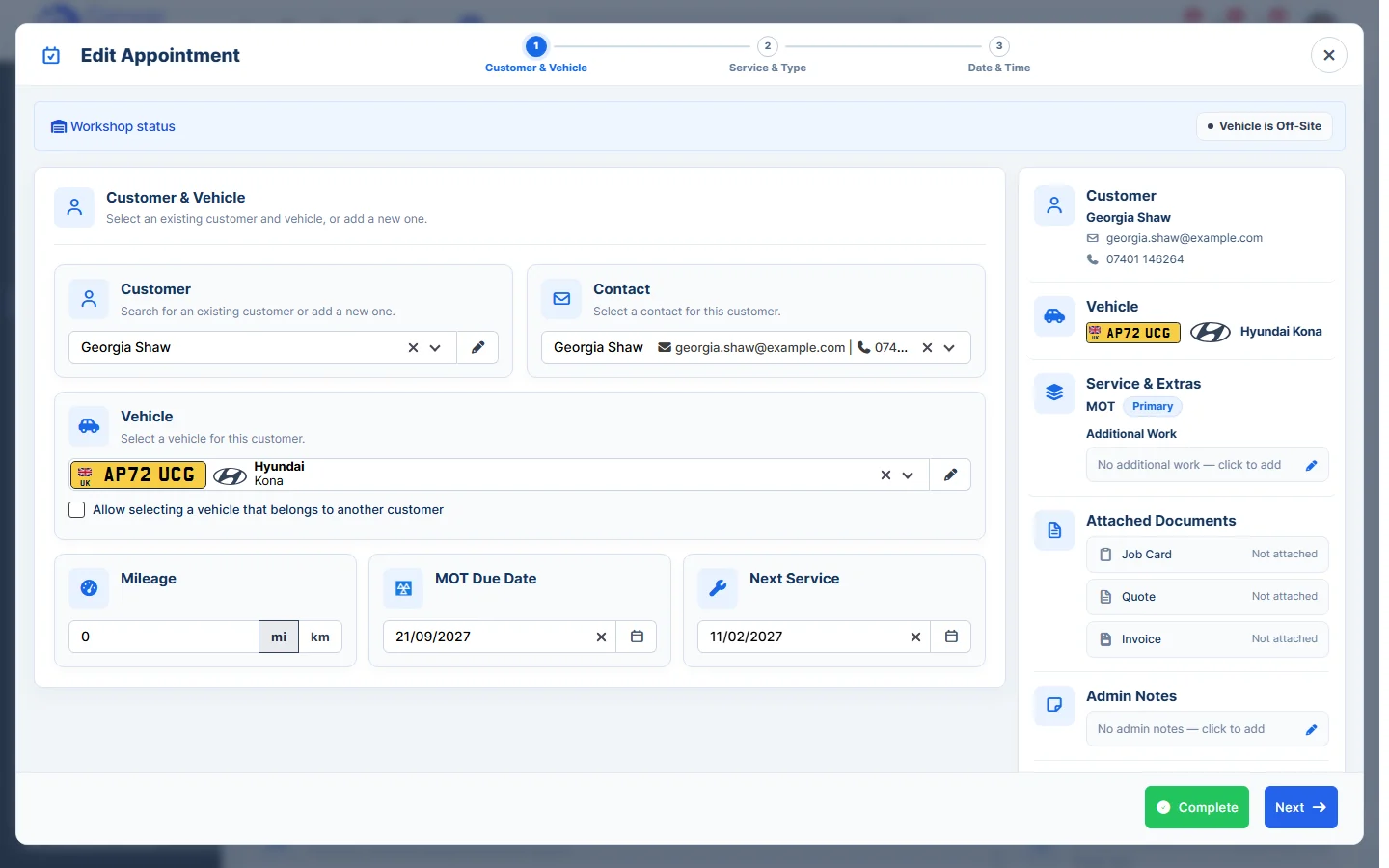
- Click Complete to save.
Note: to move an appointment to another time quickly, you can also drag it on the Calendar. See Appointments in the Calendar.
Feature Online booking and appointments: see what it does and how it fits your workshop.