
Log in to your Garage Invoice app
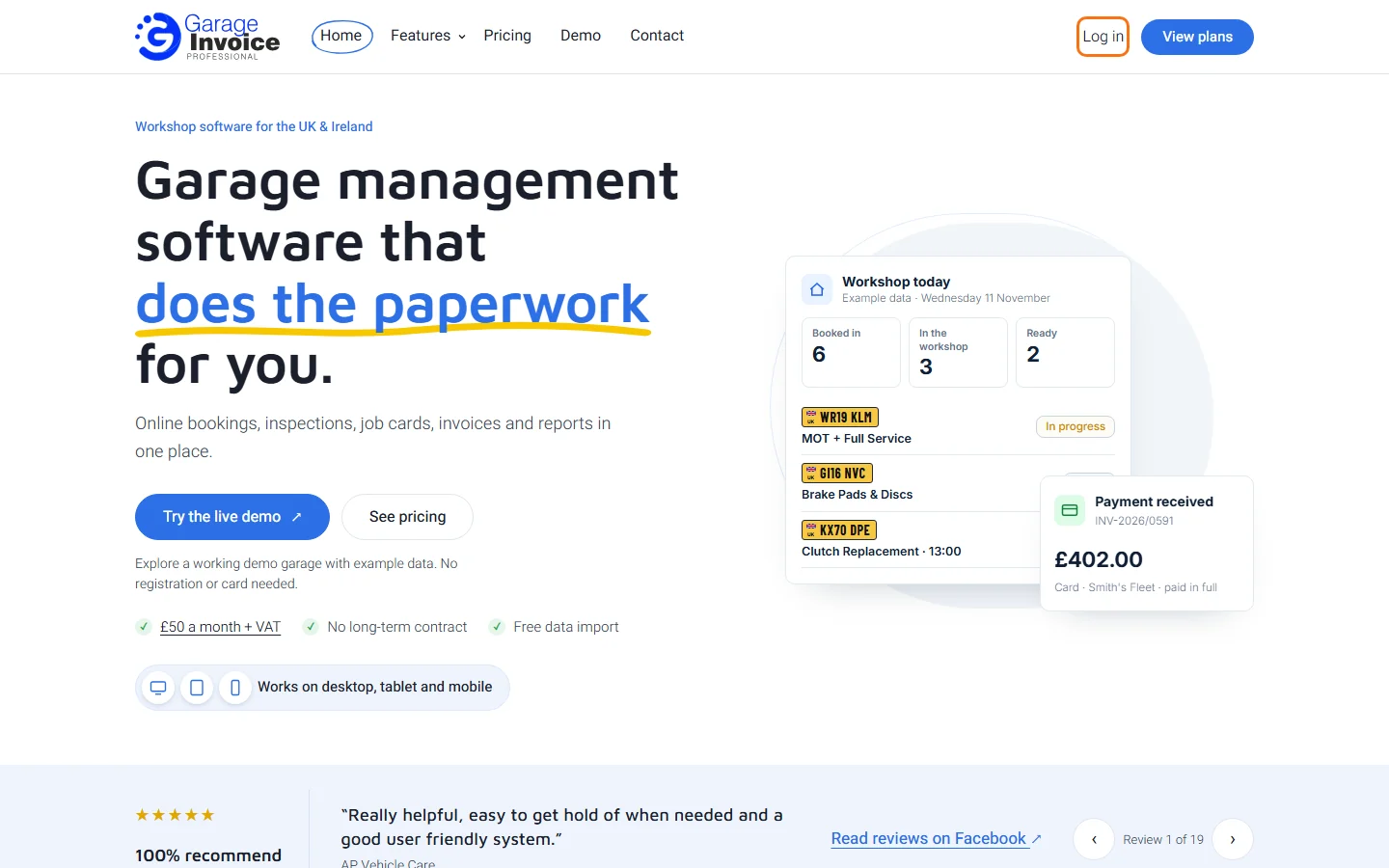
- Go to www.garageinvoice.co.uk and click Log in in the top right corner.
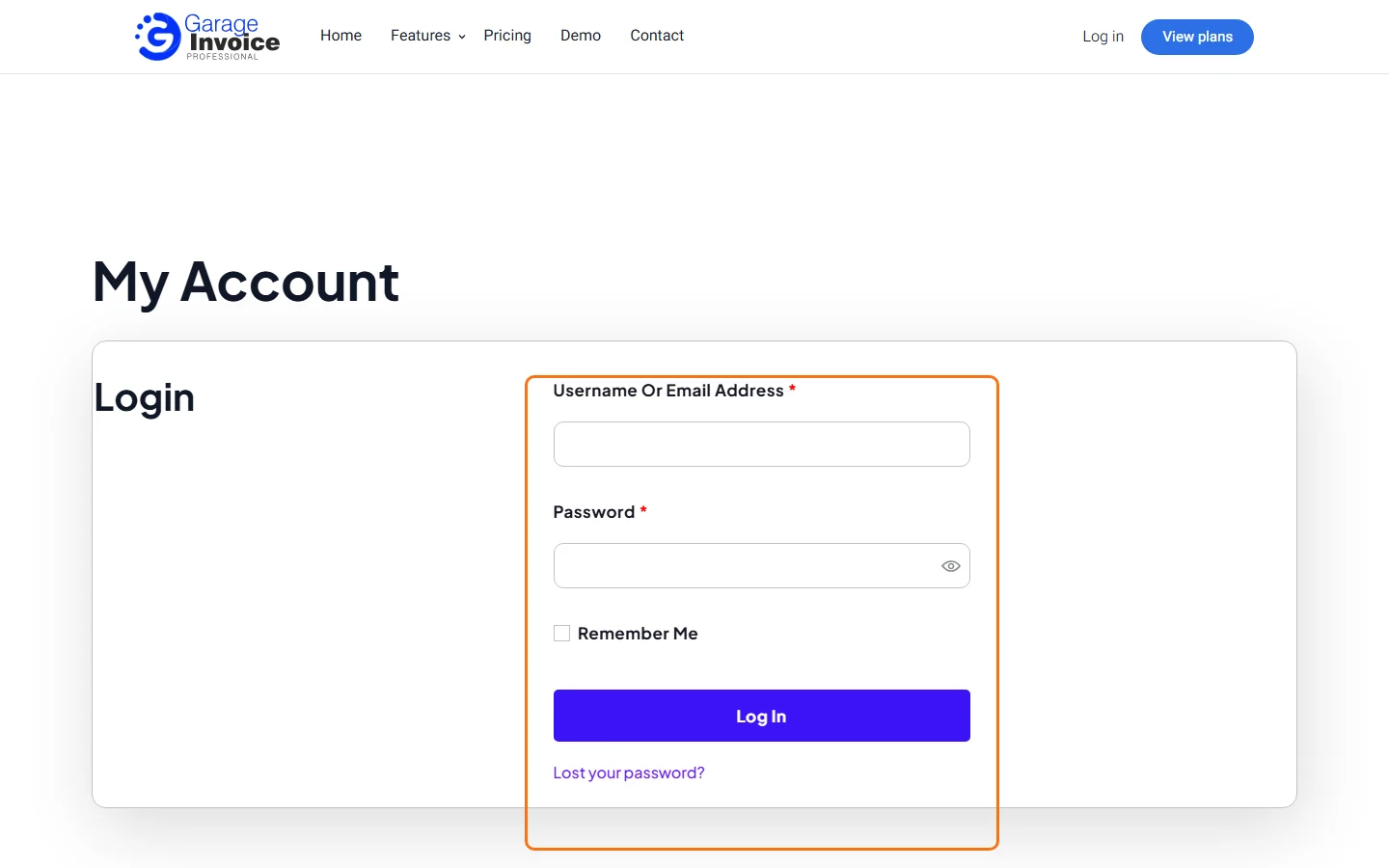
- Enter the email address (or username) and password you used when you signed up for Garage Invoice, and click Log In.
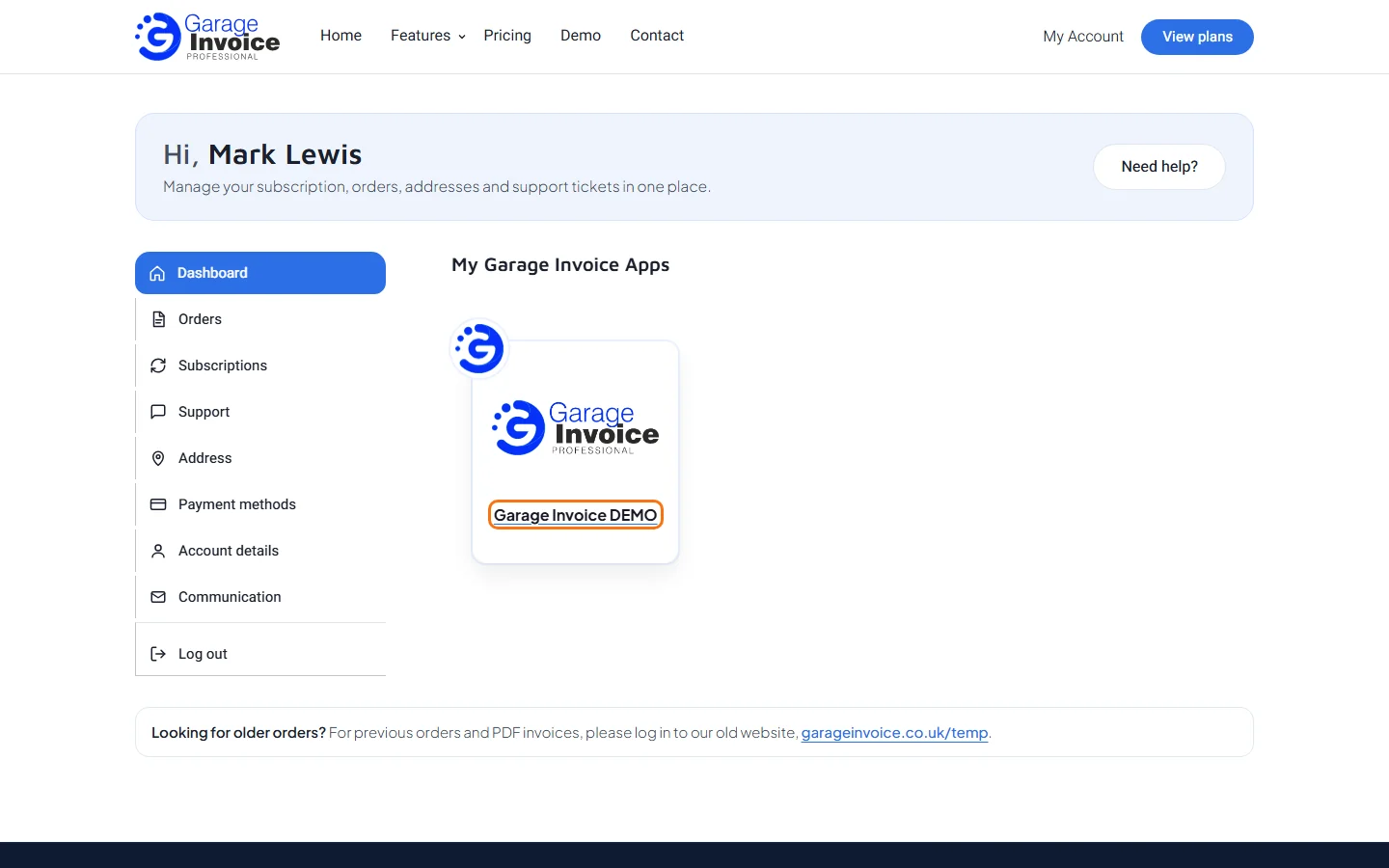
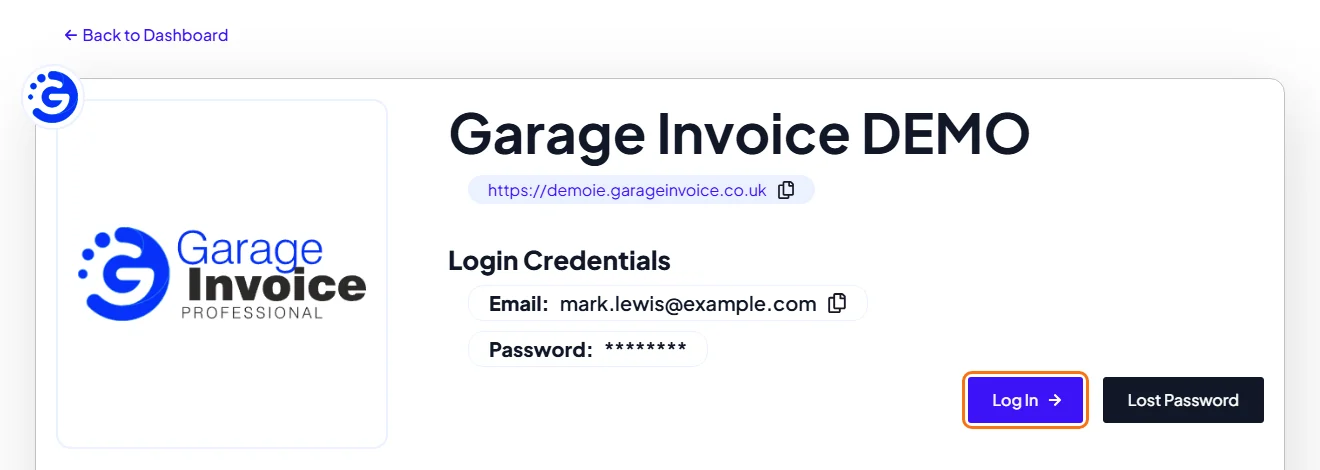
- On your My Account dashboard, under My Garage Invoice Apps, click your app.
- Here you will find your personal app link and your app Login Credentials.
Note: your My Account login (for this website) can be different from your Garage Invoice app login.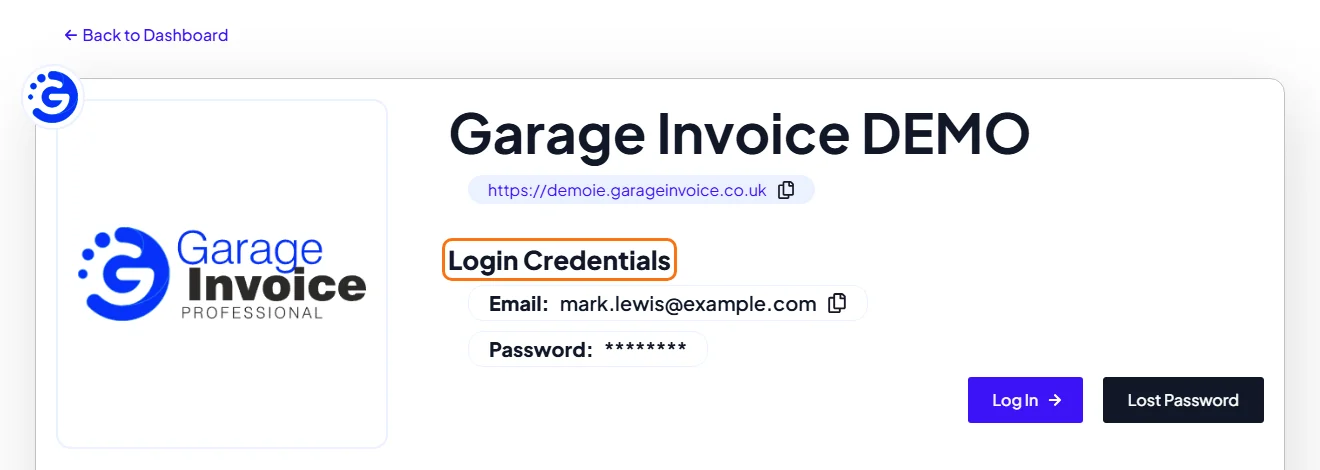
- To open your app, click Log In.
- Enter your app email address and password, and click Login.
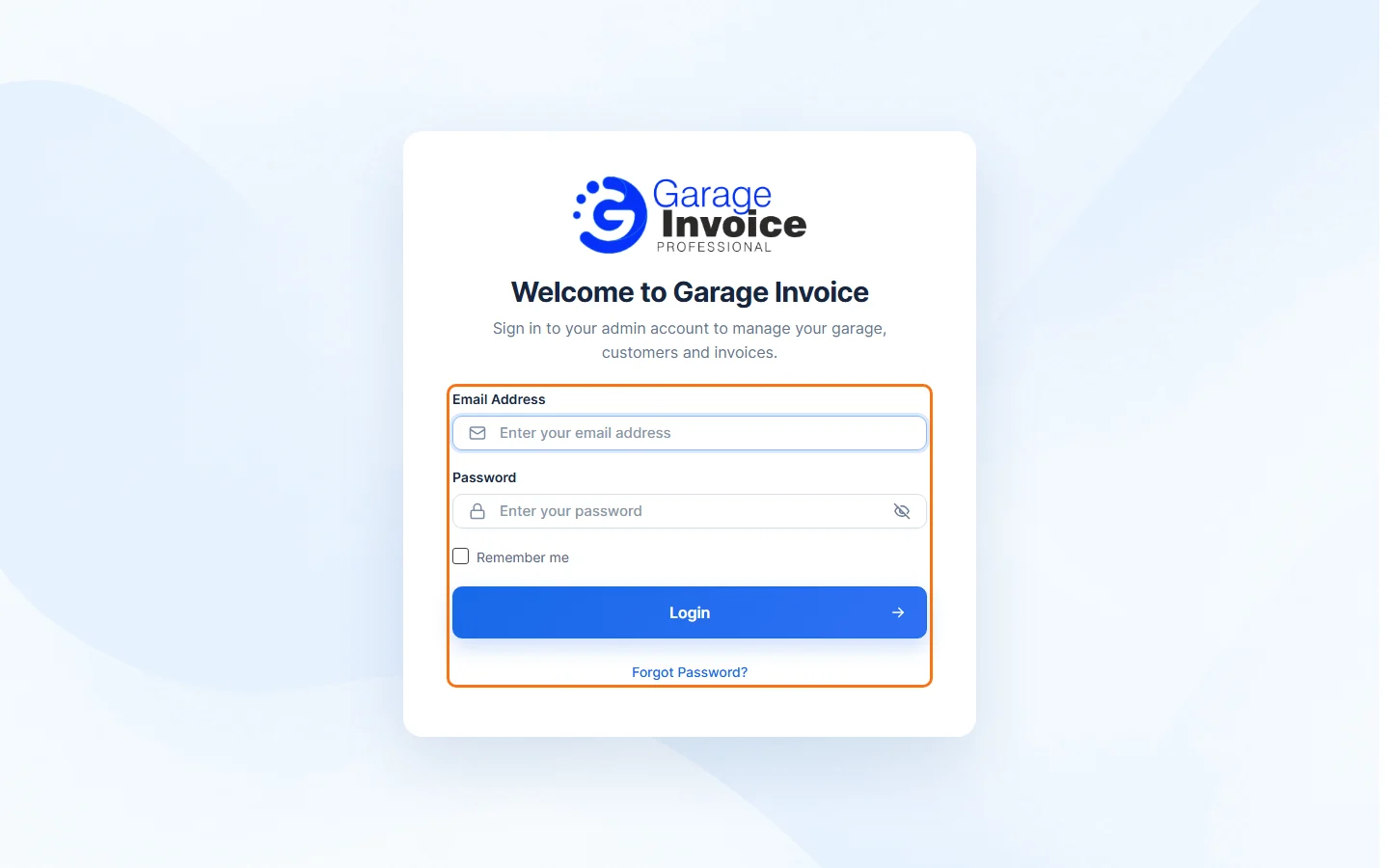
Tip: you don’t need to log in to My Account on www.garageinvoice.co.uk every time you want to use your app. Use your personal app link to go straight to your app login page. Save it as a bookmark or a desktop shortcut so it is always one click away.
Where to find your personal app link
You can always find your personal Garage Invoice app link in the My Account section of www.garageinvoice.co.uk, on your app’s page.