
- Click Shop & POS in the sidebar (under Stock & Purchasing & Shop) and click Online Shop ↗. The shop opens in a new tab. You can also click View Online Shop on the Sales Channels page.
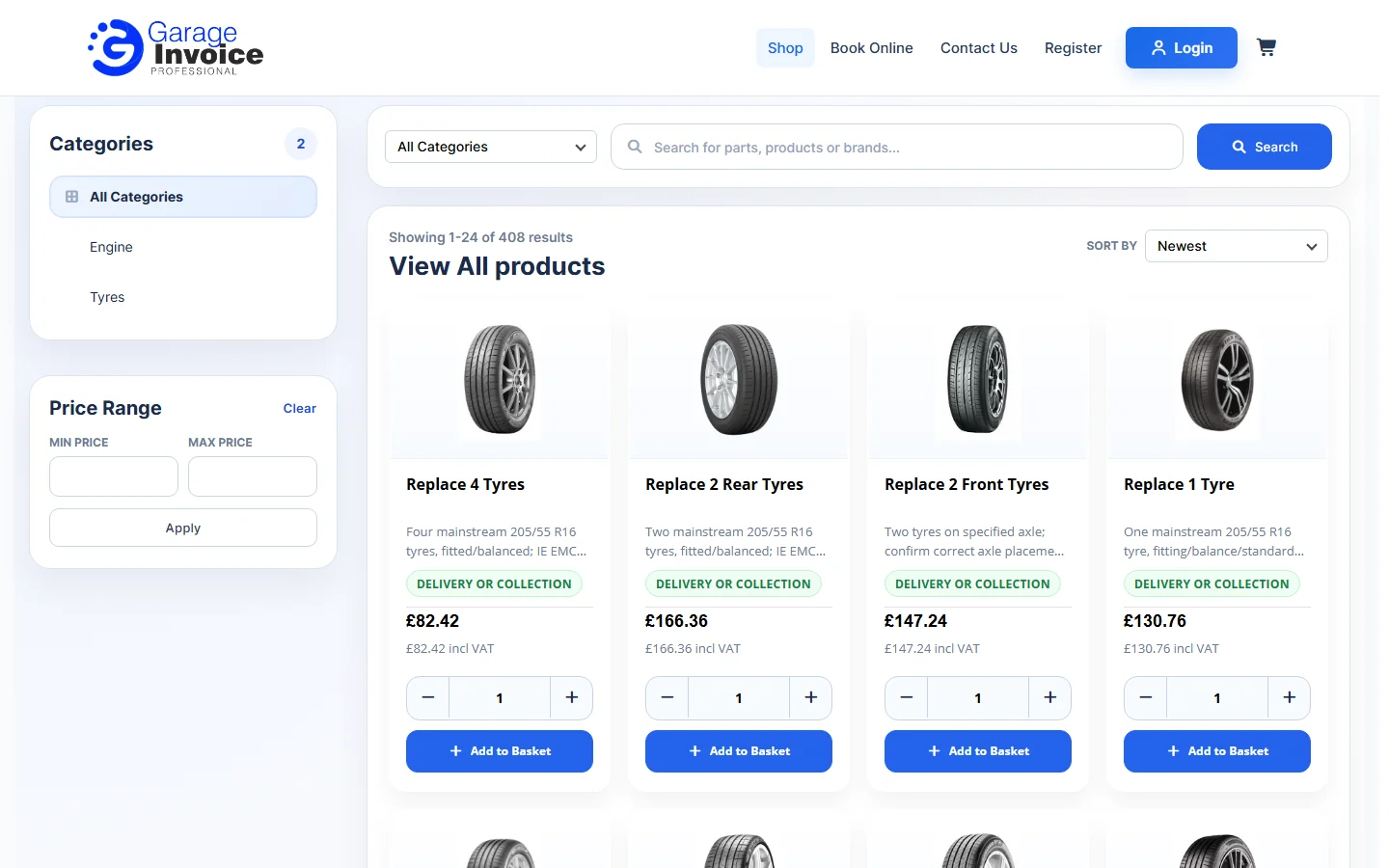
- Customers can browse by Categories, filter by Price Range, search, sort and click Add to Basket.
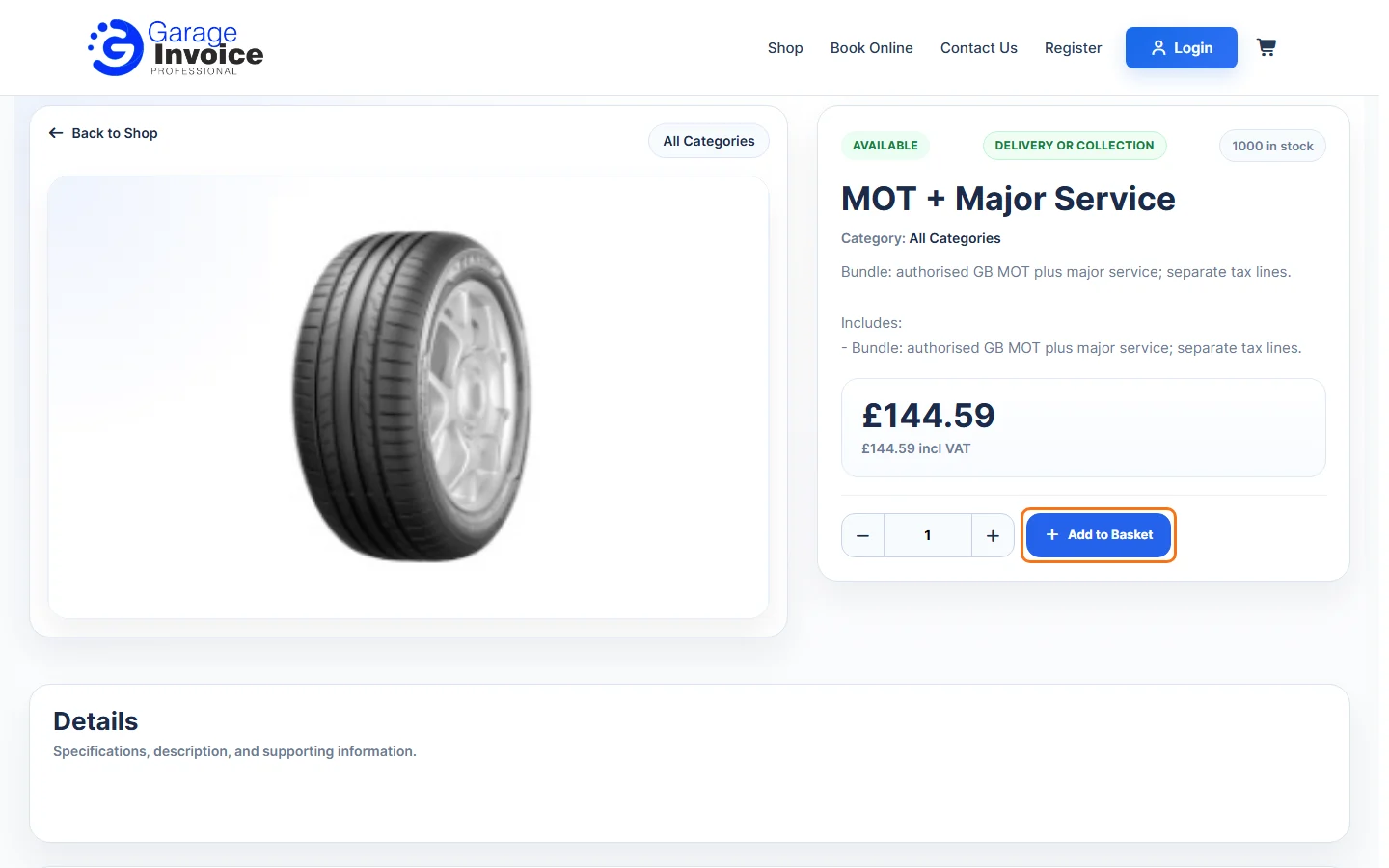
- Clicking a product opens its page with the price and Add to Basket.
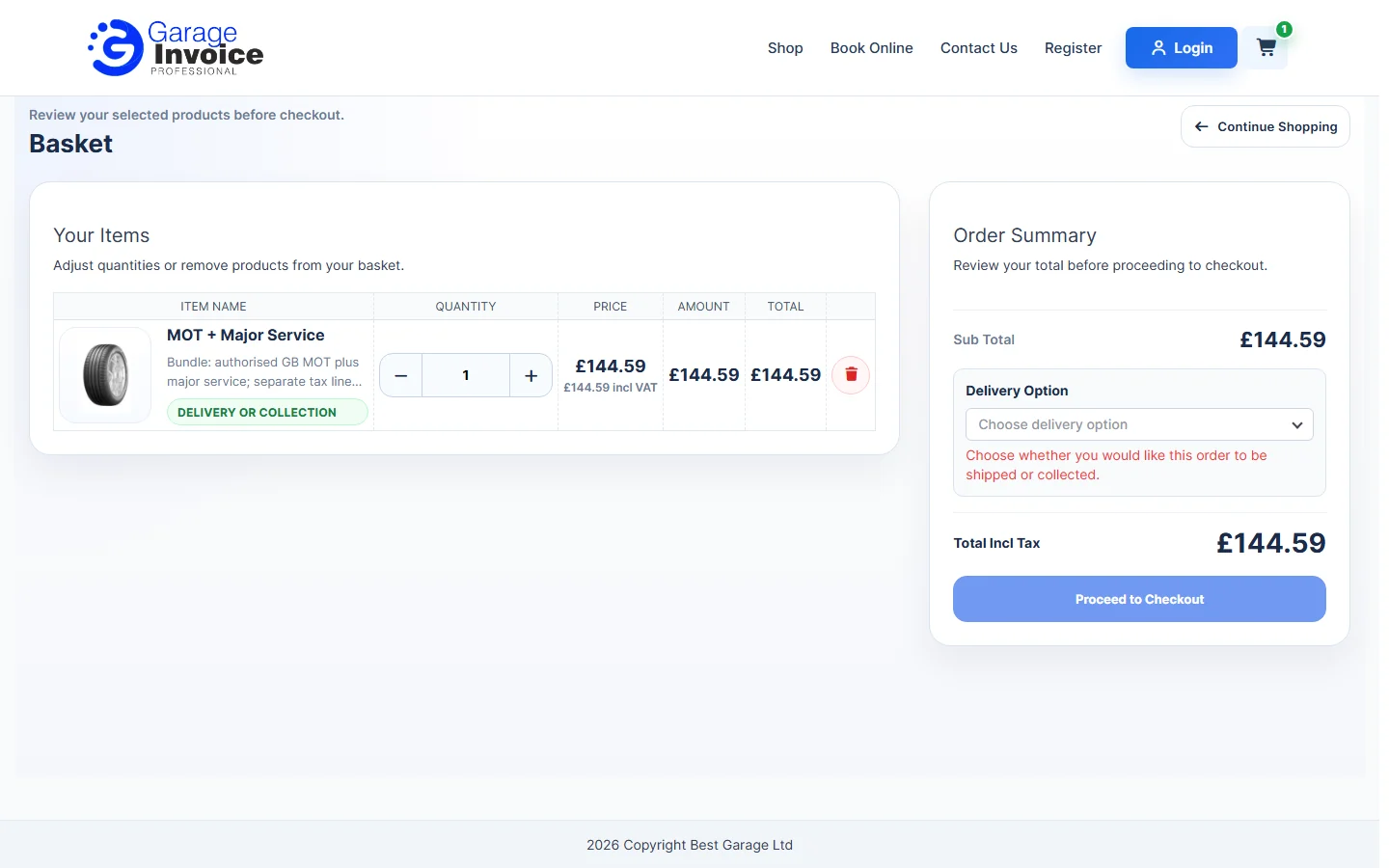
- The Basket lists the products with quantity buttons. Under Order Summary the customer chooses a Delivery Option (shipped or collected) and clicks Proceed to Checkout.
Note: the Online Shop must be switched on in Sales Channels, and shows only the items added to it.
See also: Add Products to Online Shop · Orders Overview
Feature Online shop and POS: see what it does and how it fits your workshop.