
- Click Settings in the sidebar, open Sales & Operations and click Subscriptions. (Or click the cog button on the Subscriptions page and choose Subscription Settings.)
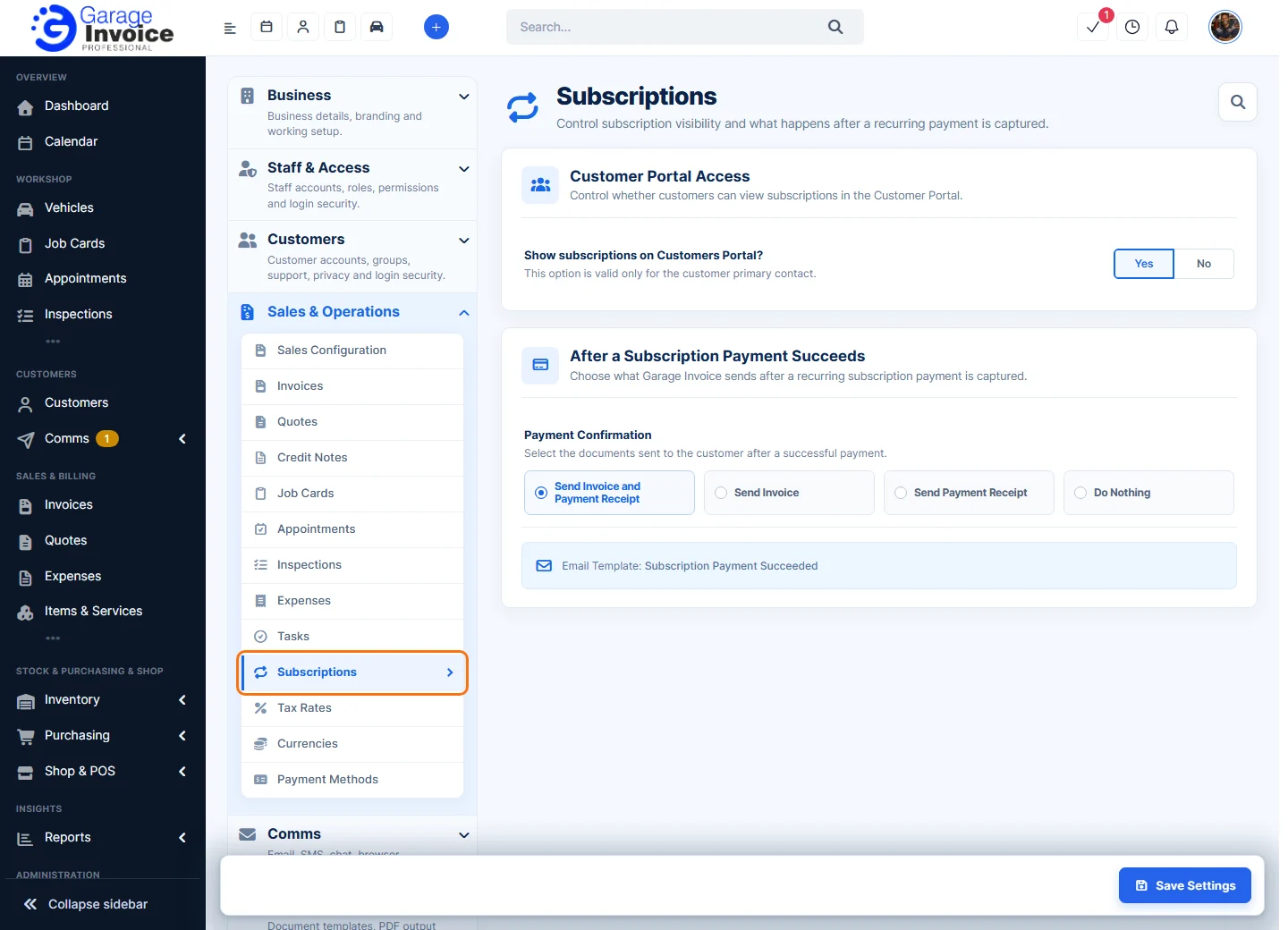
- Under Customer Portal Access, Show subscriptions on Customers Portal?: choose Yes to let customers see their subscriptions in the Customer Portal. This only applies to the customer’s primary contact.
- Under After a Subscription Payment Succeeds, choose the Payment Confirmation sent to the customer after each successful recurring payment:
- Send Invoice and Payment Receipt
- Send Invoice
- Send Payment Receipt
- Do Nothing: send nothing.
The email uses the Subscription Payment Succeeded email template.
- Click Save Settings.