
Edit an item
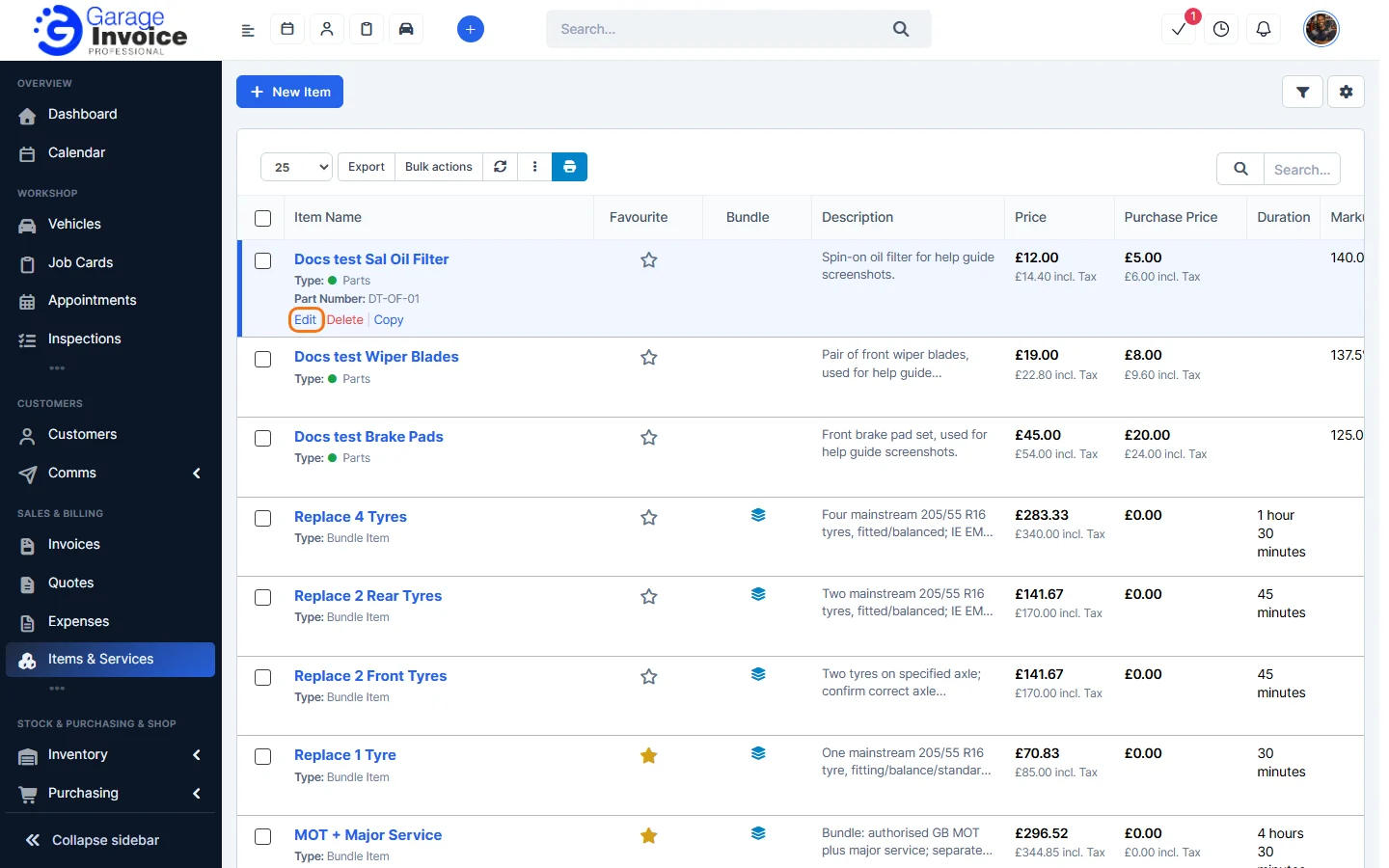
- Click Items & Services in the sidebar, under Sales & Billing. Hover over the item and click Edit.
- The Edit Item window has the same fields as when you added the item. Make your changes, for example a new Price. See Add an Item or Service for what each field does.
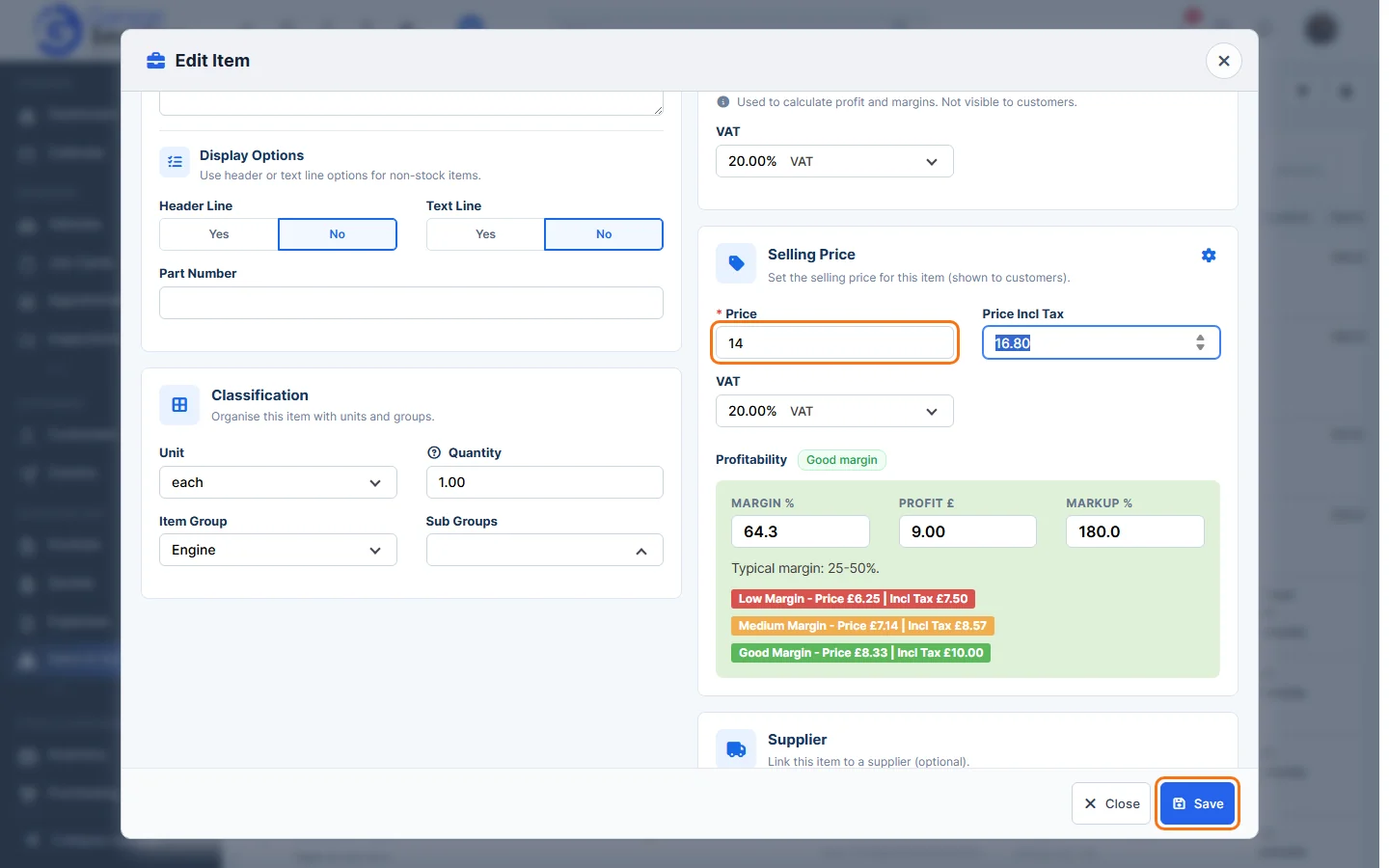
- Click Save. You’ll see Updated successfully.
Copy an item
- Hover over the item and click Copy.
- A copy is saved straight away with – Copy at the end of its name, and opens in the Edit Item window. You’ll see Item copied successfully. The part number isn’t copied.
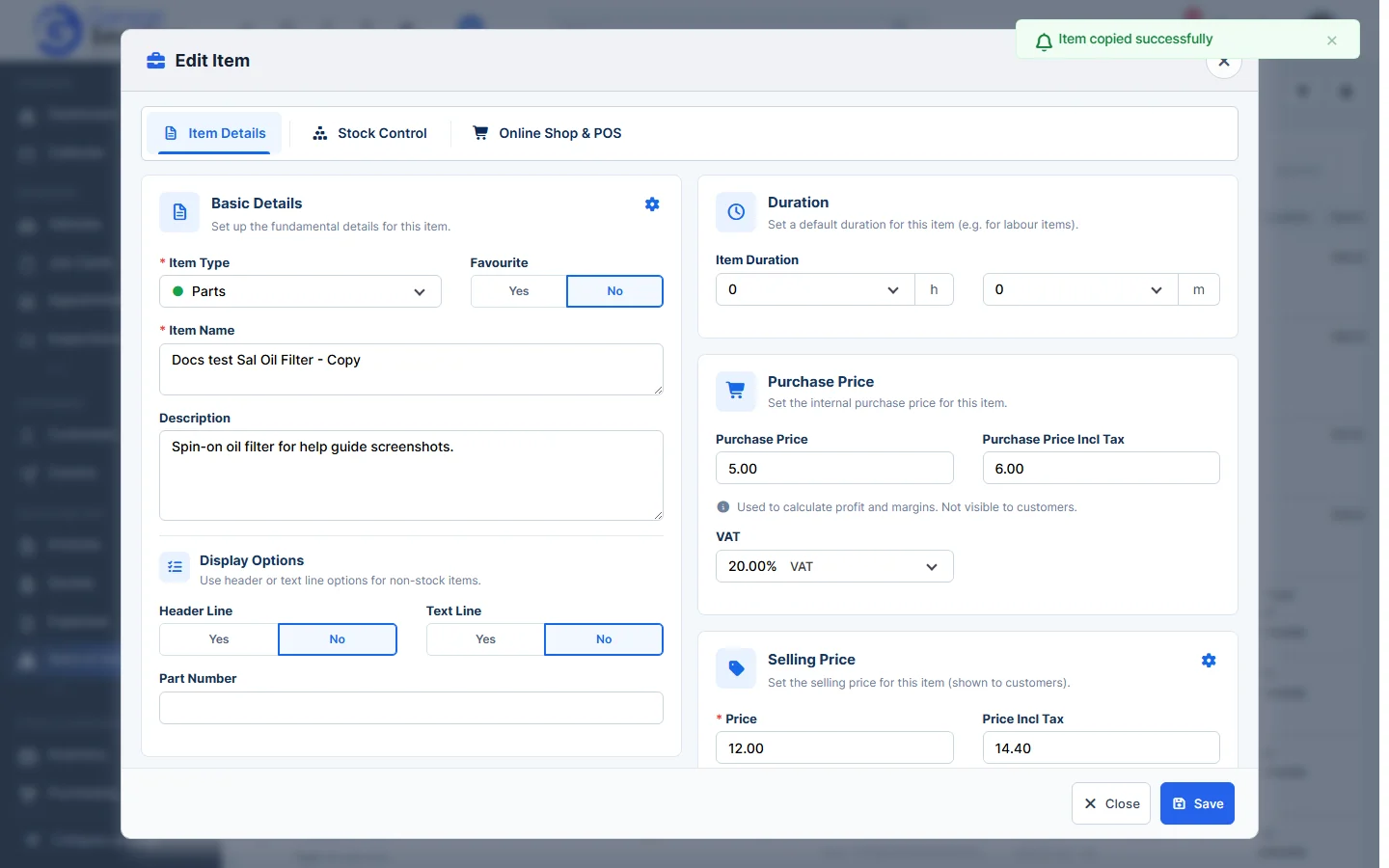
- Change the name and anything else, then click Save.
Tip: to change the VAT rate or stock control of many items at once, see Bulk Update Items.
Feature Stock and inventory control: see what it does and how it fits your workshop.