
Inspection groups are the section headings in a template, such as Under Bonnet, Tyres or Road Test. Once a group exists, you can pick it from the list in the template editor.
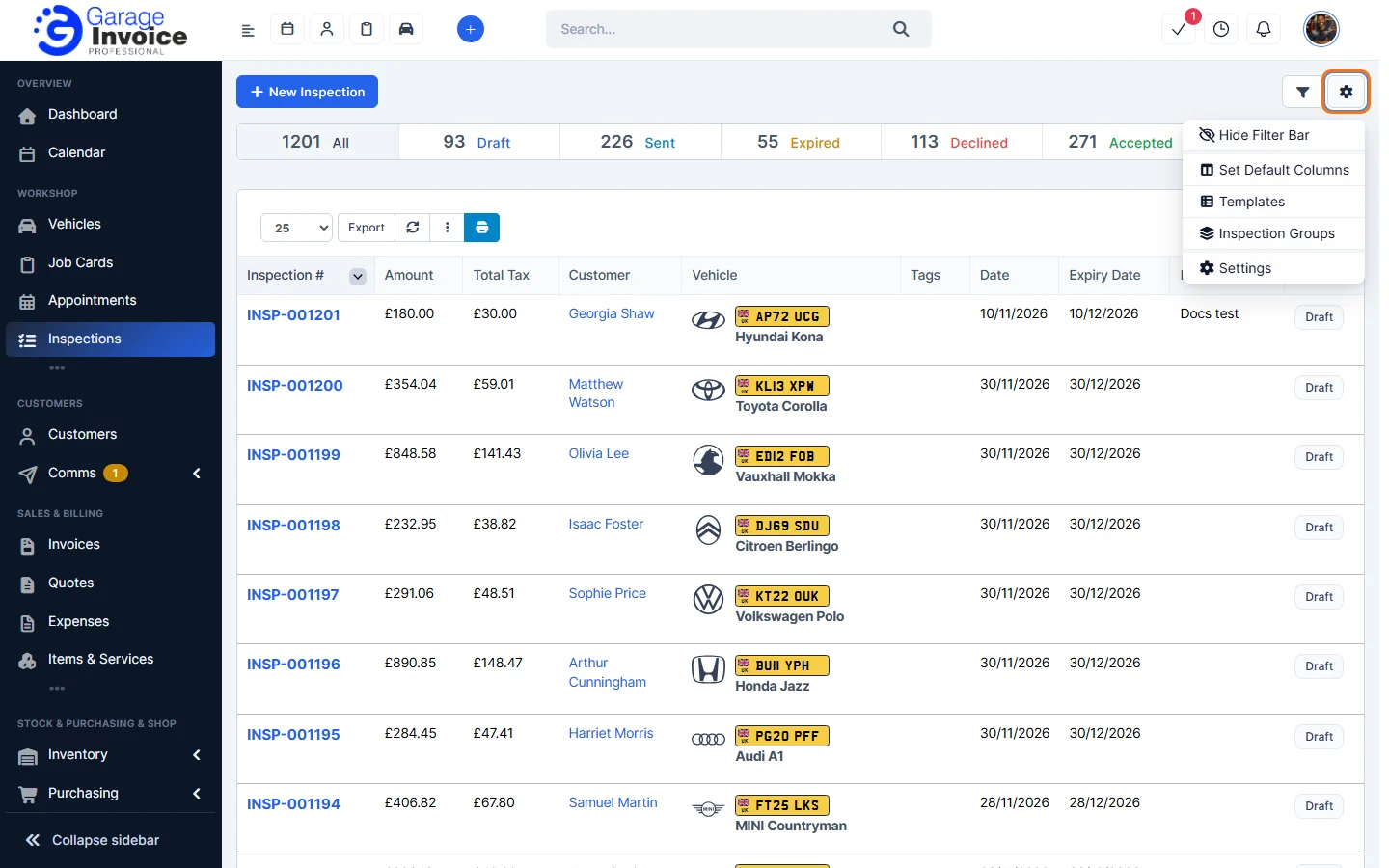
- Click Inspections in the sidebar, click the gear button and choose Inspection Groups.
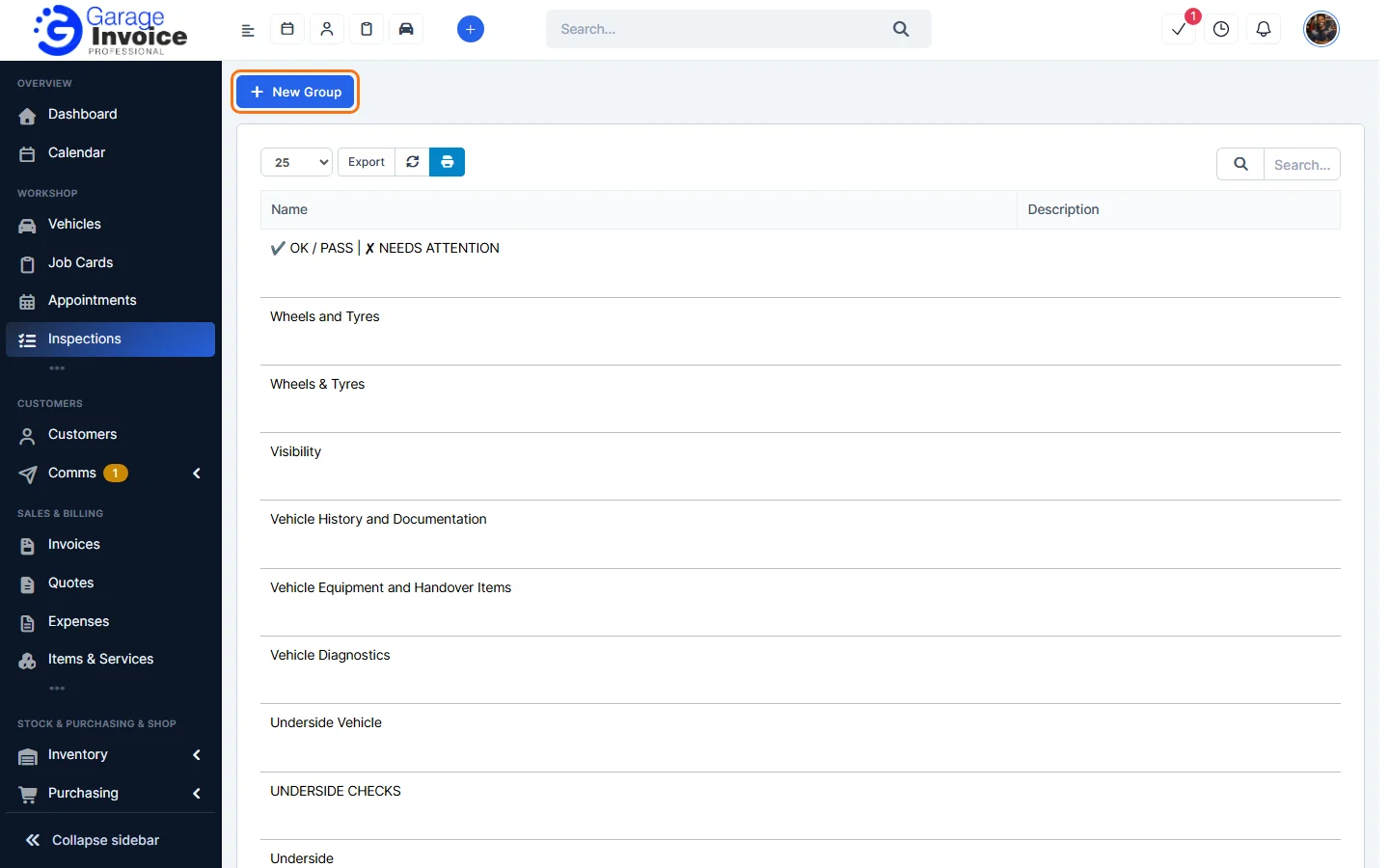
- Click New Group. Hover over a group for Edit and Delete.
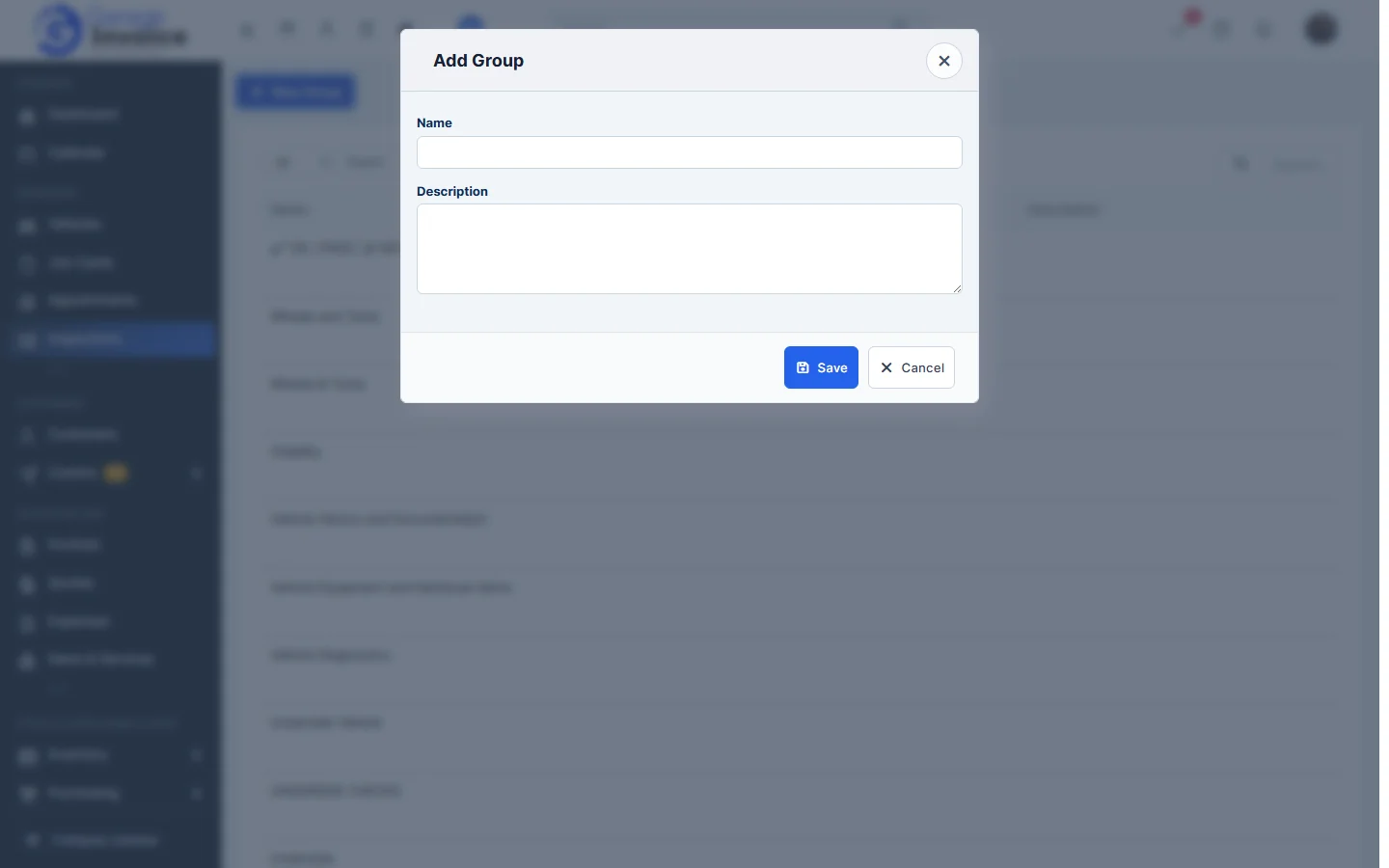
- Enter the Name and, if you like, a Description, and click Save.
Tip: you can also add a new group while editing a template: type the name in the group box and click +. See Inspection Templates.
Feature Vehicle inspections: see what it does and how it fits your workshop.