
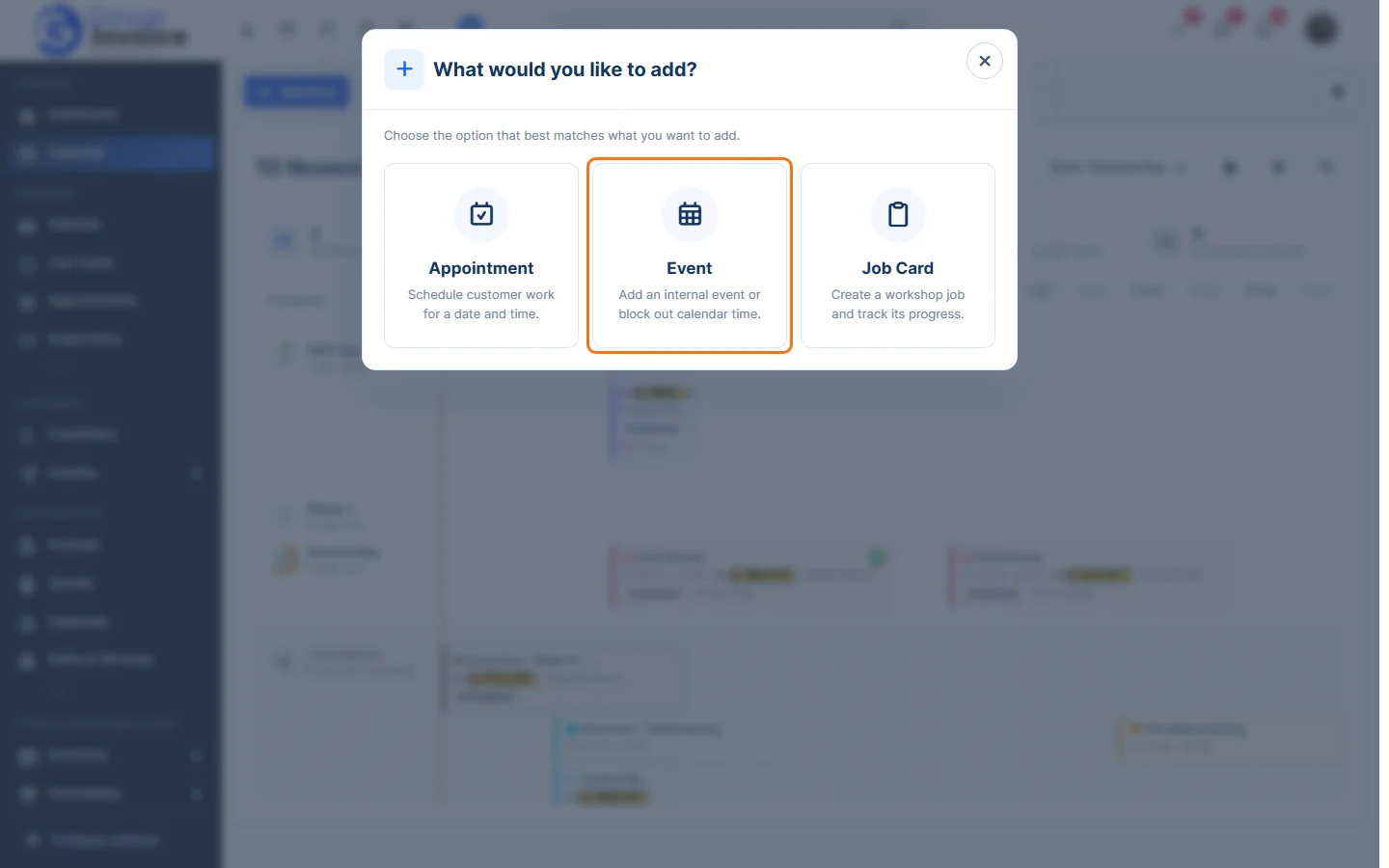
- Click Calendar in the sidebar and click Add New. Choose Event.
- Under Event Details, enter the Event Title, a Description if you like, and the Start Date and End Date.
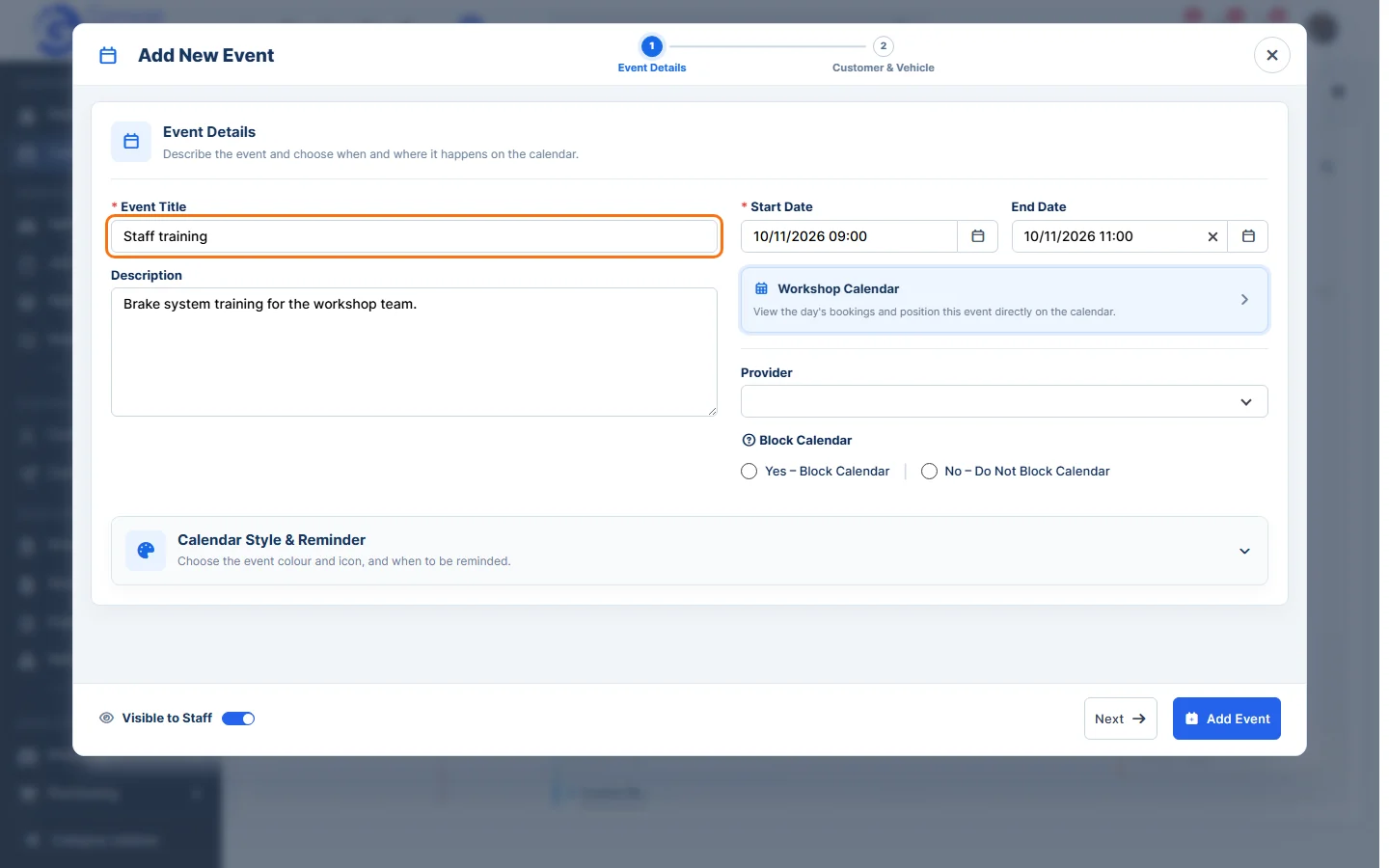
- Choose a Provider if the event uses a bay, and choose Block Calendar: Yes stops appointments being booked at that time, No doesn’t.
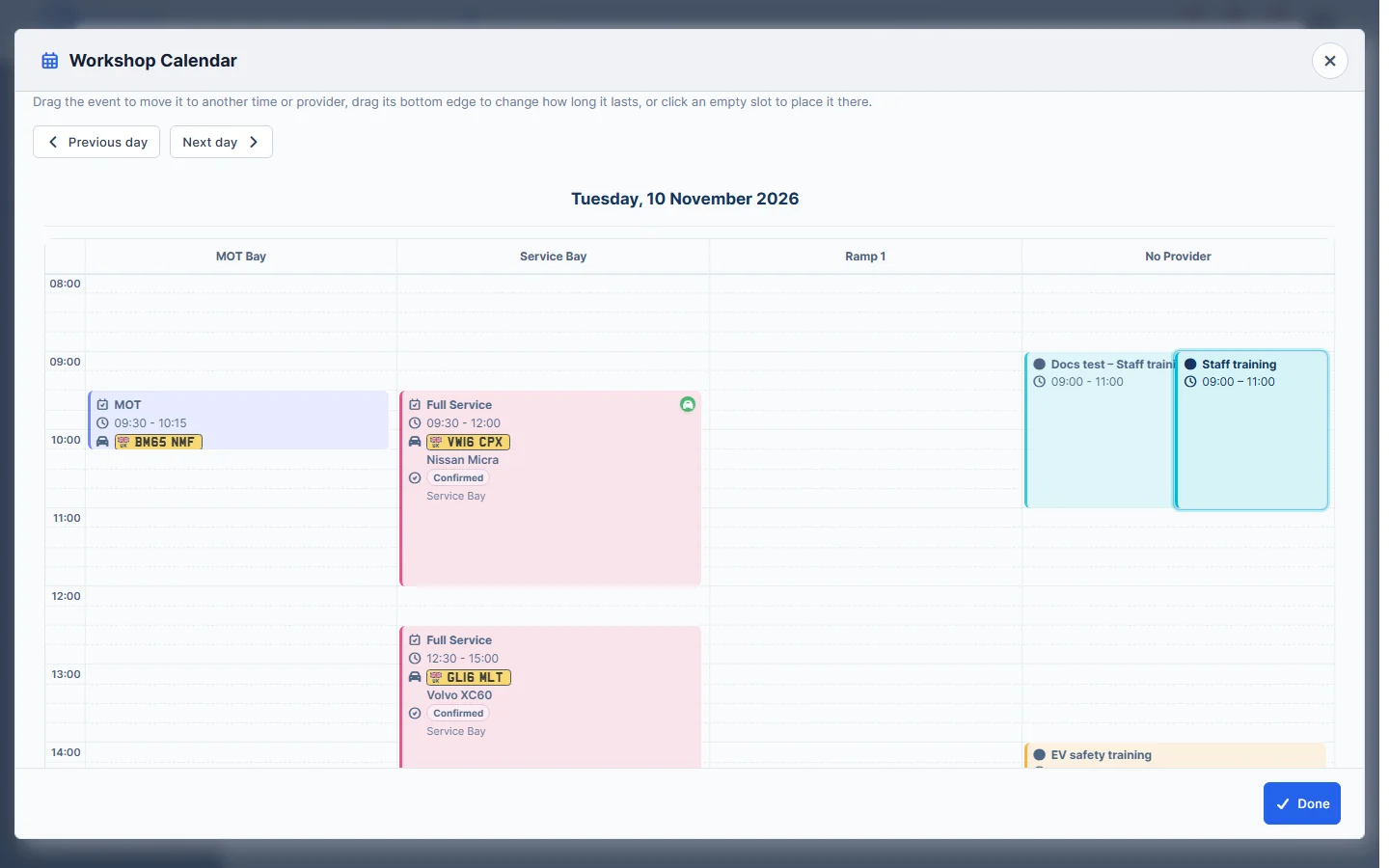
- Click Workshop Calendar to see the day’s bookings and drag the event into place. Click Done.
- Open Calendar Style & Reminder to choose the Calendar Colour, Icon and when to be reminded (Remind me in advance).
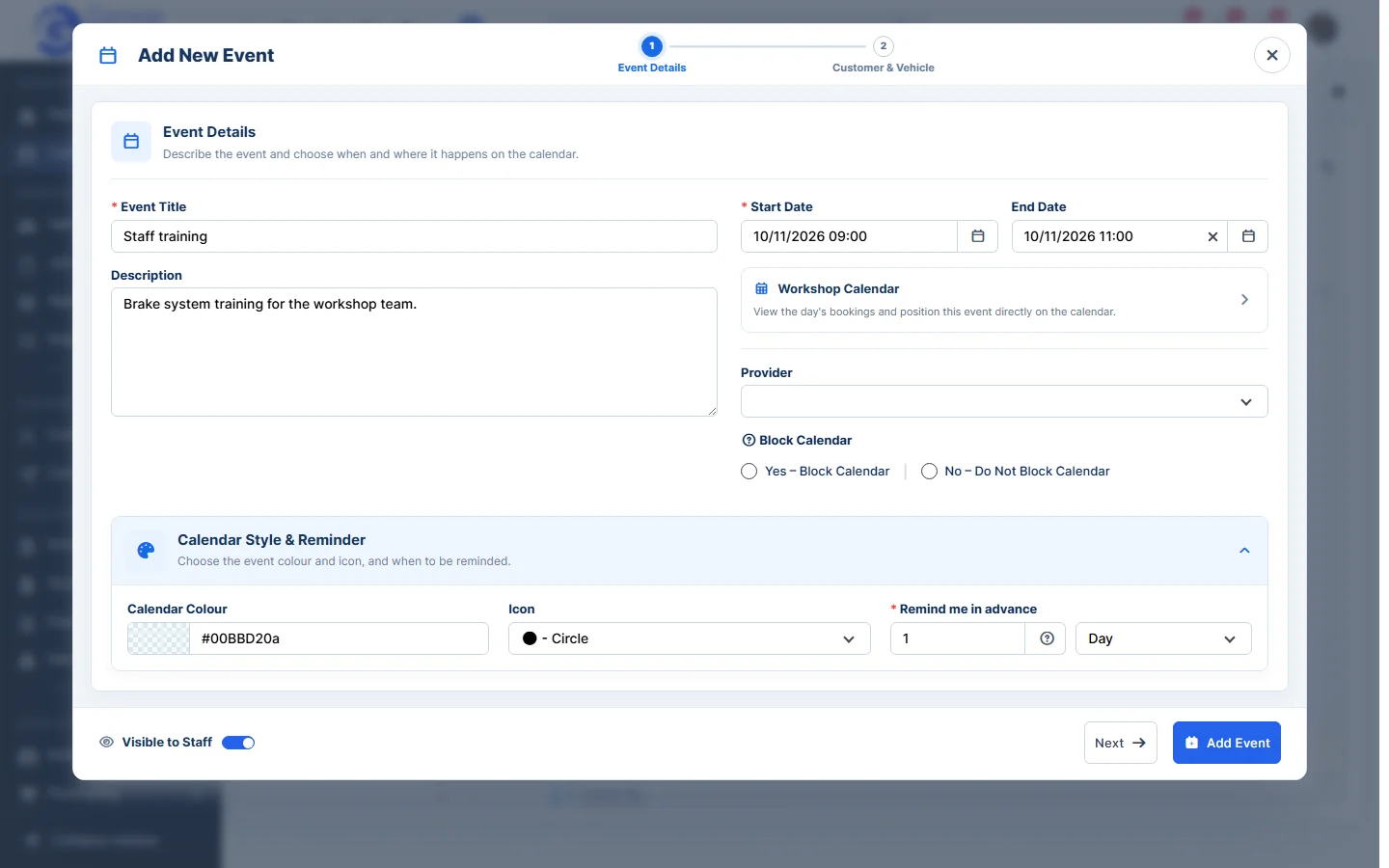
- Click Next to link the event to a customer and vehicle (optional). Turn off Visible to Staff to keep it to yourself.
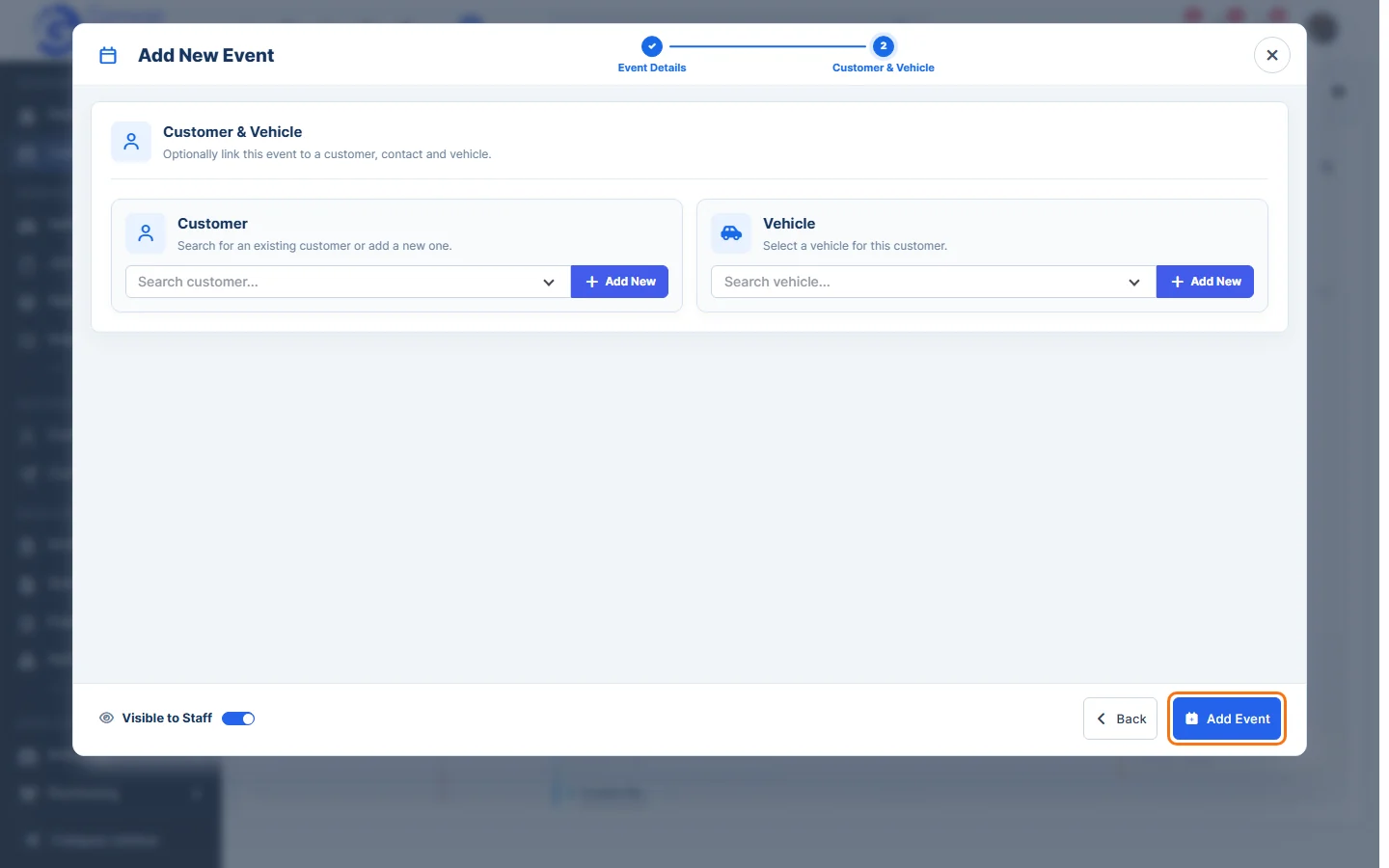
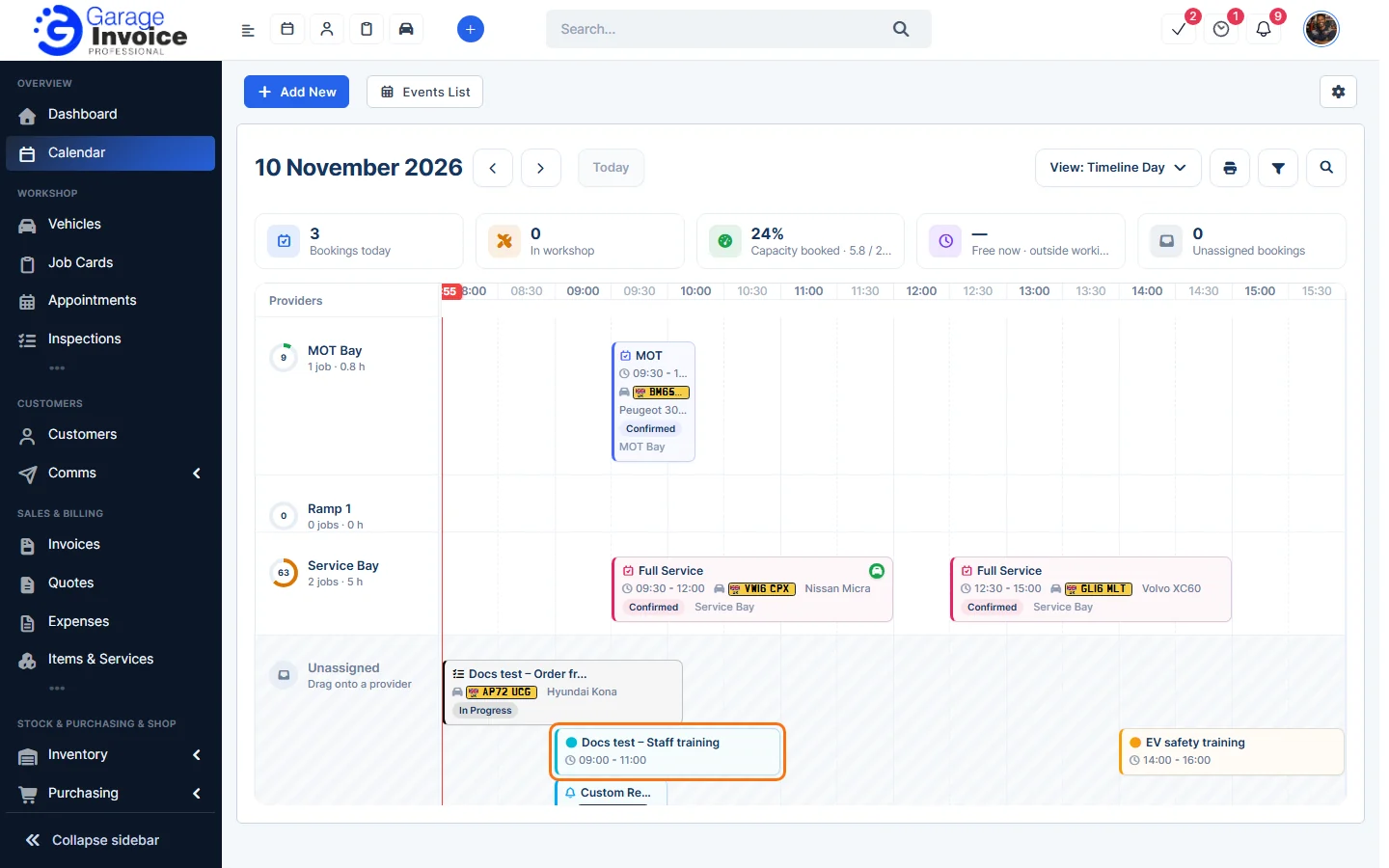
- Click Add Event. The event appears on the calendar.
Tip: you can also add an Appointment or Job Card from Add New. See Add New Appointment.
Feature Workshop calendar: see what it does and how it fits your workshop.