
- Click Items & Services in the sidebar, under Sales & Billing. Tick the items you want to change.
- Click Bulk actions above the list.
- Choose what to change. Anything left on No change keeps each item’s current value.
- VAT Rate: set the VAT rate used for the selected items.
- Stock Control: turn stock tracking on or off. Turning it on adds no stock quantity.
- Mass delete: delete the selected items instead of changing them.
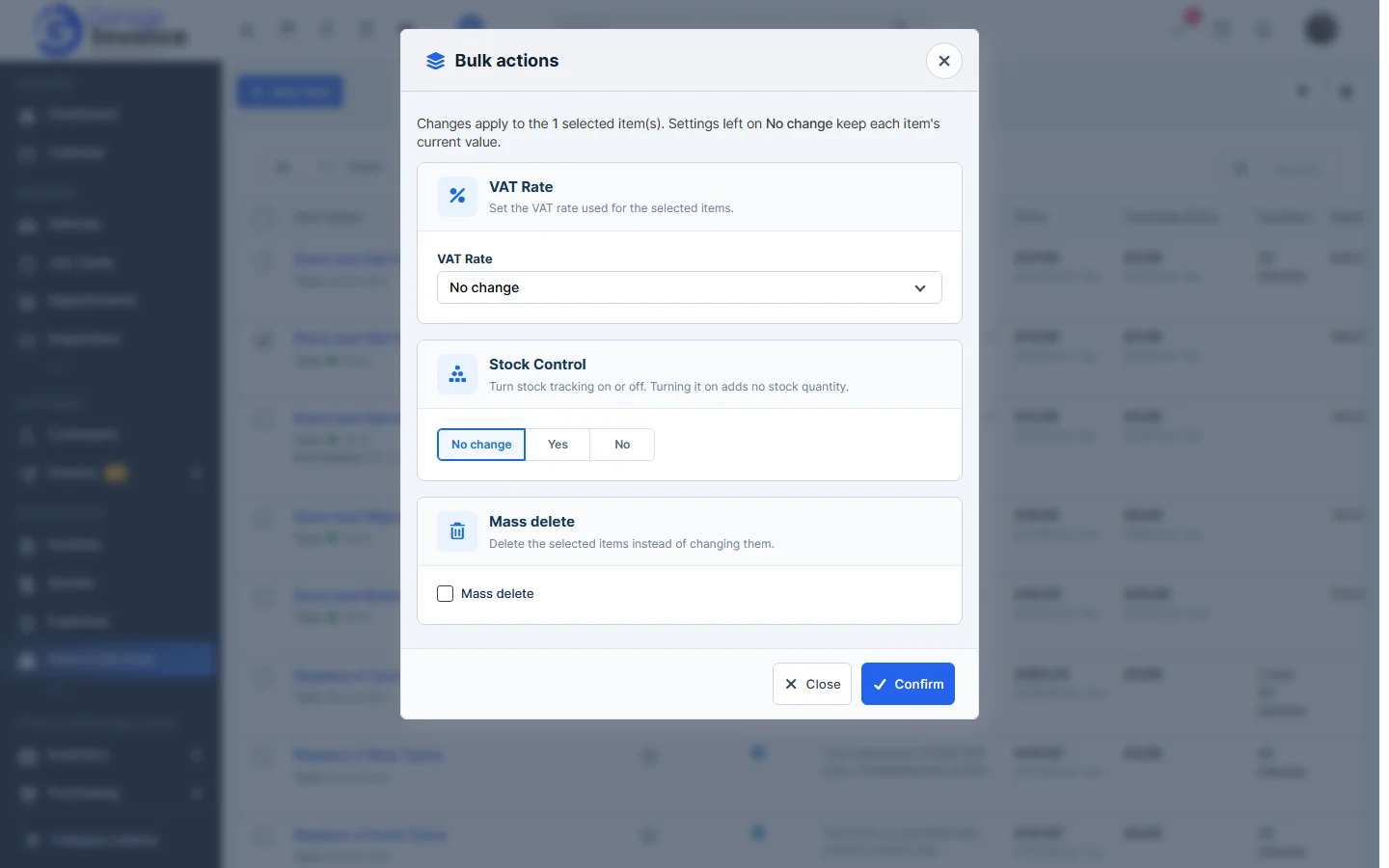
- Click Confirm.
Note: items that are already used can’t be deleted. The message after Confirm shows the Total items deleted. See Delete an Item or Service.
Feature Stock and inventory control: see what it does and how it fits your workshop.