
- Click Reports in the sidebar (under Insights) and click Cashflow Report.
- Choose the Period or Date From / Date To and the Report Basis: Payment Date (when money moved) or Document Date. You can also filter by Payment Method, Customer, Supplier, Expense Category and Currency. Click Filter.
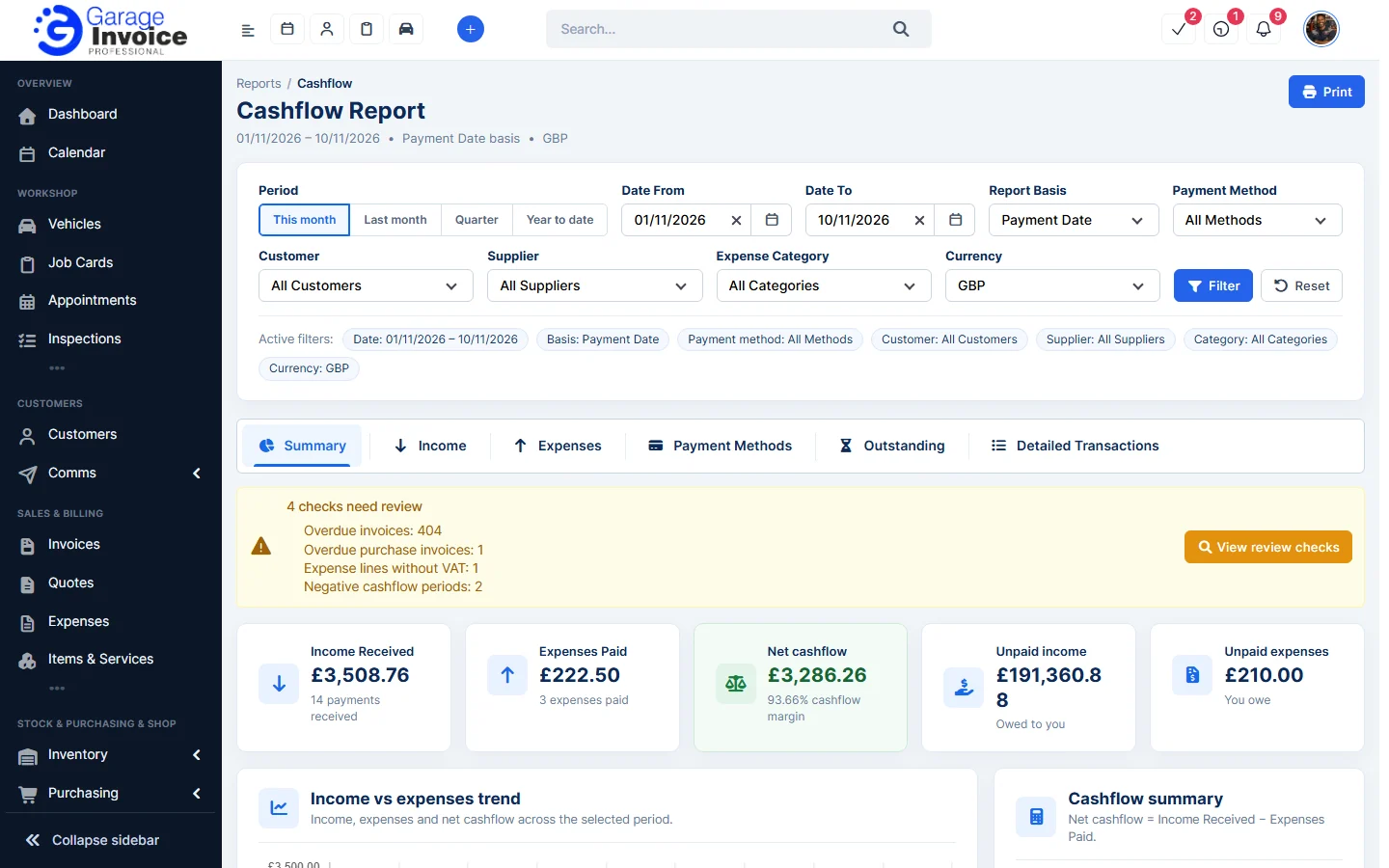
- The cards show Income Received, Expenses Paid, Net cashflow, Unpaid income (owed to you) and Unpaid expenses (you owe). Below are a trend chart, the cashflow summary, income and expense sources and activity counts.
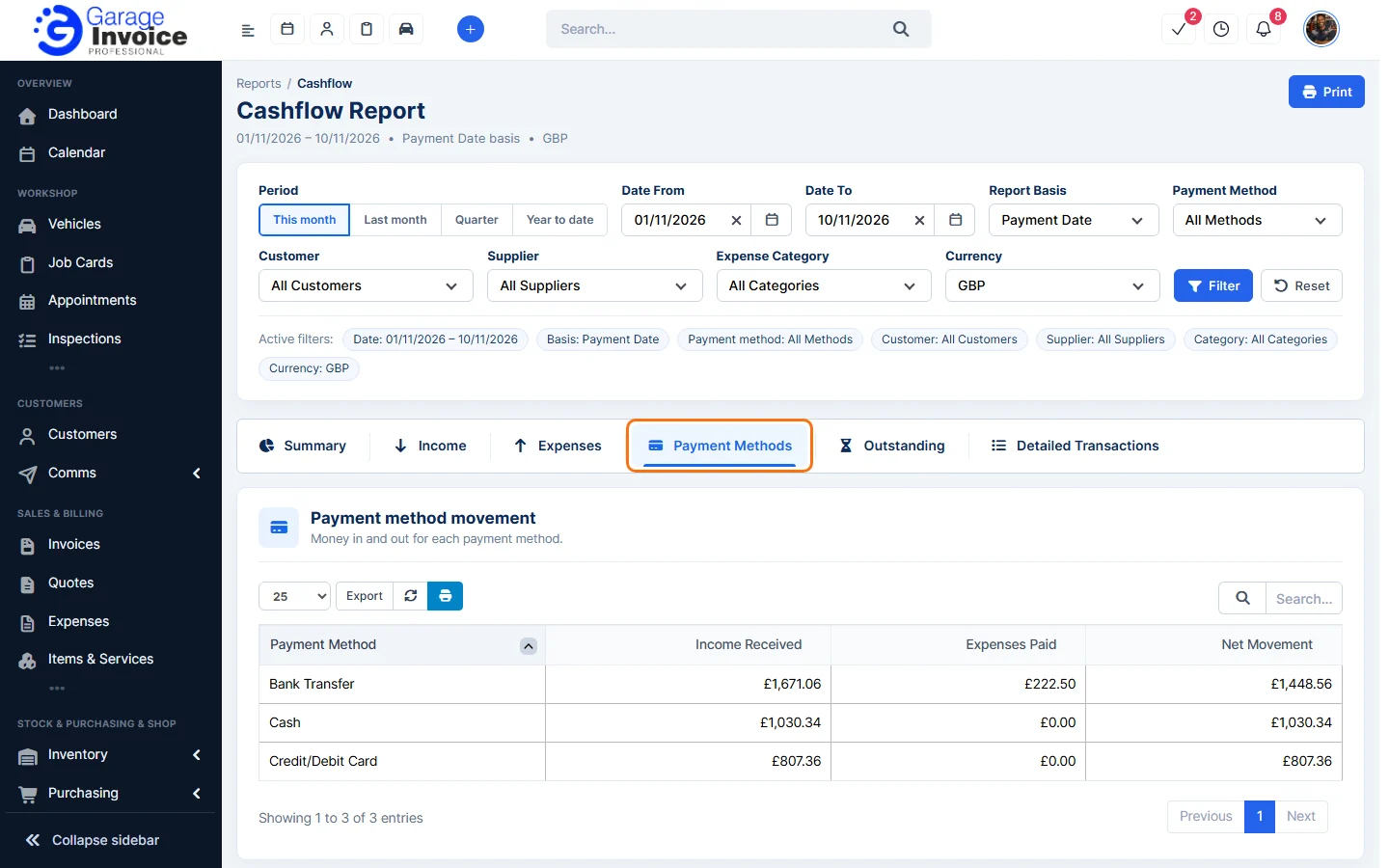
- Use the tabs Summary, Income, Expenses, Payment Methods, Outstanding and Detailed Transactions. Payment Methods shows money in and out for each method.
- If a yellow box says checks need review (for example overdue invoices), click View review checks.
See also: Profit & Loss Report · Expenses Report · Ageing Report
Feature Garage reports: see what it does and how it fits your workshop.