
Click Shop & POS in the sidebar (under Stock & Purchasing & Shop) and click Trade Discounts. The page has two tabs, Discounts and Vouchers, and a status bar showing Active, Scheduled and Expired ones.
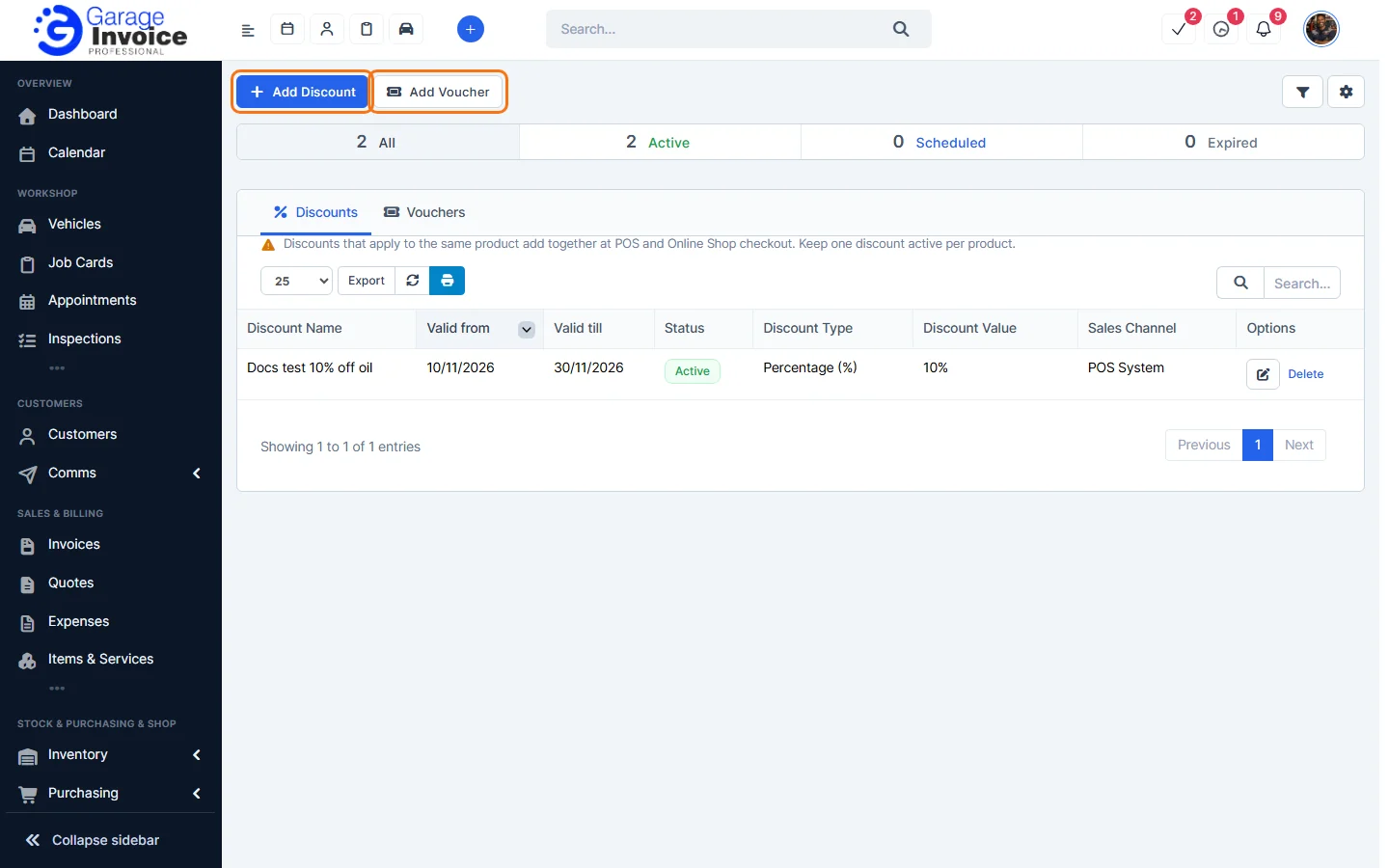
- A discount reduces prices automatically at POS or Online Shop checkout for the customers and items you choose. See Add a Discount.
- A voucher gives a discount only when the customer enters its code (for example 20OFF) at checkout. See Add a Voucher.
Both have a validity period, a percentage or fixed amount, a sales channel (POS System or Online Shop) and an optional minimum order value.
Note: discounts that apply to the same product add together. Keep one discount active per product.
Feature Online shop and POS: see what it does and how it fits your workshop.