
- Click Settings in the sidebar (under Administration), open Documents & Templates and click E-Sign.
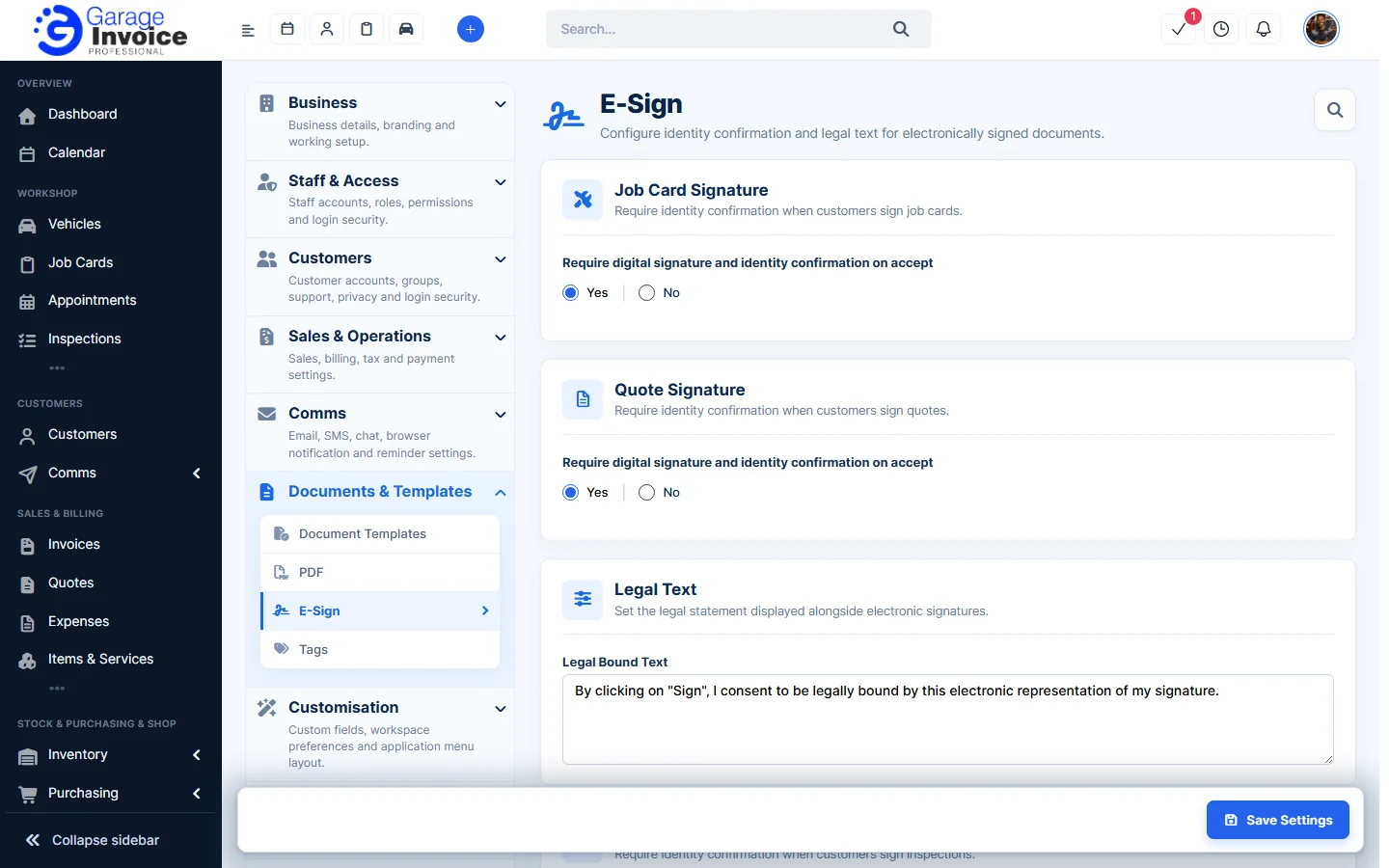
- Set Require digital signature and identity confirmation on accept to Yes or No for each document:
- Job Card Signature: when customers accept and sign job cards.
- Quote Signature: when customers accept and sign quotes.
- Inspection Signature: when customers sign inspections.
With Yes, the customer has to sign and confirm who they are before the document is accepted.
- Under Legal Text, change the Legal Bound Text if you like. It’s shown next to the signature. By default it reads “By clicking on “Sign”, I consent to be legally bound by this electronic representation of my signature.”
- Click Save Settings.
See also: Set Up Electronic Signature on Quote · Add/Show/Hide Signature on Quote PDFs · PDF Settings and PDF Template Designer