
Canned responses
- Click Settings, open Comms and click Chat.
- Click the Canned Responses tab.
- Fill in Title, Shortcut (for example greet) and Response content, then click Add.
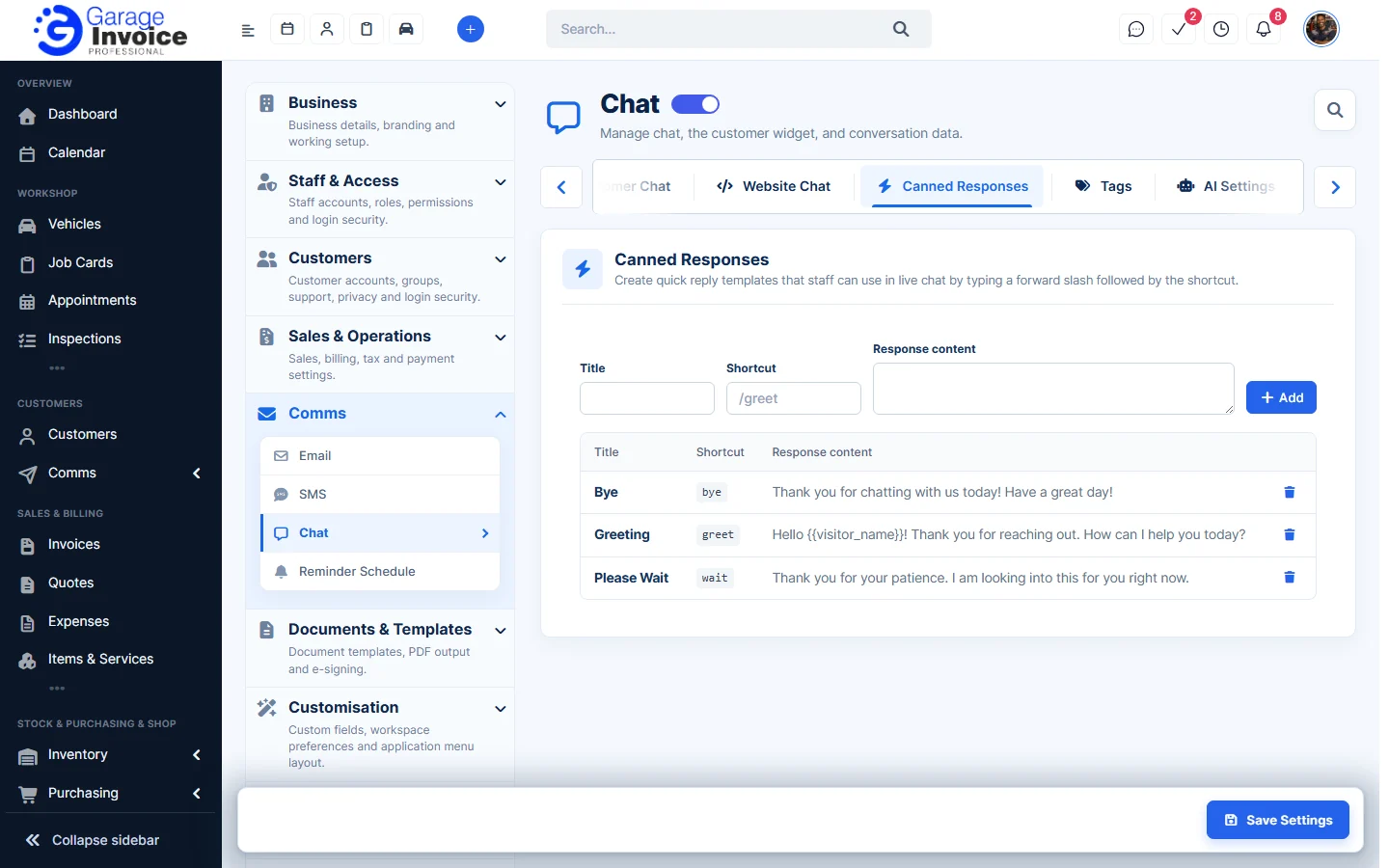
- Click the bin icon next to a response to delete it.
In a chat, staff type / followed by the shortcut, for example /greet, to insert the response.
Tags
- Click the Tags tab.
- Type a Tag name, pick a colour and click Add. Use the icons next to a tag to edit or delete it.
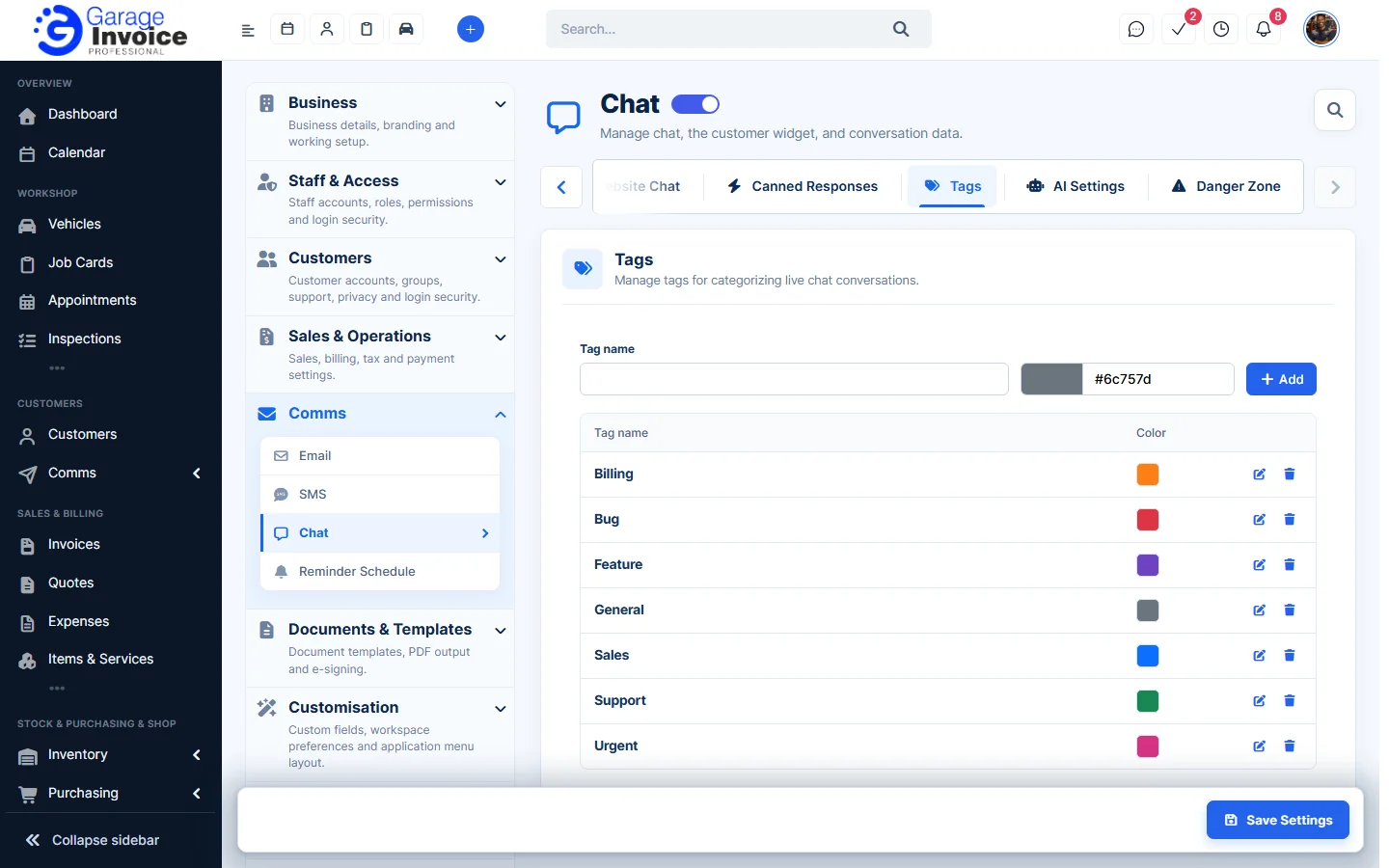
Tags help you sort conversations, for example Billing, Sales or Urgent. You can filter website chats by tag on the Visitors tab of the Chat page.