
- Click Comms in the sidebar and choose Announcements. Your announcements are listed with their Name and Date. Click Export to export the list.
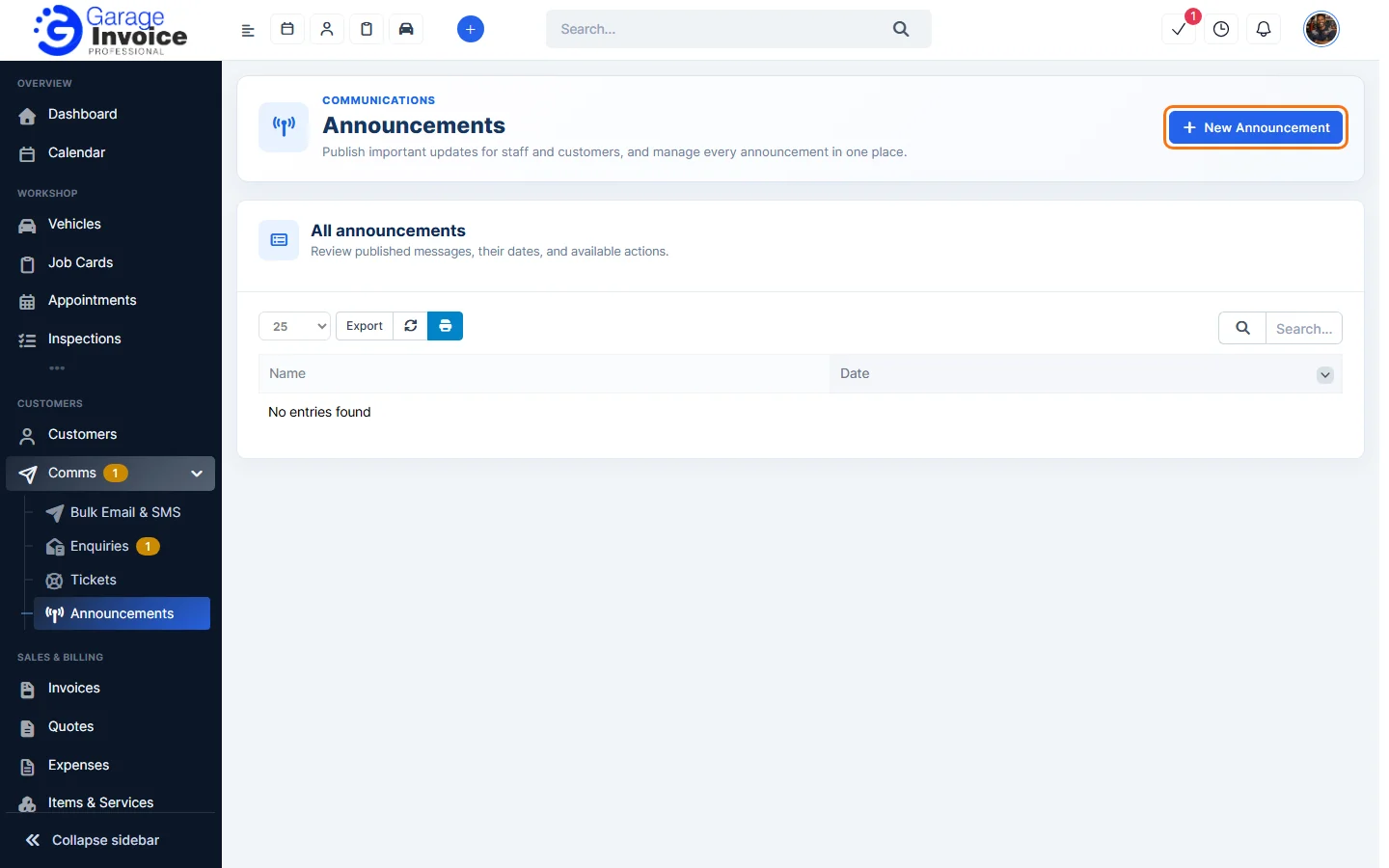
- Click New Announcement.
- Enter the Subject and the Message. Then choose who sees it under Audience & attribution:
- Show to staff: staff see it in the admin area. This is ticked for you.
- Show to customers (Customer Portal): customers see it when they log in to the Customer Portal.
- Show my name: show your name next to the announcement.
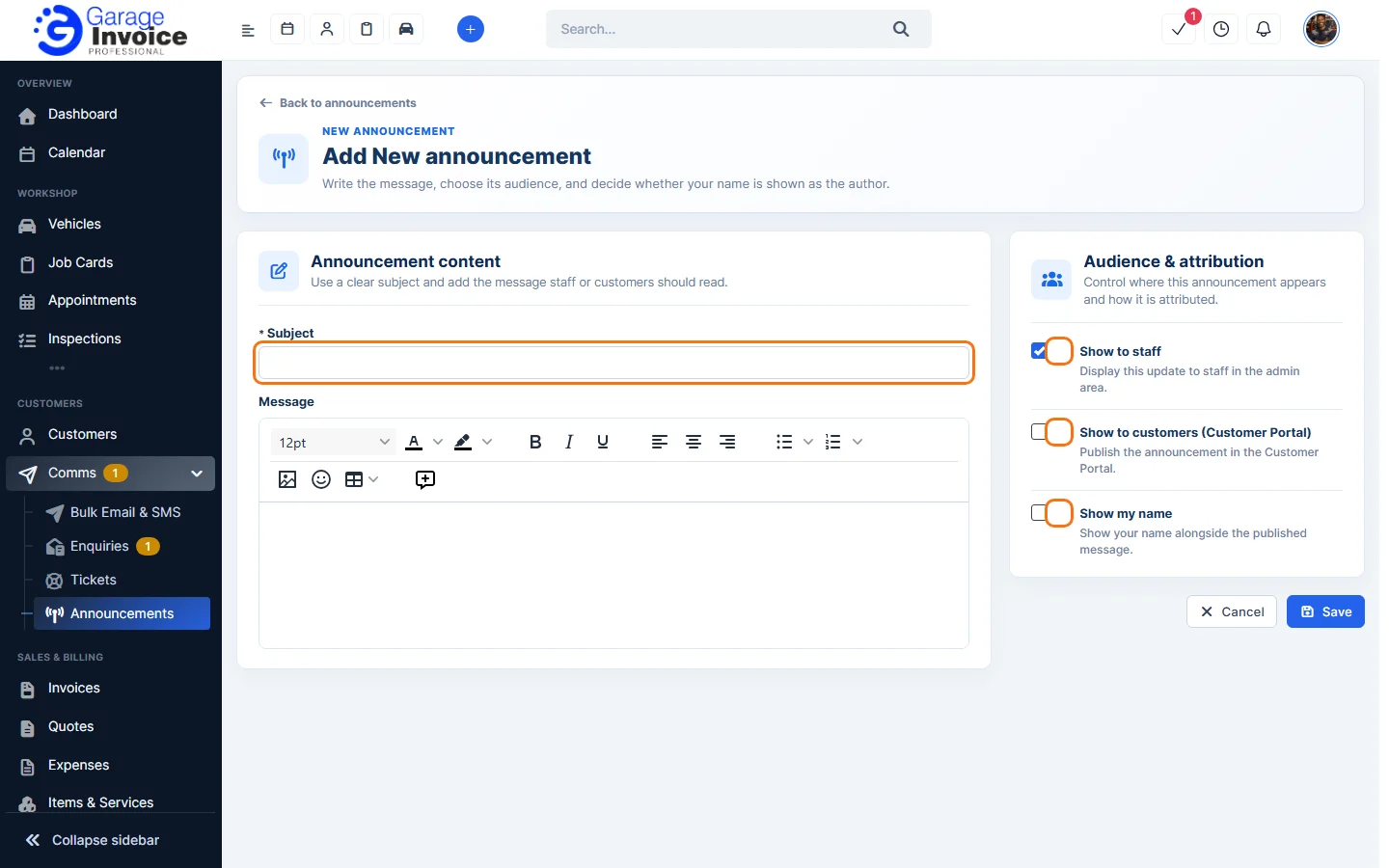
- Click Save, or Cancel to go back without saving.
Note: Announcements used to be under Utilities. They are now under Comms.
See also: Comms Overview