
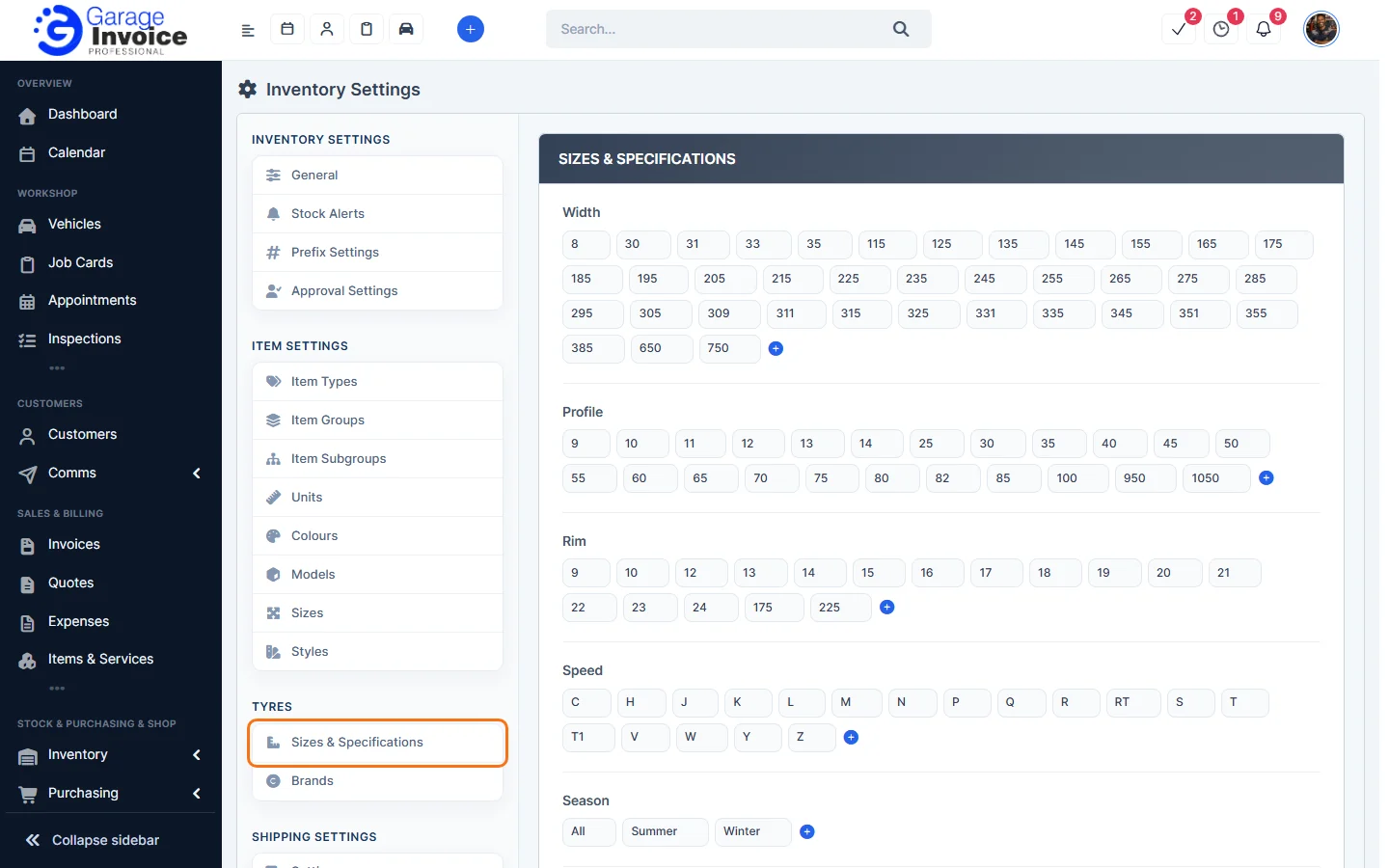
- Click Inventory in the sidebar (under Stock & Purchasing & Shop) and click Stock Items. Click the gear button at the top right to open Inventory Settings, then click Sizes & Specifications on the left.
- The page lists the tyre values you can use, in groups: Width, Profile, Rim, Speed, Season, Fuel and Wet. Click the blue + at the end of a group to add a value.
- Click Save Settings.
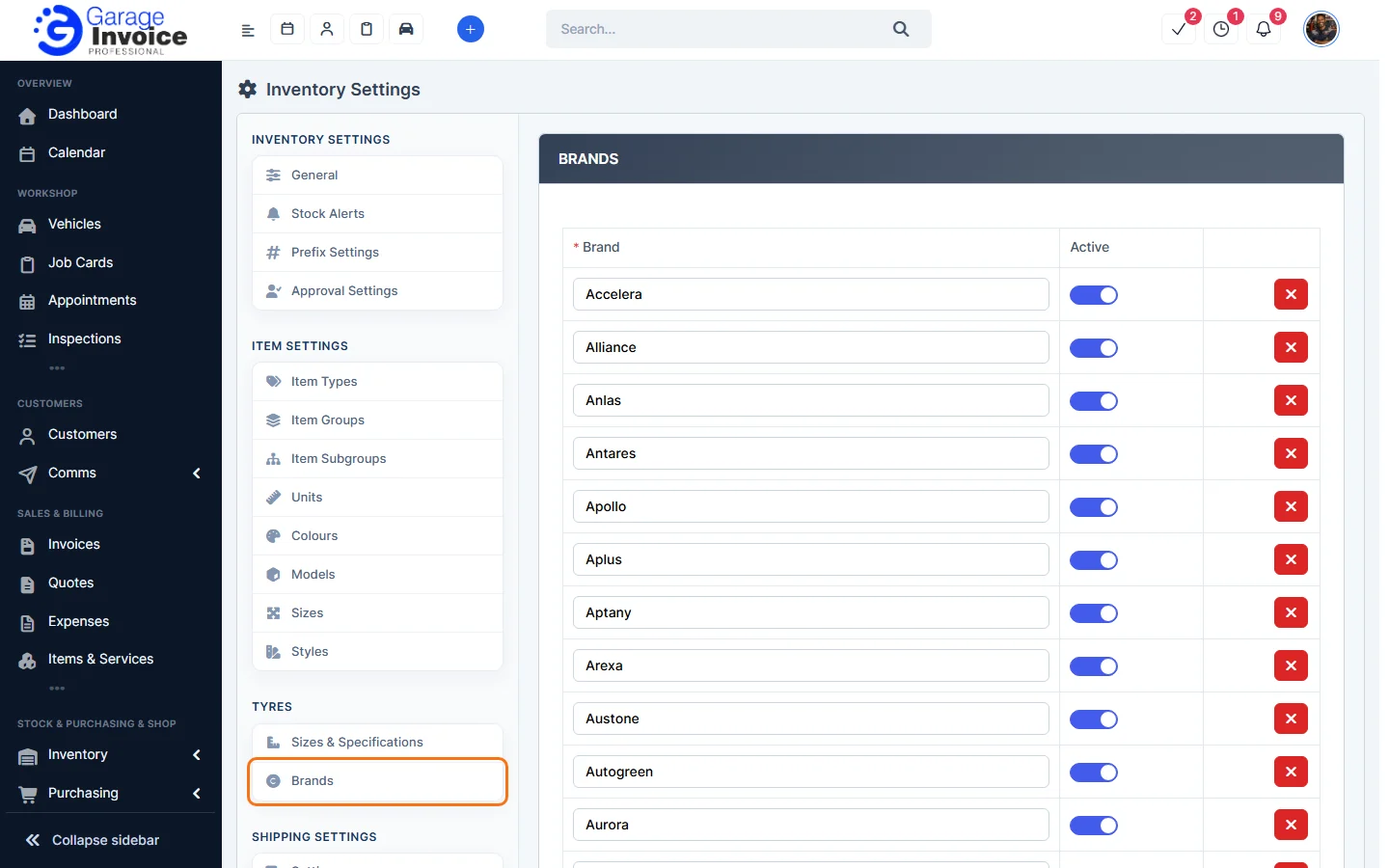
- Click Brands on the left to manage tyre brands. Click Add Row to add a brand. Each brand has an Active switch and a red button to delete it. Click Save Settings.
You can filter the Stock Items list by Tyre Width, Tyre Profile, Tyre Rim and Tyre Season. See Search for Stock Item.
Feature Stock and inventory control: see what it does and how it fits your workshop.