
Save the messages you send often, such as seasonal offers or holiday opening times. You can then start a bulk email or text message from them.
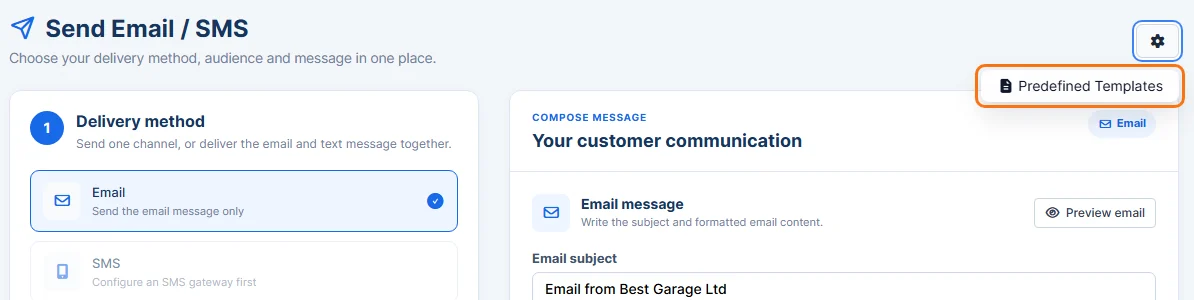
- Click Comms in the sidebar and choose Bulk Email & SMS. Click the cog button at the top right and choose Predefined Templates.
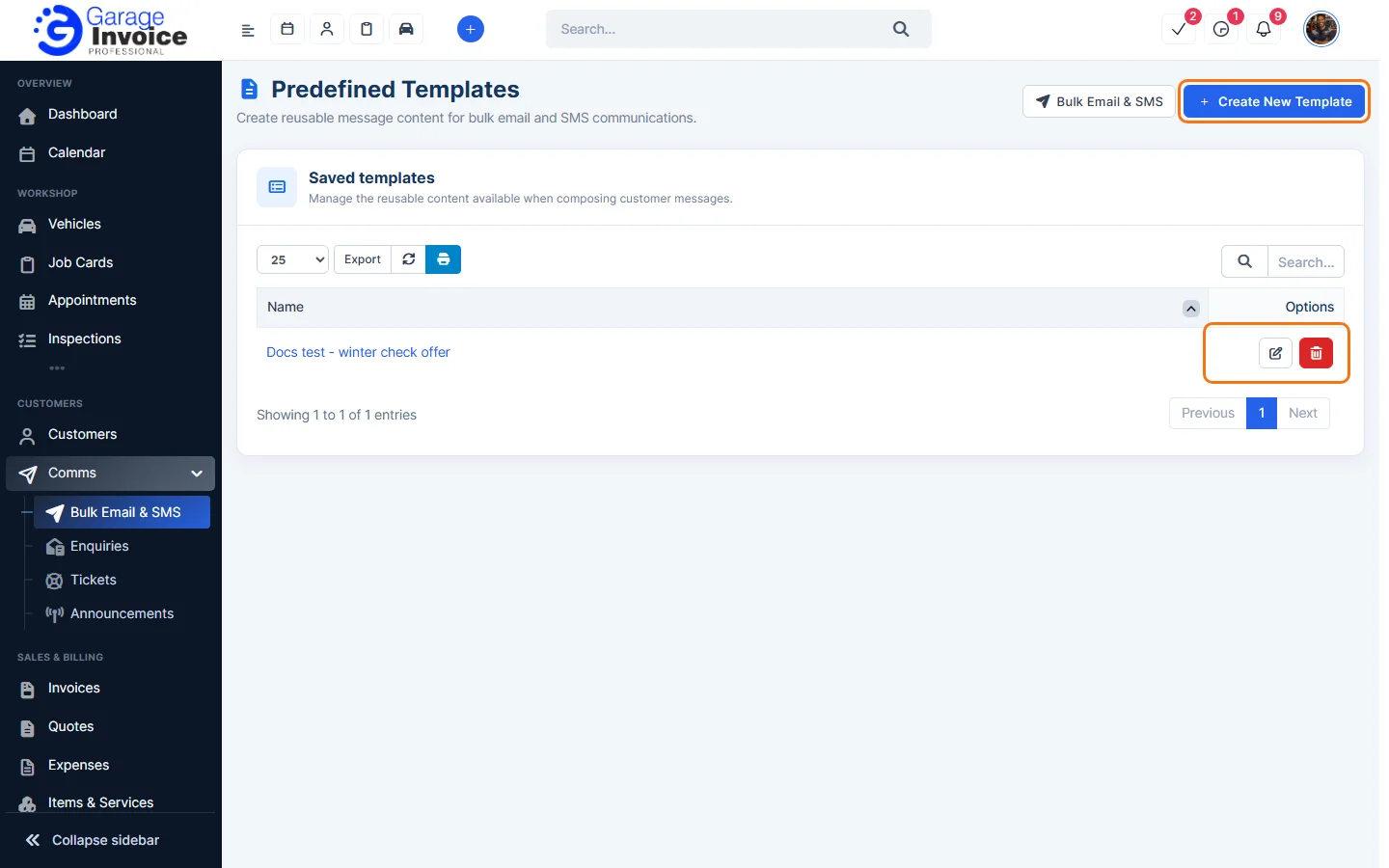
- Click Create New Template.
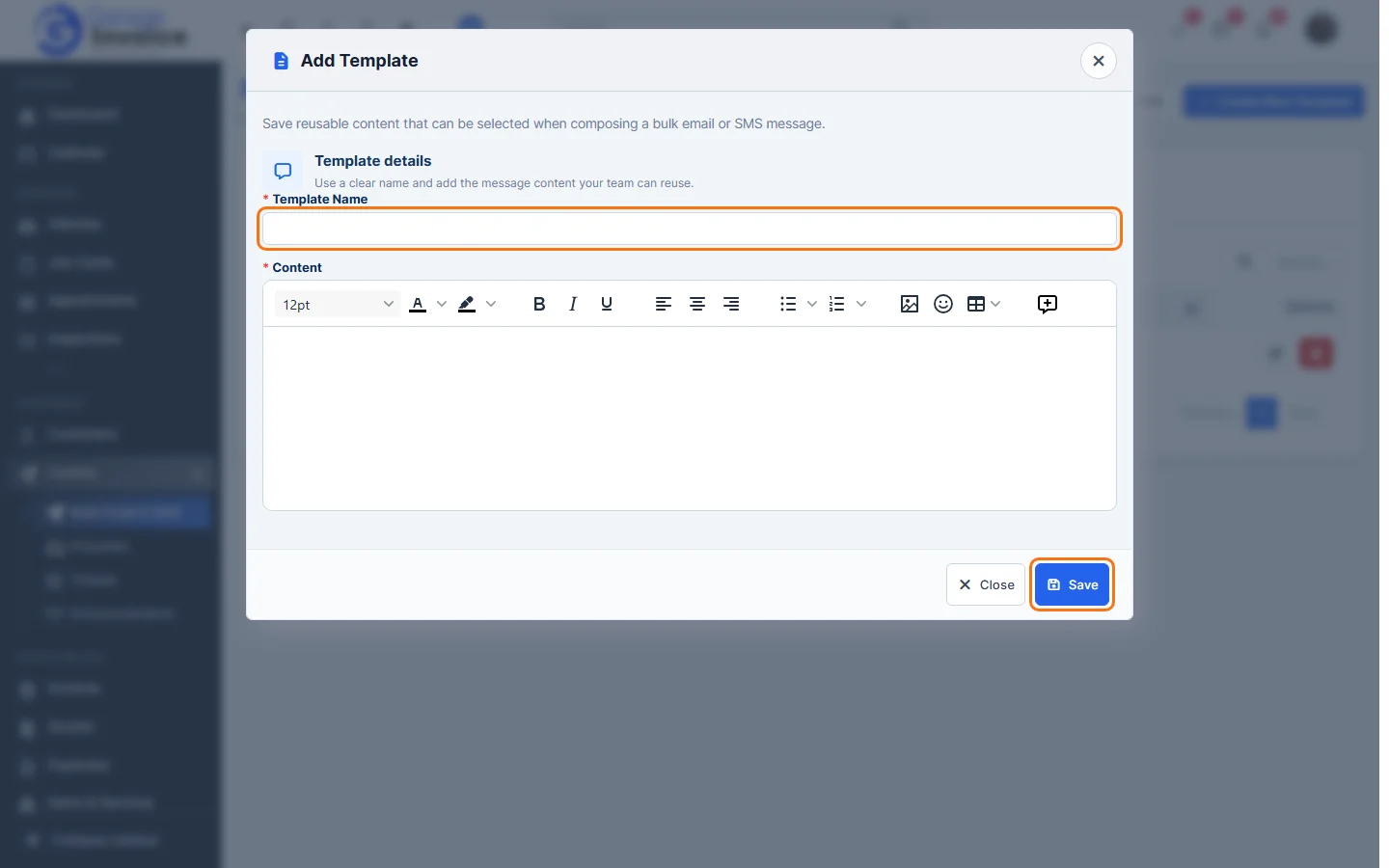
- Enter a Template Name and the message in Content. You can use {contact_firstname} and {contact_lastname} to add each customer’s name. Click Save.
- Your templates are listed under Saved templates. Click the pencil to edit a template, or the red bin to delete it.
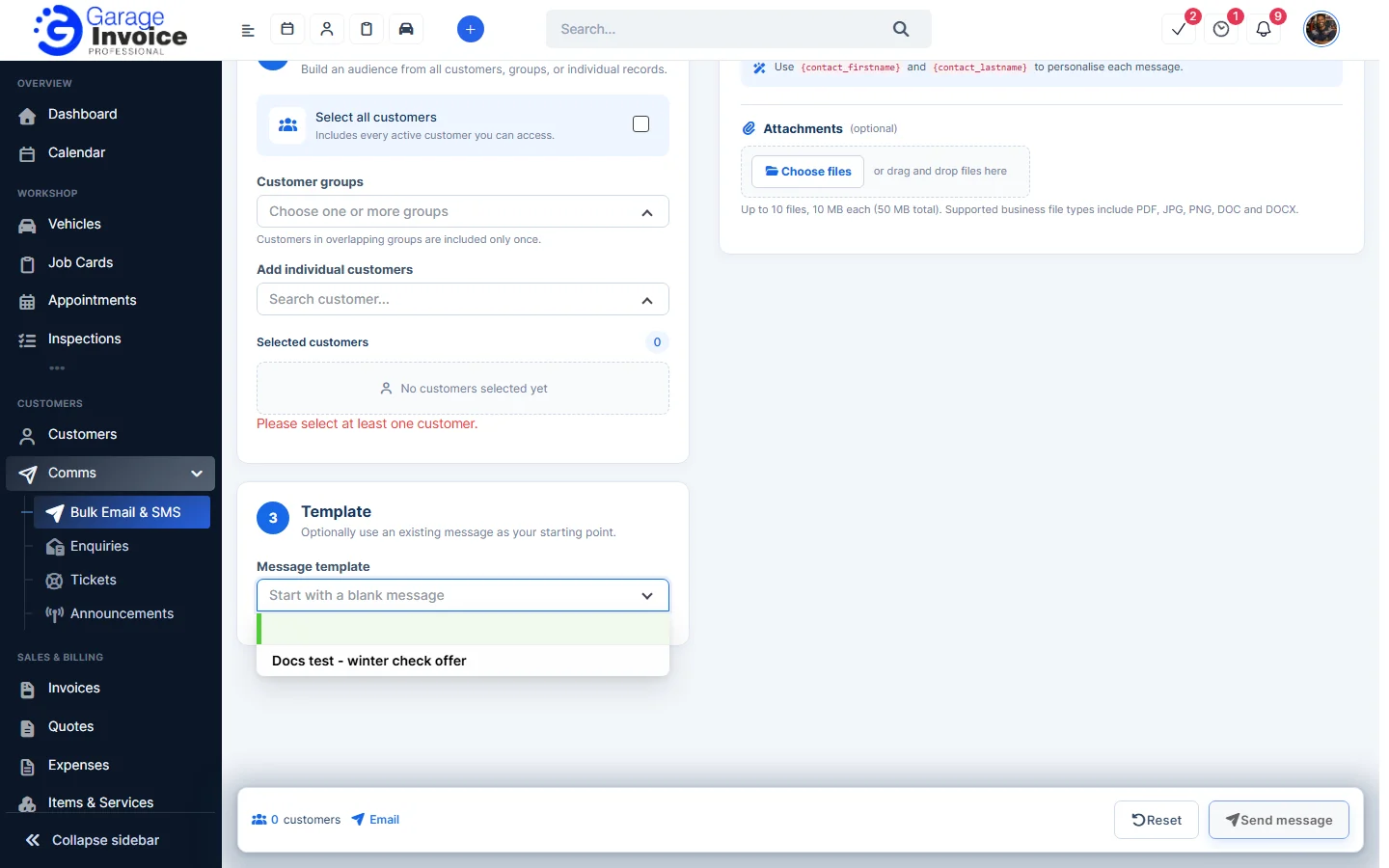
To use a template, choose it under 3 Template when you send a bulk message. See Send Bulk Email or Text Message to Customers.
Feature Email and SMS notifications: see what it does and how it fits your workshop.