
Notifications
Automatic emails and text messages for your customers
Keep customers updated about bookings, reminders and documents by email and SMS, without sending every message yourself.
Try the live demo
View pricing
Opens the demo garage with example data. No sign-up or payment card needed.
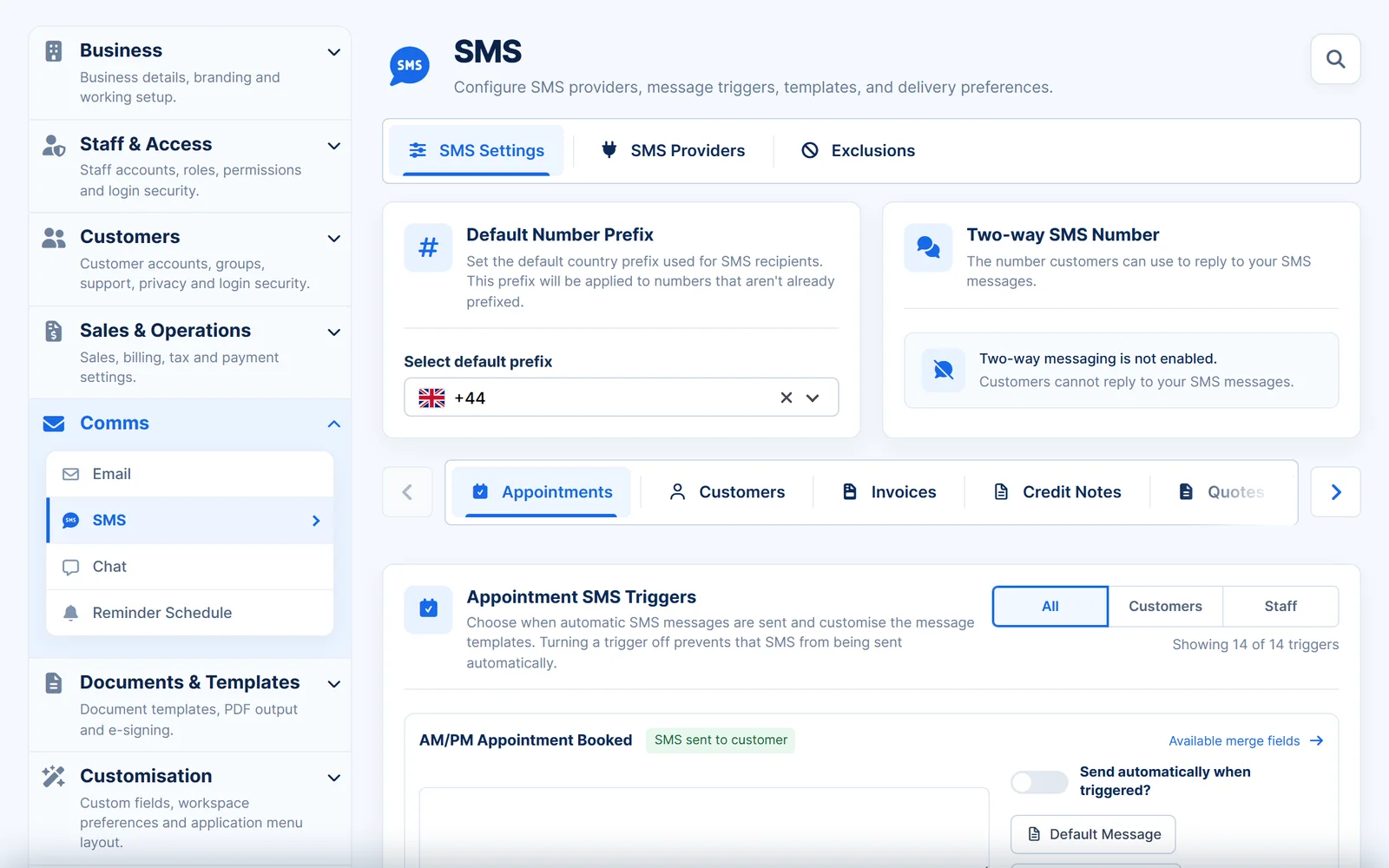
The right message at the right time
Turn each automatic message on or off and edit the wording to suit your garage.
- Appointment messages. When a booking is made, confirmed, rescheduled, cancelled or completed.
- Reminders. Before an appointment, and before MOT or service due dates.
- Staff alerts. Let staff know when appointments are booked, confirmed or cancelled.
- Your wording. Edit every message template.
- Bookings
- Booked, pending, confirmed, rescheduled and cancelled.
- Reminders
- Appointments, MOTs and services.
- Invoices
- Notices when an invoice is due or overdue.
- Feedback
- A request after the appointment.
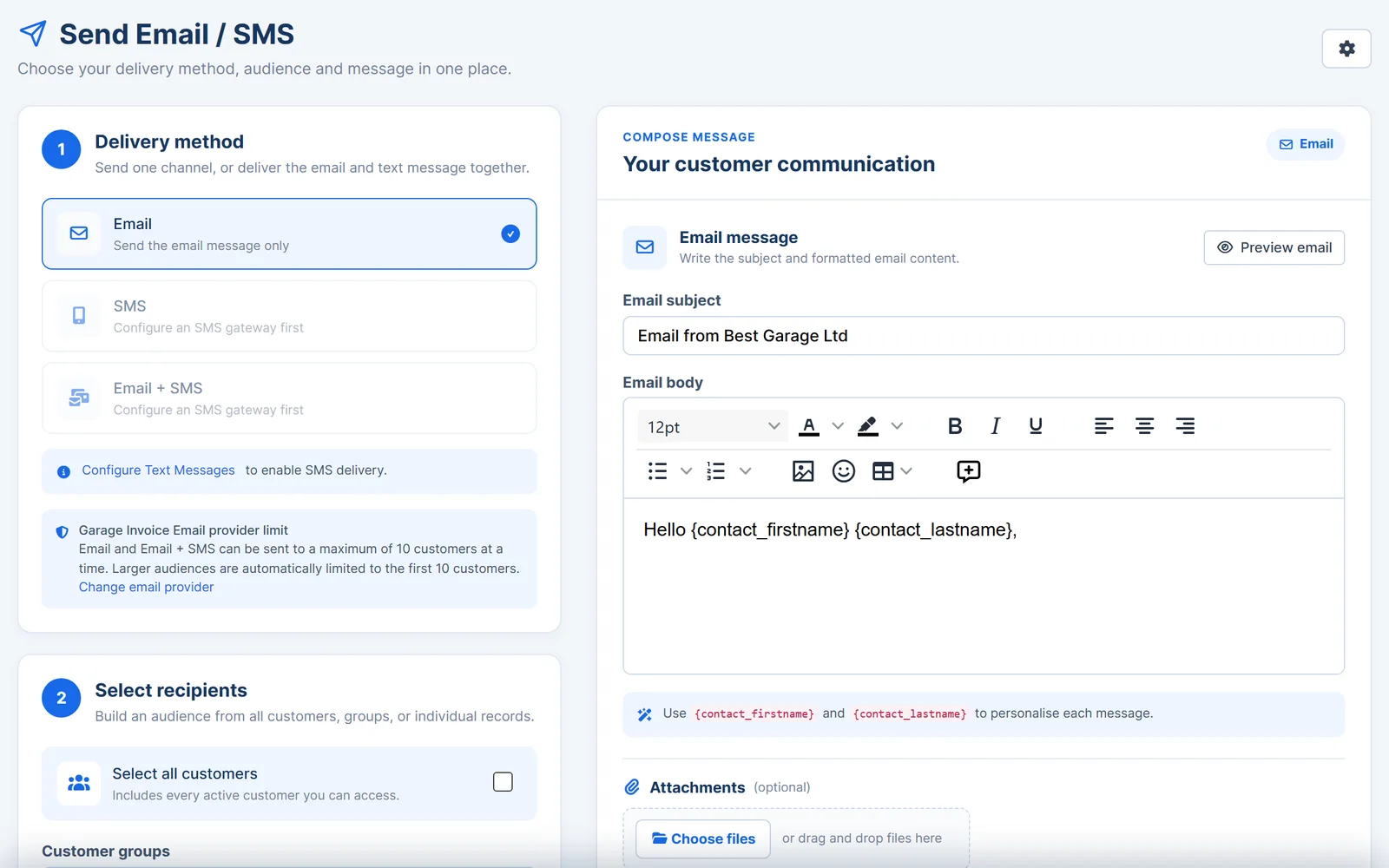
Message many customers at once
Send news, offers or seasonal reminders to the customers you choose.
- Email, SMS or both. Choose how each message is delivered.
- Choose recipients. Select all customers, specific customers or customer groups.
- Personalised. Add the customer's name and other details automatically.
- Attachments. Attach files to emails.
Sent from your own accounts
Messages come from your garage, using the email and SMS services you choose.
- Your email. Send from Microsoft 365, Gmail or Google Workspace, Zoho, iCloud or your own SMTP account.
- Your SMS service. Use Garage Invoice SMS, your own Android phone or a provider such as Twilio or Clickatell.
- Two-way SMS. With a supported provider, customers can reply to your messages.
- Short links. Use short links to documents in your emails and texts.
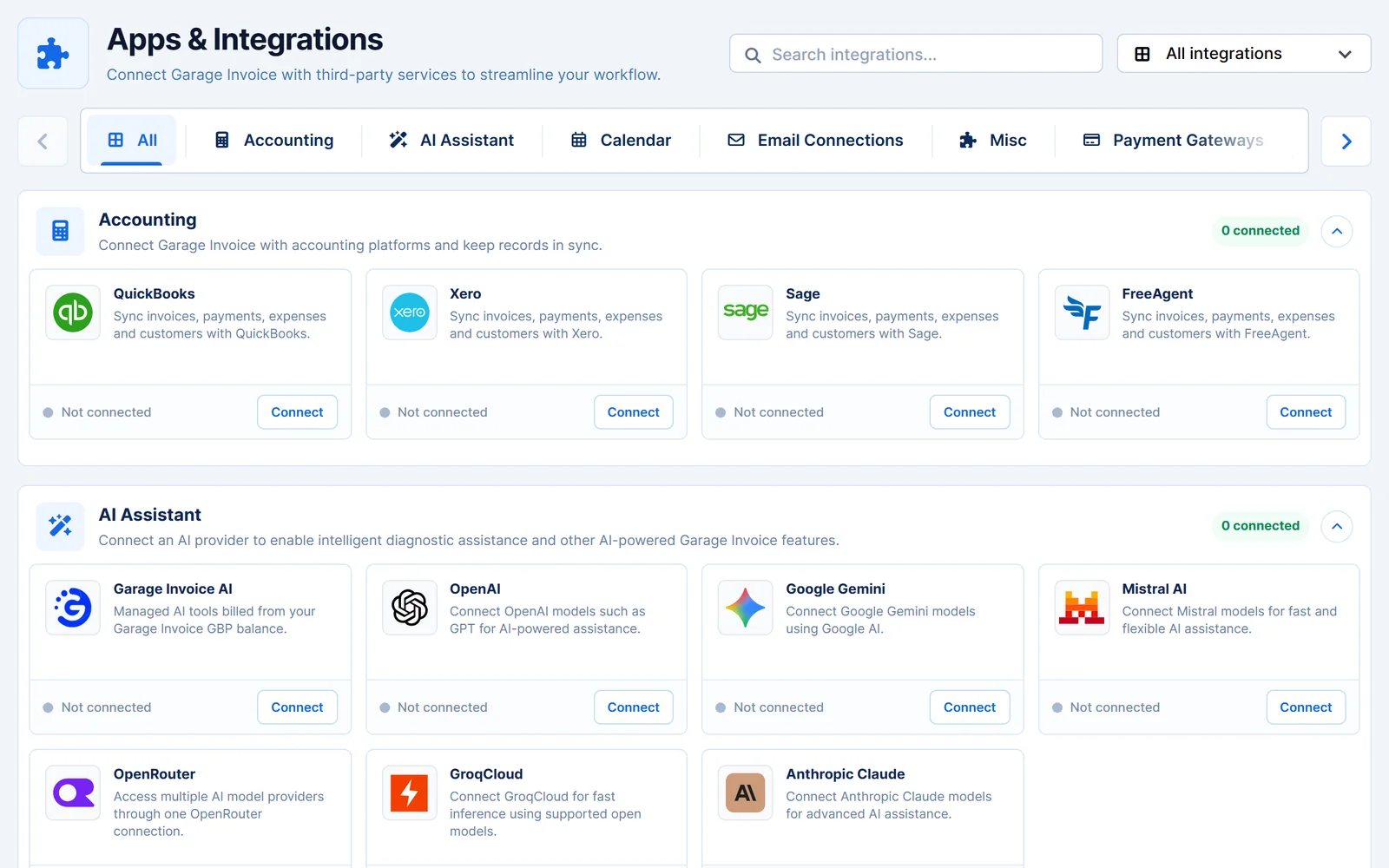
Works together
Related features
Garage Invoice keeps these records connected, so you don't enter the same details twice.
Help centre
Notifications step-by-step guides
Short guides with screenshots that show you how to set it up and use it day to day.
- Email Settings Overview
- Create Email or Text Message Templates
- How to Use Merge Fields in Email Templates
- Set up Garage Invoice SMS
- Set up Garage Invoice SMS (FREE) | Connect your Android Phone
- Set up Twilio | Send Text Message Notifications
See how Garage Invoice fits your workshop
Explore the demo garage, try the features and choose the right plan for your business.