
1. Check you are on the right page
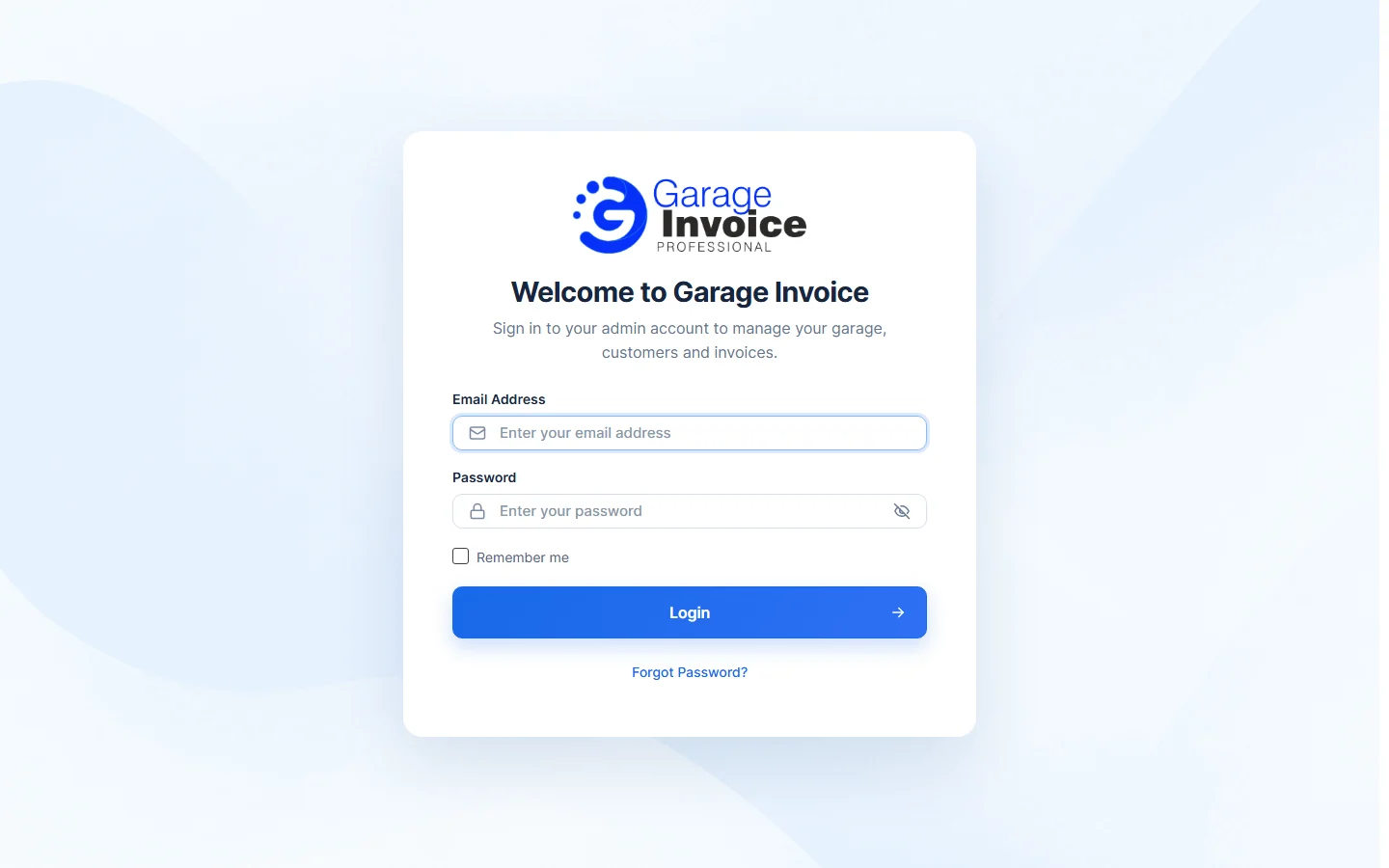
Staff sign in on the app’s admin login page, which shows Welcome to Garage Invoice. If you don’t know your app’s address, see How to Access My GI app.
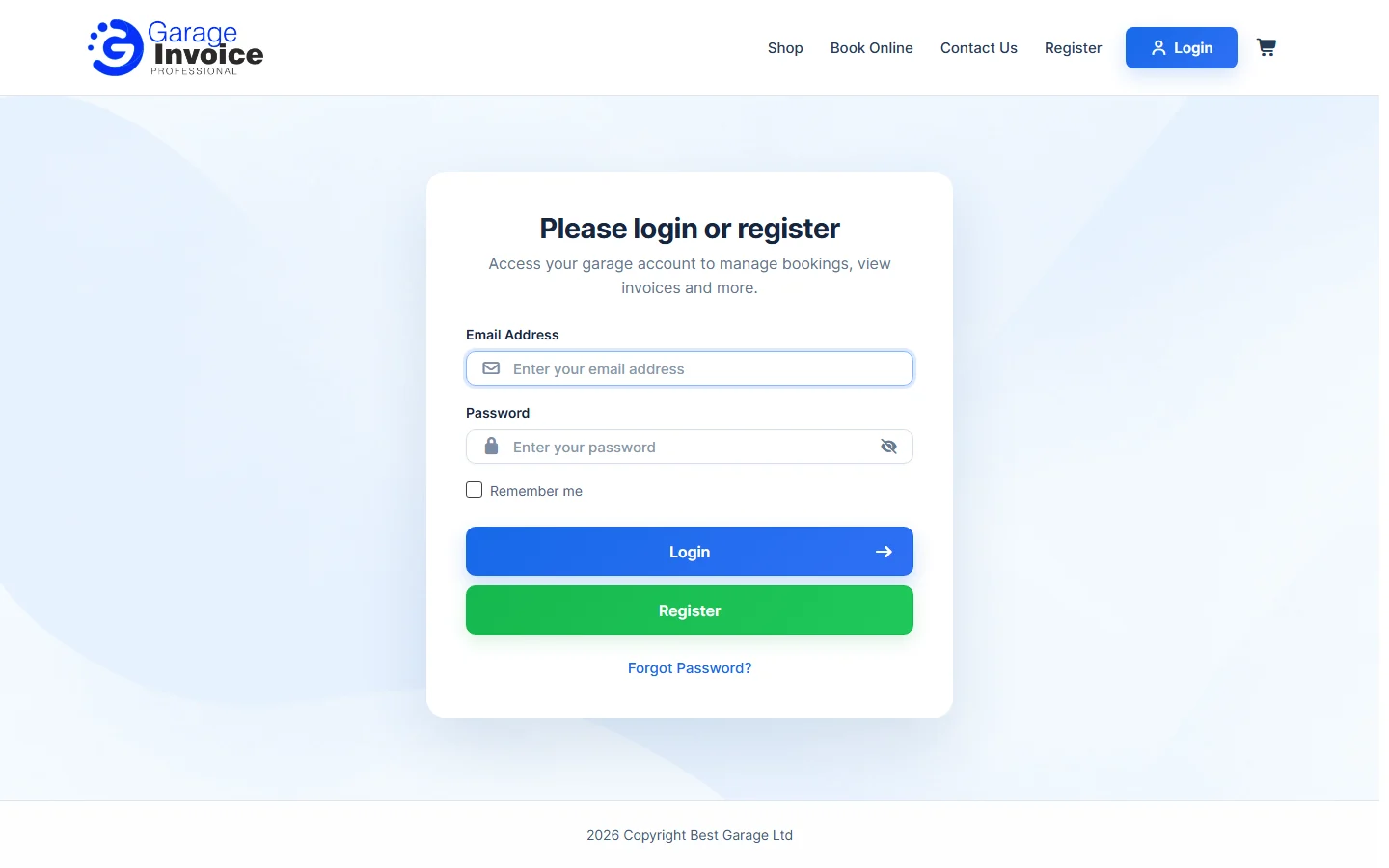
The Please login or register page is the Customer Portal login, for your customers, not for staff.
2. Check your email address and password
- Type your Email Address and Password again. Passwords are case sensitive, so check Caps Lock.
- Tick Remember me if you want to stay signed in on this computer.
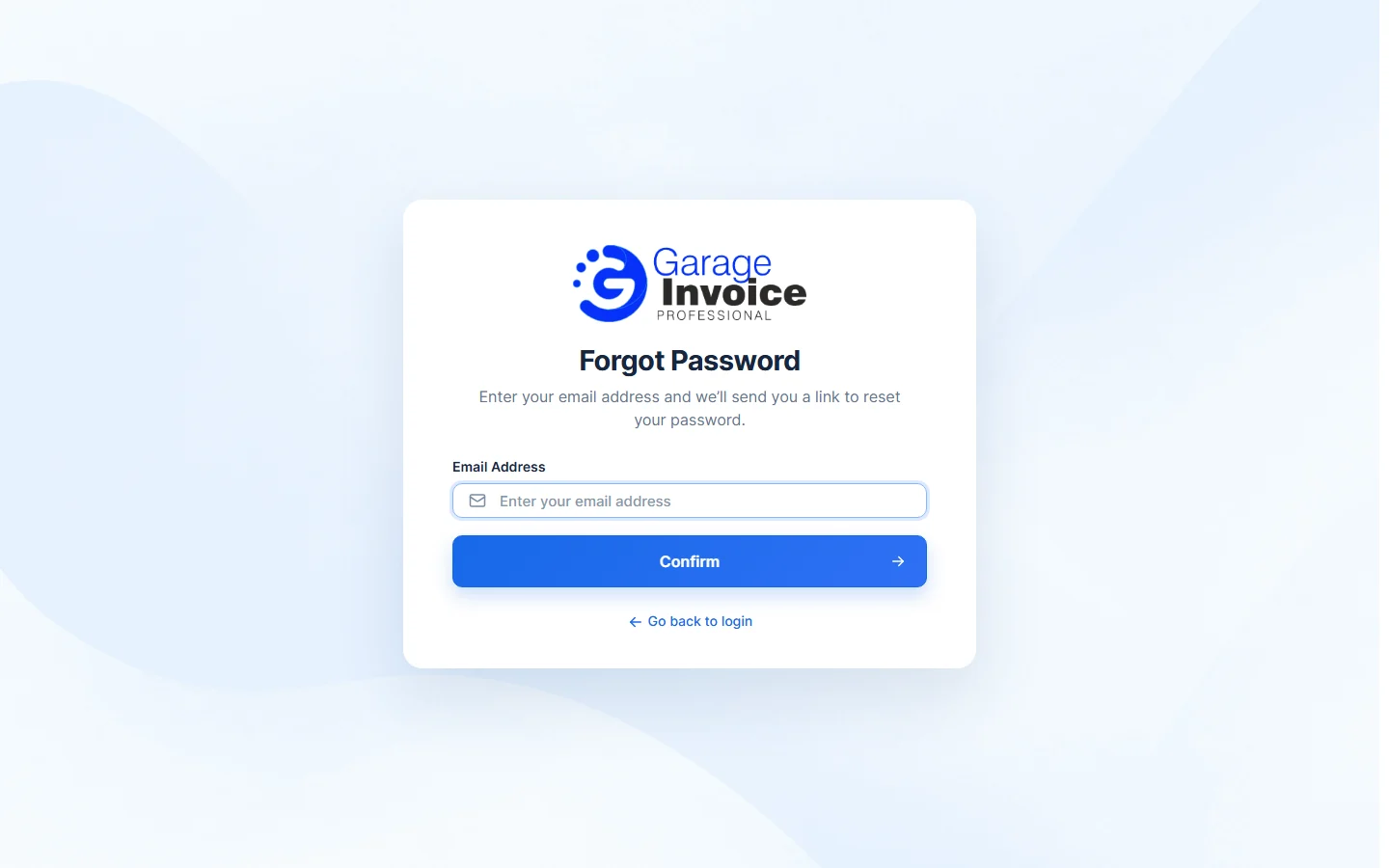
- Still not working? Click Forgot Password?, type your Email Address and click Confirm. Open the email we send you and set a new password. See I forgot my GI password.
3. Too many failed attempts
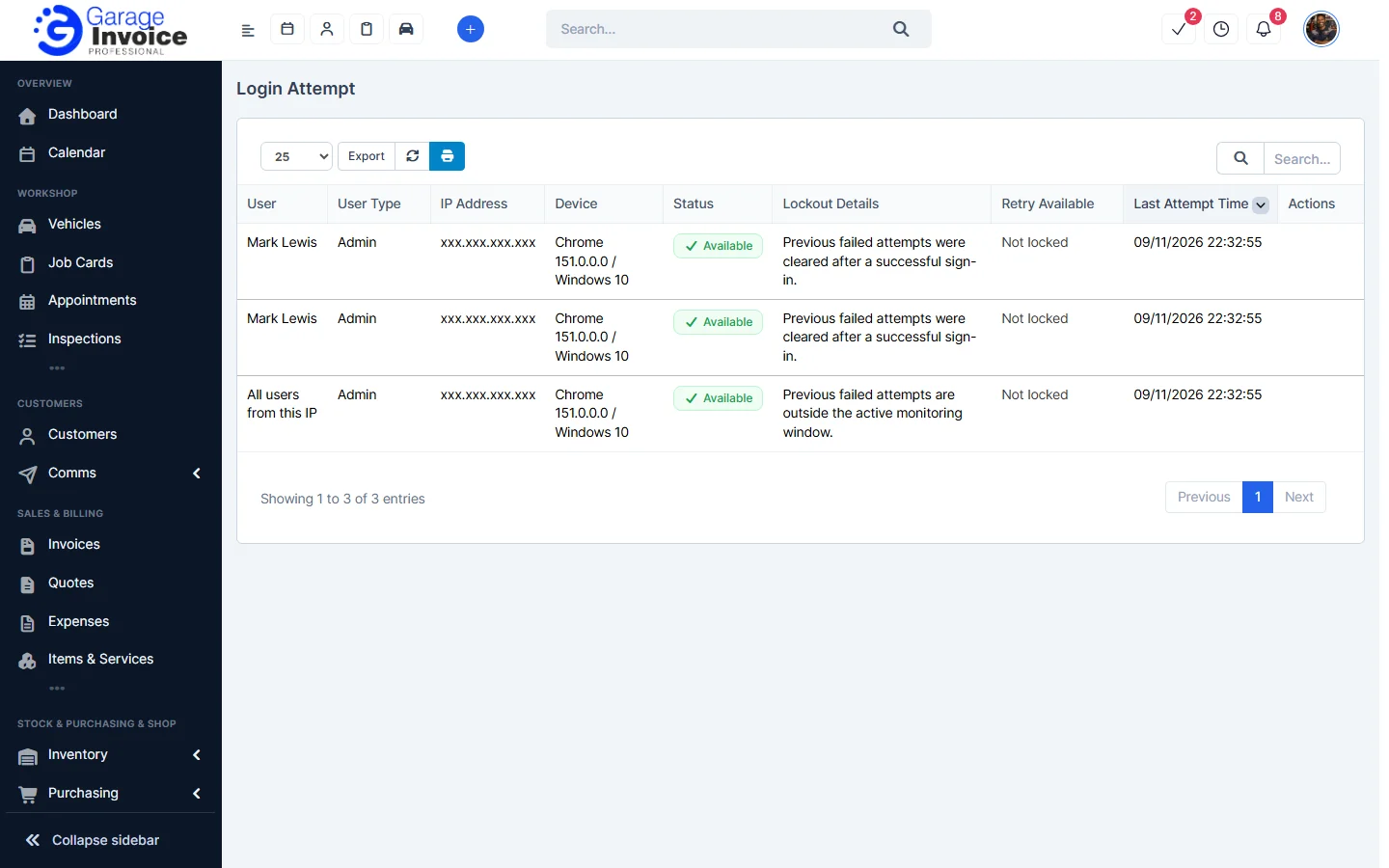
After too many wrong passwords, sign-in can be locked for a while. Wait and try again, or ask an administrator to check it:
- An administrator opens Utilities & Data in the sidebar and clicks Login Attempts.
- The list shows each User, IP Address, Device, Status, Lockout Details, Retry Available and Last Attempt Time.
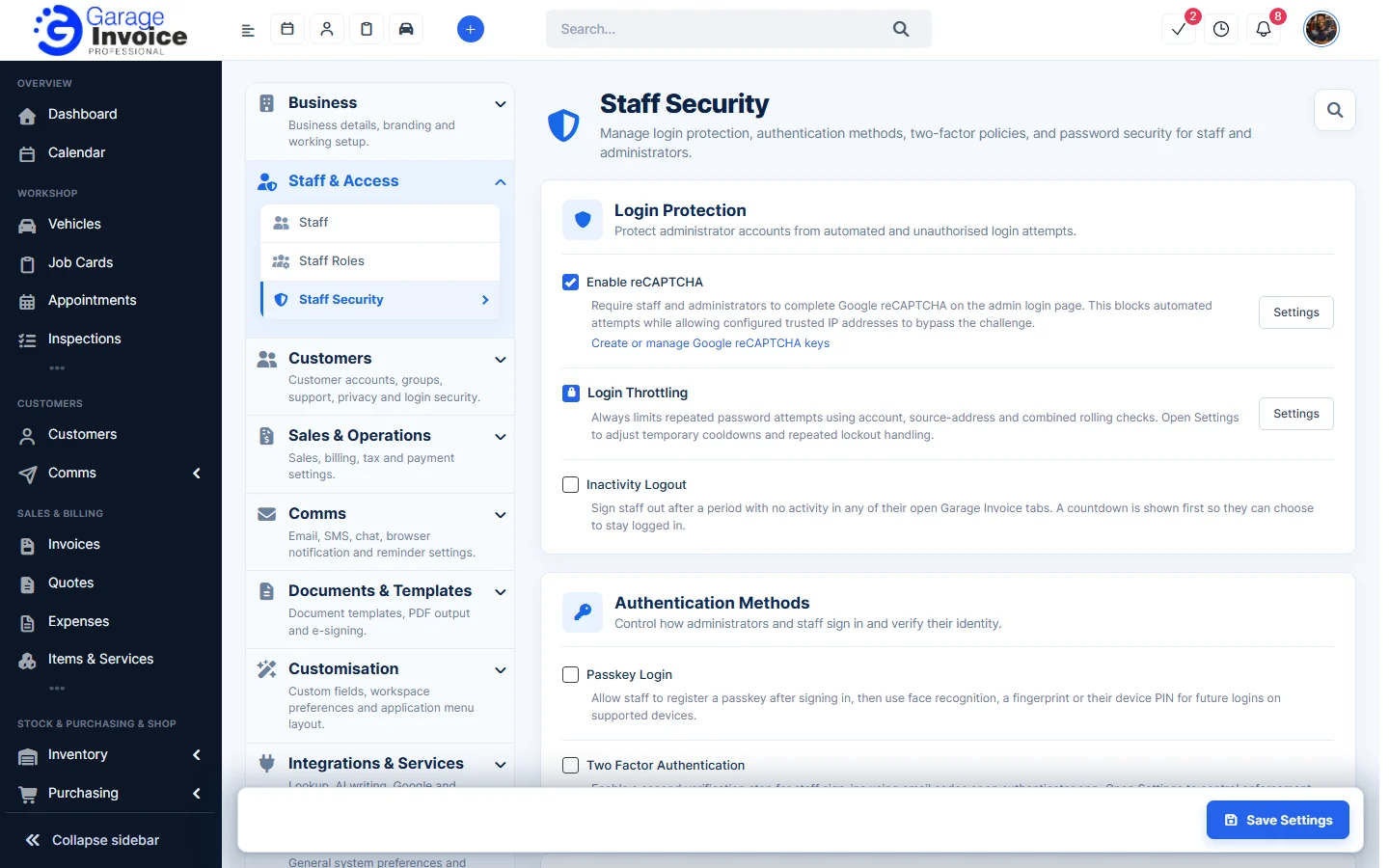
Login protection (reCAPTCHA, Login Throttling, inactivity logout, passkeys, two-factor authentication and password rules) is set in Settings → Staff & Access → Staff Security.
4. Check your browser
- Clear your browser’s cache and cookies, then try again. See How do I clear my web browser’s cache?.
- Try a private (incognito) window or another browser.
5. Check your subscription
If your subscription is on hold, you can’t use the app. See Error Subscription On-hold.
Note: a customer who can’t log in to the Customer Portal can be sent a new password link. See Reset Password for Contact.