The service is finished. The oil level has been checked, the customer is on their way and the service book is nowhere to be found. The car may have a manufacturer-held online record. If you promised to update it, the last job of the day is to make sure the entry has actually been accepted.

You can make that a routine part of the handover. Check access while the customer is booking, give one person responsibility for the entry and save something you can find again. That is easier than trying to remember what happened when the customer rings six months later.
Start with the make, model and full vehicle identification number (VIN), then check the manufacturer's system for that vehicle. The registration is useful when you take the booking. The VIN helps you match the correct vehicle in the portal and on the job card. Ask the customer if they also use a manufacturer app or whether the vehicle came with a paper book. Age, model and market can all affect what is available. An older car, an import or a vehicle falling between record systems needs a case-by-case check.
Digital service history, the reminder on the dashboard and the garage’s invoice can all tell the driver something different. A reminder tells them when the car thinks a service is due. The manufacturer record is where the accepted service entry sits. Your invoice is evidence of what you did and charged for. In its AOS starter guide, BMW even describes a central service-history entry and displaying it in the car as separate steps for vehicles that support the display. Check the vehicle-specific process before promising what will appear on the dashboard or in the owner's app.
Source: BMW Group AOS starter guide
The Independent Garage Association explains that manufacturers can require more than one registration step, including account validation. In The Motor Ombudsman’s survey of 85 independent and franchised repair businesses, 47% said access to technical information had become more difficult in 2025. The question covered technical information generally. It gives some context for checking the portal while you still have time to sort out access.
Sources: IGA on digital service records · The Motor Ombudsman’s 2025 workshop survey
These examples use public manufacturer and trade information checked on 15 November 2026. Check availability for the VIN and your business account. Fees and steps for other workshop information can be different.
| Manufacturer | Where to start |
|---|---|
| Volkswagen | Volkswagen UK directs independent repairers to erWin. Registered users can add entries for eligible vehicles. The digital service schedule is listed as a free part of erWin. Use the relevant brand portal for Group vehicles. Volkswagen UK · erWin digital service schedule · Volkswagen Group TPS trade guidance |
| Mercedes-Benz | Go through the Digital Service Booklet in B2B Connect. Mercedes-Benz says eligible independent workshops can apply for access and that use is free. Allow time for approval and check whether the particular vehicle supports DSB. Mercedes-Benz UK workshop FAQ |
| BMW Group | Start with Aftersales Online System (AOS). The manufacturer’s starter guide describes KaSIO for recording service history and separate steps for writing a record to compatible vehicles. Check the current application, requirements and any charges for the job in your account. BMW Group AOS · BMW Group AOS starter guide |
| Jaguar and Land Rover | Start with the independent operator route in TOPIx. TOPIx has a support route for Online Service History queries. Confirm what your account can do for the VIN before quoting an update. The owner-facing history site is useful for viewing where available. TOPIx · TOPIx support · Land Rover UK owner information |
Make a short list of the makes you service most often. Set up legitimate business access for those first. Keep track of who owns each account, who can submit entries and how a colleague covers when that person is away. Follow the portal’s own identity and access rules. A fleet customer with six cars may think of them as one account. For the workshop, they can be six VIN checks and several different portals.
Confirm what the customer has asked you to do and check the portal’s terms on access and authorisation. Registration details, vehicle information and service evidence can identify people in context. Collect what you need for the work, control who can see it and keep the proof in the workshop’s controlled job record.
Sources: ICO guidance on data minimisation · Volkswagen erWin registration and terms
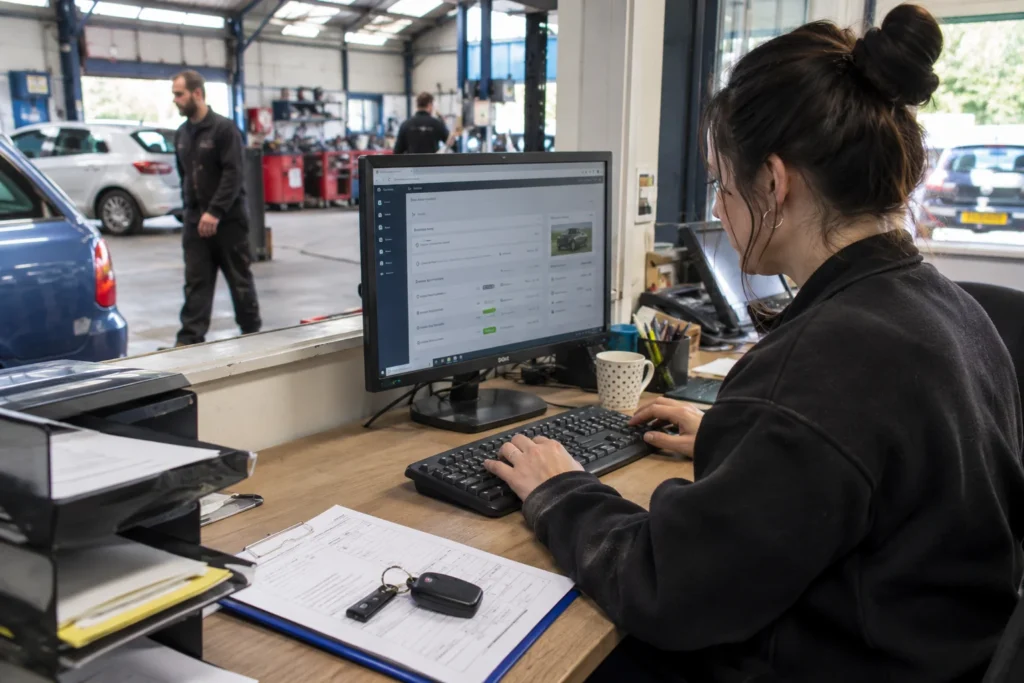
Get the technician to hand over five things while they’re still easy to check.
Keep the schedule used with the job if you can retain it under the applicable terms. If the customer approved an oil service and declined a separate replacement due on the schedule, the documentation should show exactly which work happened. Check the manufacturer’s options for separately recording work or flagging anything outstanding.
That detail also helps with warranty questions. The Motor Ombudsman advises drivers who use an independent garage to keep thorough records showing servicing followed the manufacturer’s guidelines. Specific warranty or service-plan terms still need checking, especially when someone asks you to promise cover for a particular failure. Give the customer the itemised evidence your workshop can stand behind.
Sources: The Motor Ombudsman on independent servicing and warranties · CMA guidance on motor vehicle agreements
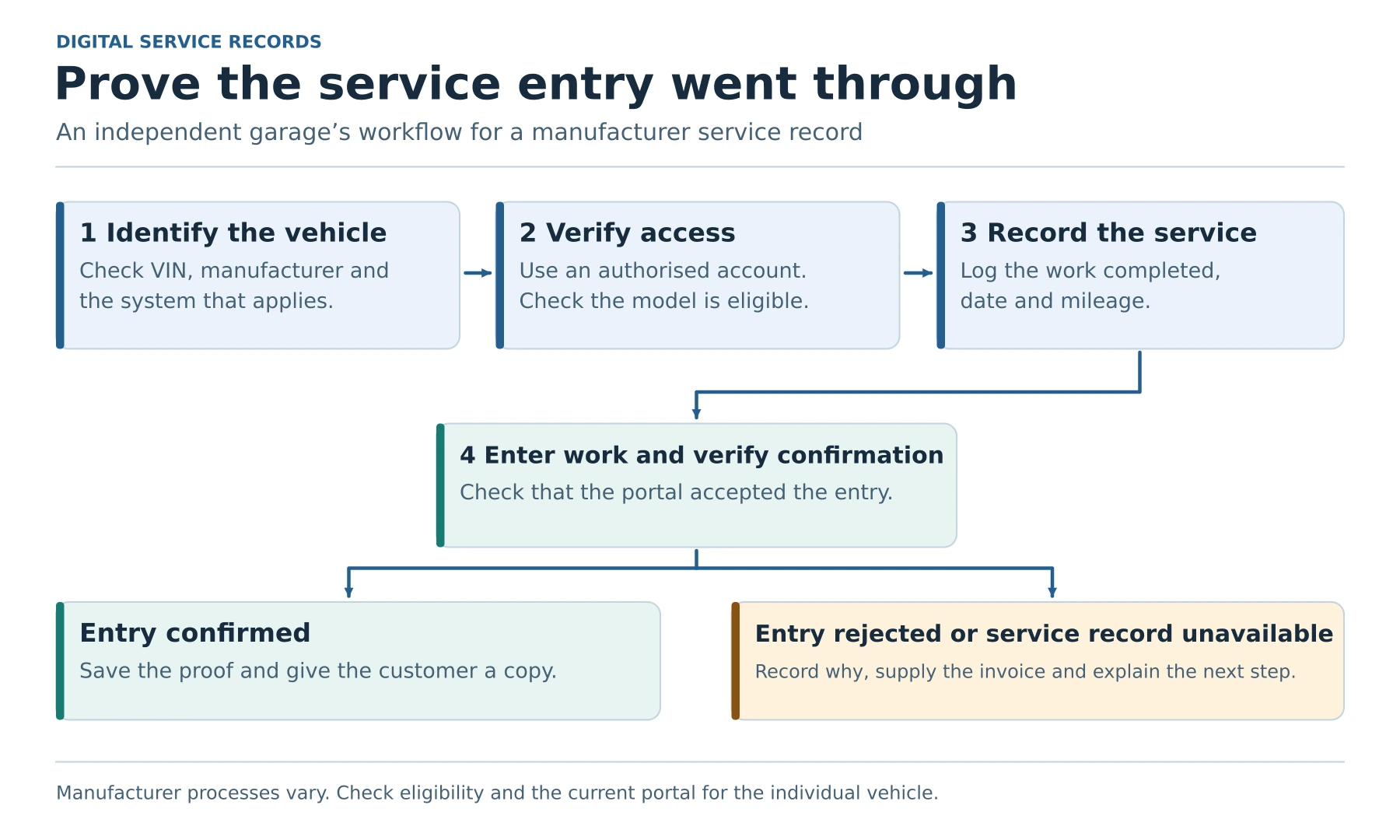
Use a closure step on the job card. Start at Due when the update is within scope. Move to Submitted while you’re awaiting confirmation. Mark Confirmed when you’ve verified and saved evidence of acceptance. If you need the portal’s help, record Follow-up needed, the reason, who owns it and when they will update the customer. You can use a paper checklist or your workshop system. The important thing is that a second person can tell where it stands.
A Volkswagen customer asks for a manufacturer-record update with a scheduled service. The adviser verifies the VIN and checks that the business account can access the vehicle’s digital schedule. Later, the technician records 45,612 miles, the job date and the service work on job card J241. The adviser cross-checks those details, adds the completed work to the portal and checks what the portal shows after saving. The adviser keeps the available confirmation with J241 and gives the customer a permitted copy or confirmation alongside the invoice. These are illustrative workshop details. Use the applicable schedule and fields for the actual car.
Leave time between pressing save and telling the customer the record has been updated. Build in a moment to confirm the entry, vehicle, date and mileage. Check the unit in particular if an import or the portal presents kilometres. Keep the proof the portal provides and record any separate dashboard update where you carry one out.
Sources: Volkswagen erWin digital service schedule · Mercedes-Benz example of service report and correction support
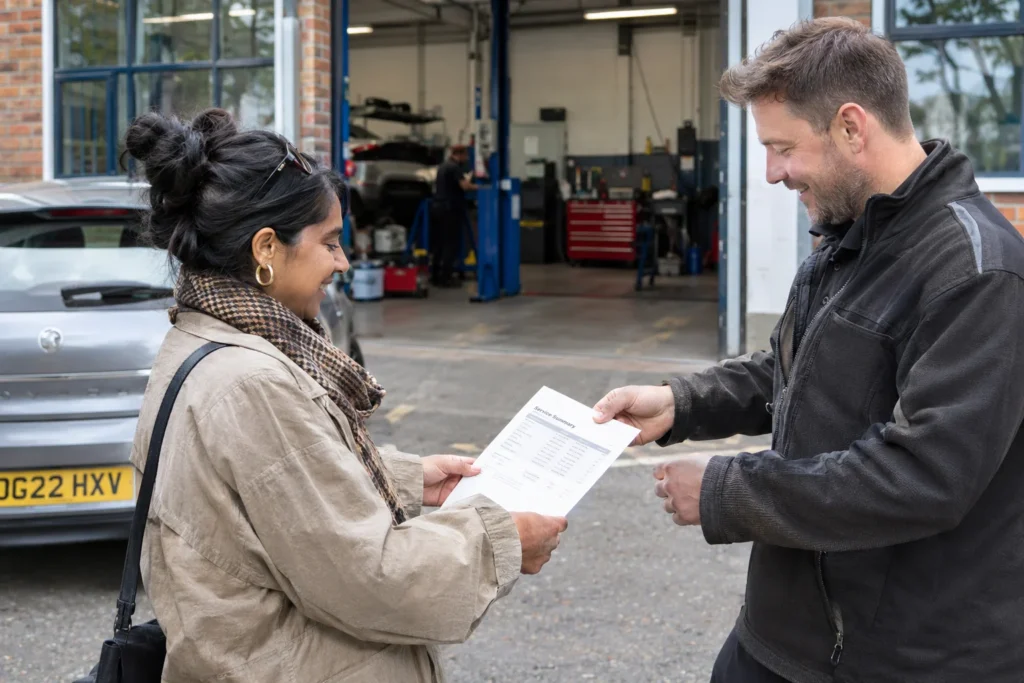
Give the customer the itemised invoice either way. Where the portal provides a service report or permitted confirmation, give them that too. If the portal is down, your account is awaiting approval or the model does not support an entry, explain which situation applies. If you can’t tell whether a submission went through, check first or ask the manufacturer’s support team before you file it again. Use the official correction route if you’ve saved incorrect details.
Sources: Mercedes-Benz DSB troubleshooting · TOPIx support
A useful handover sounds like this.
“We’ve completed the service. Here’s your itemised invoice. The manufacturer portal hasn’t confirmed the entry yet. I’ll check again tomorrow and message you by 3 pm.”
If you confirm updates as a matter of course, people know where to find them. If there’s still an update pending, the next person at reception knows who’s dealing with it. In both cases, the customer leaves with evidence of the work they paid for.
Not sure what each service level should include? See interim, full or major service.
